thegreathah
Friends of LSPDFR
-
Joined
Everything posted by thegreathah
-
Any update? :P
-
i think they fixed it. That's like a 7 or 8 hour old picture when everyone seemed to have problems with the wheels.
-
Maybe this will help? this
-
Stanier is love. Stanier is life.
-
Awesome. glad you figured it out!
-
-
Thanks!
-
looks good! can we get a black and white version?
-
Thanks! Those are our cities new patrol vehicles. Along with 2015 Tahoes and 2014 Explorers. They are sweet, and I hope to make one for GTA V once some vehicle models come out and I figure them all out. :)
-
Can we get Buffalo S version pls
-
Need I say more? Let the vehicle modeling commence!
-
-
Yes but how was he able to upload screenshots of edited Buffalo S (With the ball on the back) ?
-
So what does an export filter mean exactly. From my understanding we can bring models from GTA IV to GTA V with the importer.
-
I think so. I'm a bit confused by it as well. Someone should ask on the Zmodeler forums. I would love a better Highway Patrol Unit and CVPIs
-
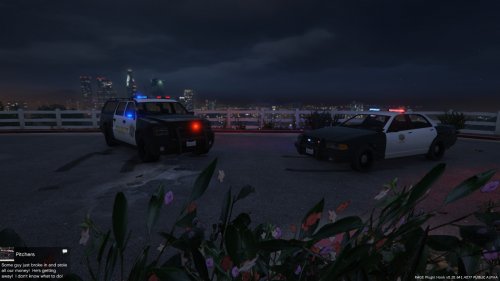 That is nothing that can be fixed. The lighting is set to the stanier so it may not be fully compatible. I don't know if anyone has found a solution but I haven't.
- 36 comments
- 3 reviews
-
What mod are you talking about? Make sure you are adding the files one at a time and in all locations. That sounds like their is a problem when you add the YFT file. Open IV won't tell you if there is a problem if you add multiple files at once.
- 36 comments
- 3 reviews
-
 Those are sweet. Are they based off San Bernardino cars?
 -
-
-
-
-
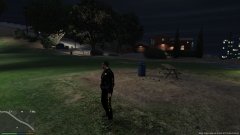 Should I upload this?
 -
 YES. I saw Bugs play this and knew I had to wait for the moment it was released. This adds so much. Thank you and good luck continuing your work.
- 422 comments
- 73 reviews
-
-

- 2
-
-