




Kilyin
Members
-
Joined
-
Last visited
Everything posted by Kilyin
-
I remember when AMD could compete with Intel, that was about 20+ years ago. Right now, there is no comparison, Intel rules the CPU market.
-
Just some minor damage, proceeding with patrol.
-
-
-
 Welp, Hystery was right, I was wrong... and for that I do apologize. I guess I've taken stock into too many things I've read without doublechecking them myself. Anyway, for you @forsakenbacon17, an all blue and red lightbar for the explorer. Quick and dirty, but it does work.
- 563 comments
- 116 reviews
-
-
-
I haven't tried, but due to the way the lightbar works, I don't think that's possible. If you want that, you might wanna stick with the previous version.
- 563 comments
- 116 reviews
-
Check my post after and use the one that suits your preference, but I prefer the second one.
- 563 comments
- 116 reviews
-
-

- 1
-
-
I think I made the above one too dark, so after further review, I gotta say this one is on point if you use RadianceV or possibly Improved LED Spotlights & Coronas.
- 563 comments
- 116 reviews
-
Anyway, with a little photoshop, I've fixed the issue. For anyone else who doesn't like those super bright yellow lights, enjoy: save as arjent_emis.png and insert into the .ytd.
- 563 comments
- 116 reviews
-
-
- 2
-
-
I used RadianceV, but who doesn't use either that or Improved LED Spotlight & Coronas? I don't have this problem with any other lightbar, so I'm not really inclined to believe that's the issue. Not to mention, you can see there's no issue with the original lightbar in the video you quoted.
- 563 comments
- 116 reviews
-
That helped a bit, from the front you can't tell the difference now, but from the rear, those yellow lights are just blindingly bright.
- 563 comments
- 116 reviews
-
Cool, yeah I guess the blue is about the same actually, but I don't care for the yellow and orange. They kinda drown out the blue. Appreciate you updating it though.
- 563 comments
- 116 reviews
-
-
- 1
-
-
Here's a video comparison of both side by side. The new one is the one with the orange, yellow and baby blue looking lights. The original has the traditional blue and red. I definitely prefer the original.
- 563 comments
- 116 reviews
-
-
- 1
-
-
-
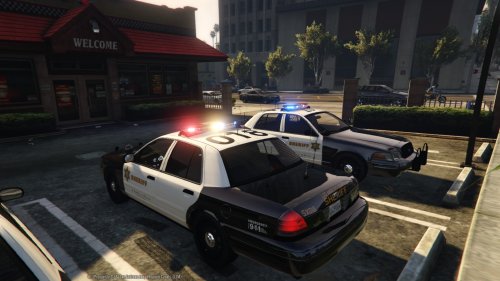 He means OpenIV/GTAV/update/x64/dlcpacks/patchday3ng/dlc.rpf/x64/levels/gta5/vehicles.rpf
- 110 comments
- 13 reviews
-
-
- 1
-
-
-
 Hold SHIFT when launching RagePluginHook.exe and hold it until a dialog box comes up. Make sure "Enable Plugin Verification" is not checked. Then go to plugins tab and check whatever plugins you want to load automatically.
- 208 comments
- 59 reviews
-
-
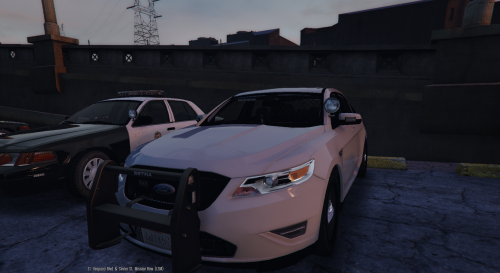 Extract and Edit vehicles.meta (most likely in update.rpf -> common -> data -> levels -> gta5) Search for <modelName>police4 Change <handlingId>FELON</handlingId> to <handlingId>POLICE</handlingId> Save and Reinsert with OpenIV
- 68 comments
- 14 reviews
-
Right, it does not autocomplete, but if you type 'spawn cvpi' ... does it spawn?
- 208 comments
- 59 reviews
-
For me, cars in mpchristmas2 do not 'autocomplete' in RPH console. Just open RPH console and type spawn cvpi spawn cvpi2 spawn cvpi3
- 208 comments
- 59 reviews
-
Well with all those details, where can I send donations for this highly intriguing project?
-
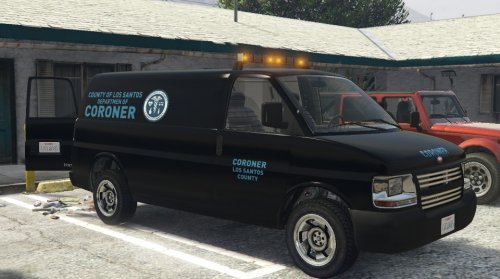 If you follow the readme exactly, it should work, although as I said a rebuild isn't necessary, but I've done it and it didn't seem to hurt anything,
- 62 comments
- 5 reviews
-
-
- 1
-


