




TheF3nt0n
Members
-
Joined
Everything posted by TheF3nt0n
-
-
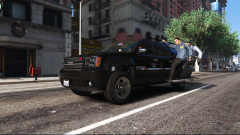
From the album: Lore Friendly Album
-
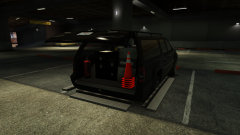
From the album: Lore Friendly Album
-
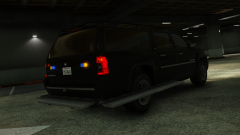
From the album: Lore Friendly Album
-
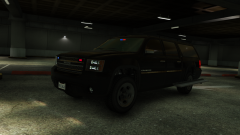
From the album: Lore Friendly Album
-
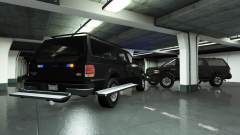
From the album: Lore Friendly Album
Another view of the vehicles. -
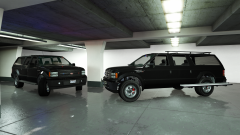
From the album: Lore Friendly Album
A tease of the brand new LSPD SWAT Executioner. -
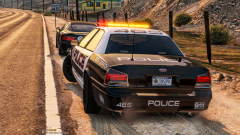 The fact that you replaced the lightbar with an ELS one defeats the purpose of the vehicle, because the car is supposed to have the old lightbar that you removed. However, it looks good nonetheless.
 -
I've noticed that the rear interior lights aren't working and the lightbar is different too. I assume the lights are from ELS, right?
-
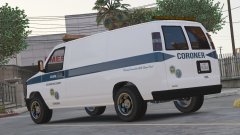
From the album: Lore Friendly Album
A Rumpo with a coroner livery. -
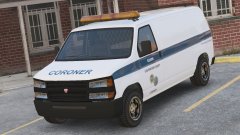
From the album: Lore Friendly Album
A Rumpo with a coroner livery. -
I don't really want to upload the pack here, because majority of LSPDFR players on this site use real life vehicles on their patrol, also lore friendly vehicles may get less downloads here.
-
No.
-
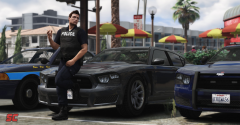 Fit nicely into the game lore, Do you have plan to release it?
 -
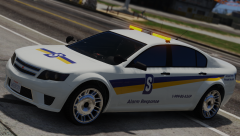 They are placeholder.
 -
Does this include LODs by the way?
-
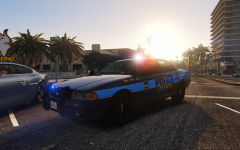 This is a pure gold, I hope you can release it as soon as possible.
 -
Visualsettings.dat controls the light brightnesses.
-
Reinstall the RDE carvariations.meta.
-
I don't like real vehicles in my game. So, I can't.
-
You should do it.
-
You probably messed up some lines.
-
Copy the lines into another DLC carvariations.meta, preferably spupgrade.
-
Nope, not related at all, it only adds 'cgsub'
-
Try again and replace it, unless you have more custom DLCs in your mods folder, delete them all and test with only RDE.


