




TheF3nt0n
Members
-
Joined
Everything posted by TheF3nt0n
-
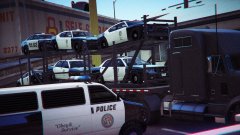 Did you attach it permanently on the truck or you just using a trainer to lift up the cars into the trailer?
 -
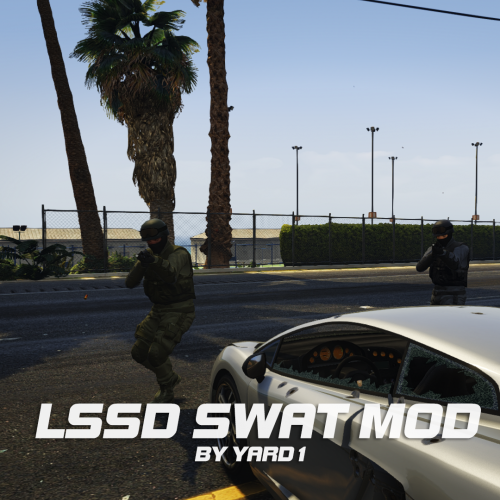 Five stars, I like this mod and I am managed to add the ped instead of replacing the existed ped from the peds.meta, It is working too for my own FIB Special unit, Thank you.
- 10 comments
- 2 reviews
-
Love your mods Yard1, Working good as expected, however I didn't replace the peds from heist update but I added the new peds on peds.meta, Now I can have LSPD SWAT, LSSD SEB and FIB SWAT at the same place, Thank you Yard1, You inspired me.

