



alexguirre
Members
-
Joined
-
Last visited
Everything posted by alexguirre
-
All seems fine in the .ini. Does the crash happen too commonly? Is always the same crash?
-
No, there isn't a release date. I will try to implement your suggestions, but this is only going to be a plugin so I won't add textures or model changes, I think there is already mods with real swat textures, with helmet with protective glass, and with realistic weapons. I like it with all with a shield I will add the option to choose who carries a shield and who not.
-
-
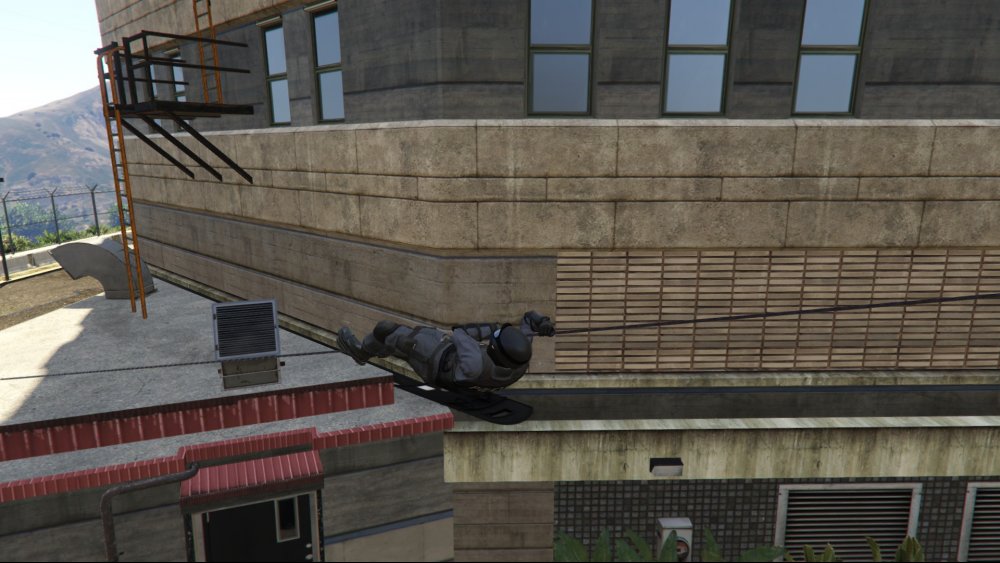
 A NOOSE Tactical Response Unit died in a zip line training. NOOSE T.R.U. Mod topic
 -
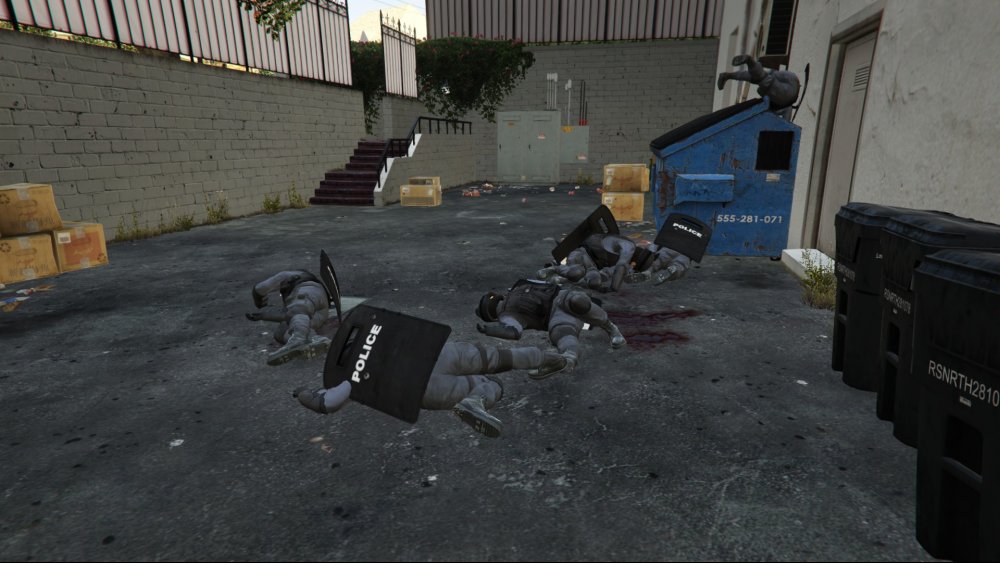
Catastrophic end in a NOOSE zip line training.
-
If you have your position in a List, you can use LINQ. It adds a lot of extension methods to the collections, to use it add "using System.Linq;". You can use .OrderBy() and .First(), this is how I did it in my callouts. It orders the list depending on the TravelDistance and then gets the first item in the list.
-
Working on adding partners, here is a small preview video:
-
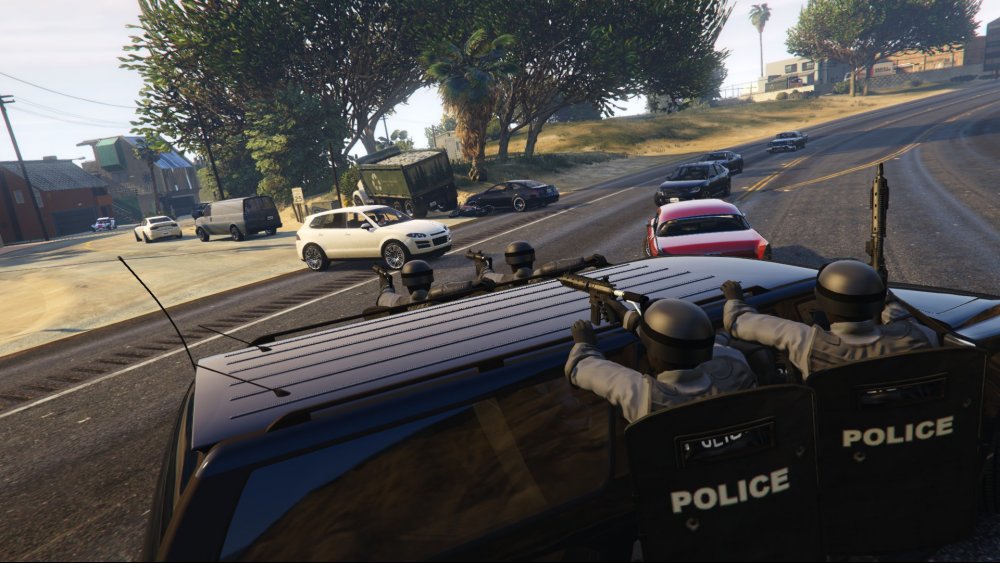
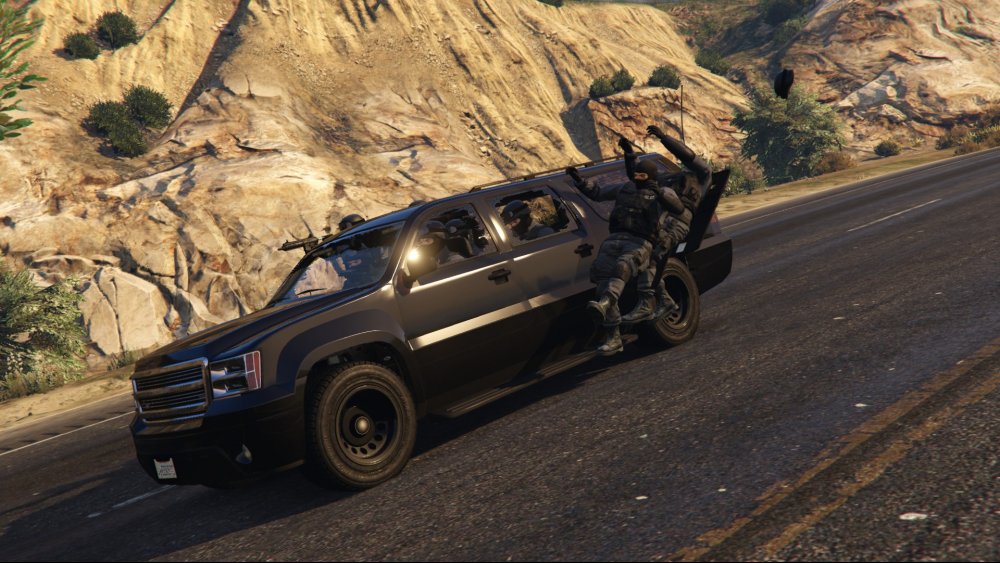
A whole NOOSE Tactical Response Unit responding to a pursuit of armed suspects
-
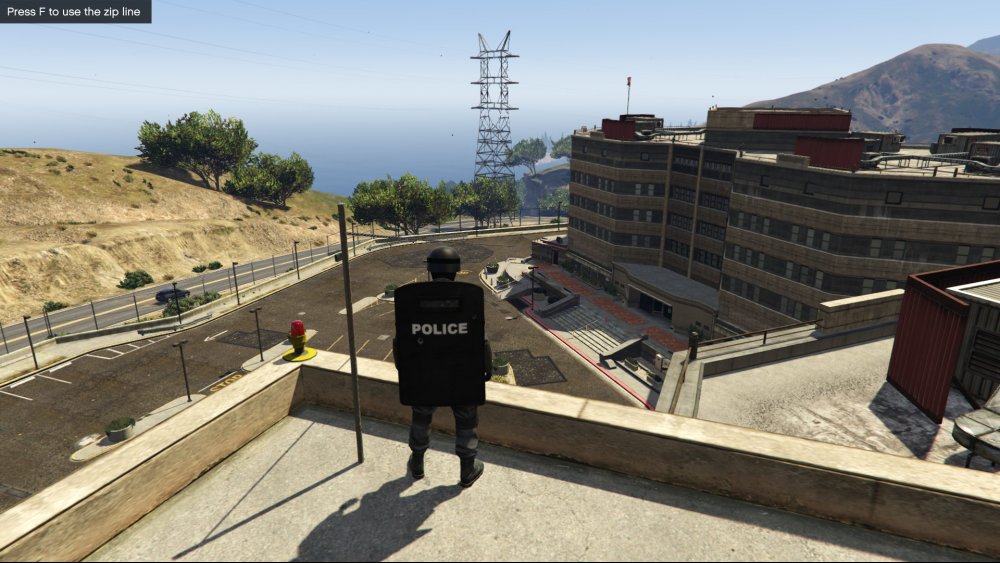
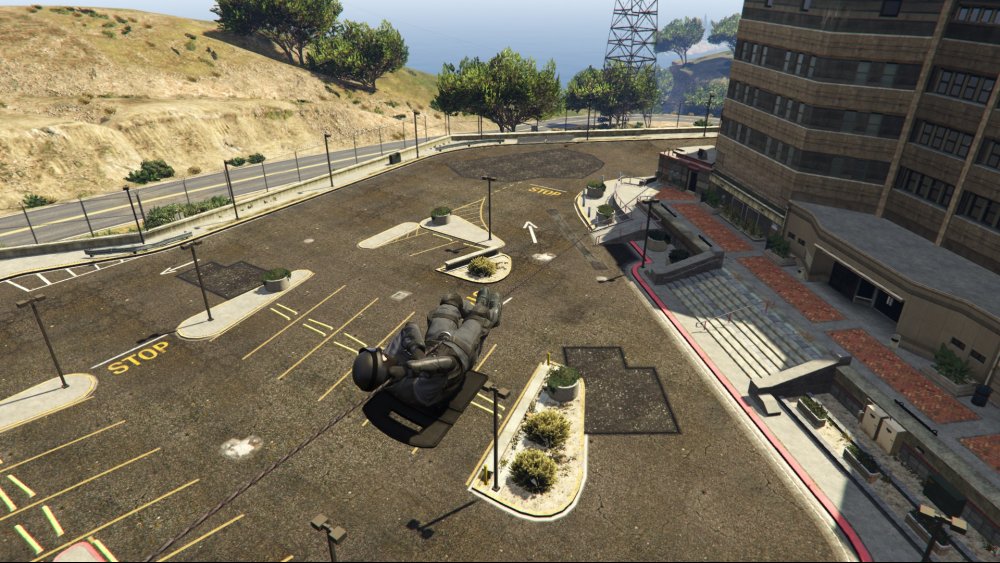
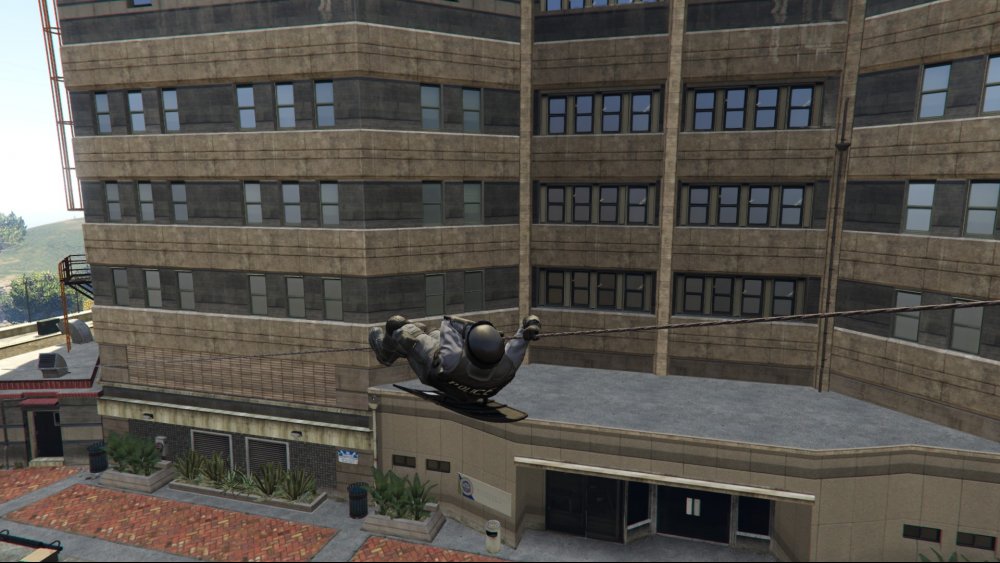
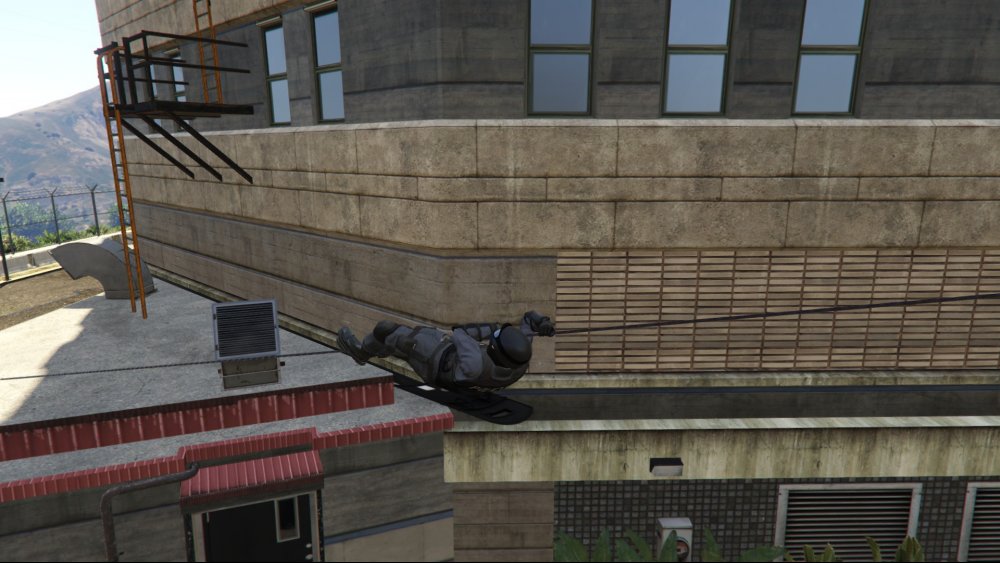
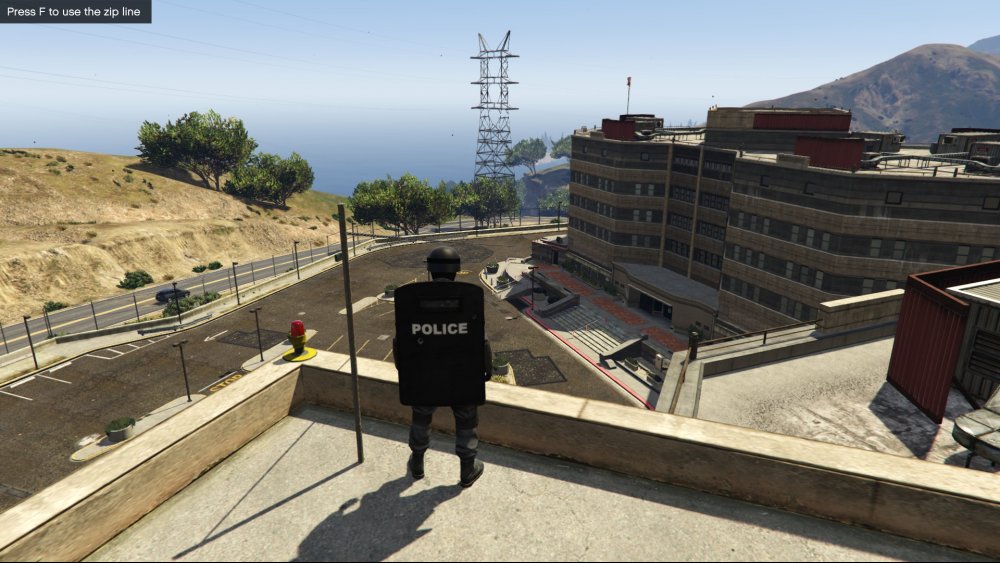
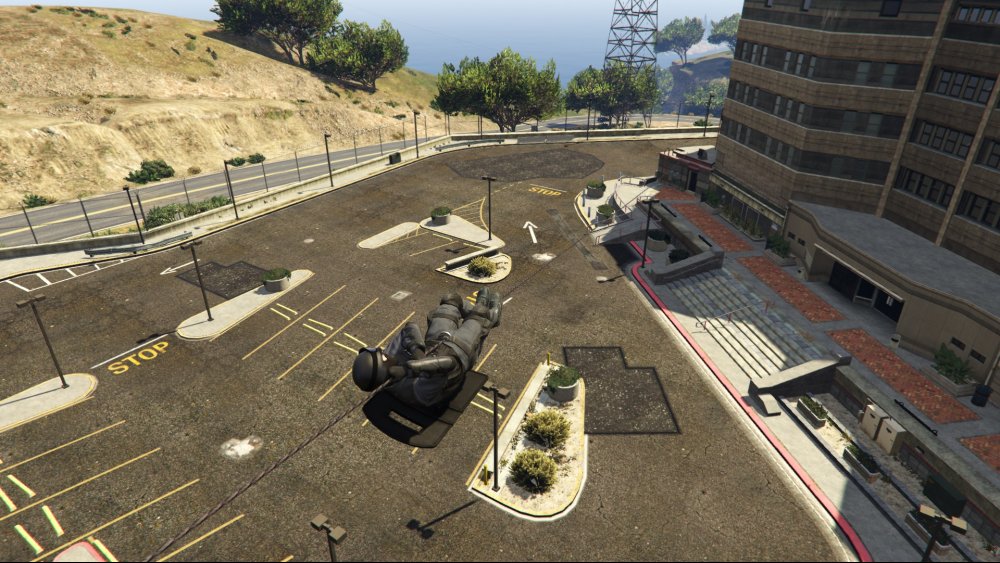
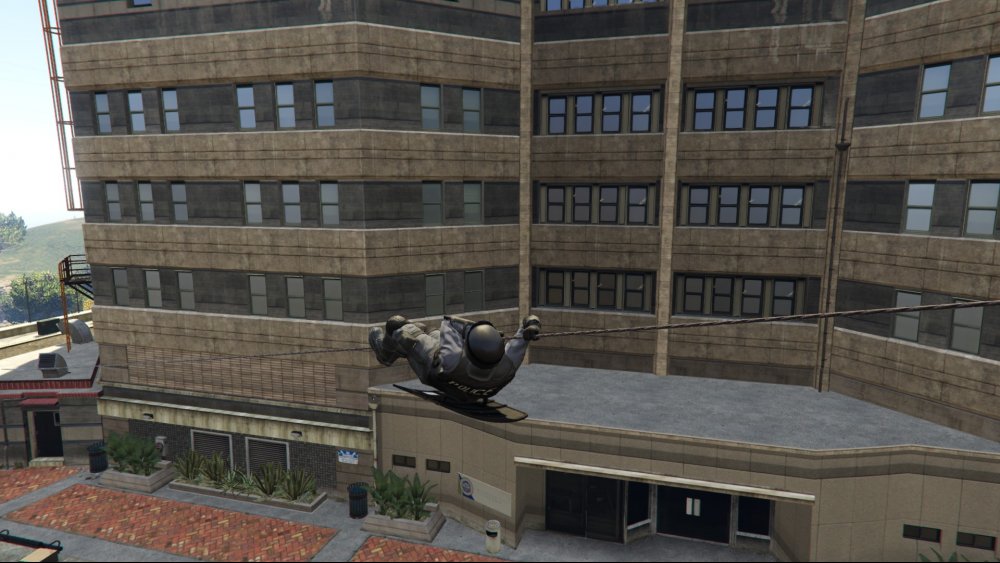
Zip lines have been added to the NOOSE special forces equipment
-
Video showcasing the current features:
-
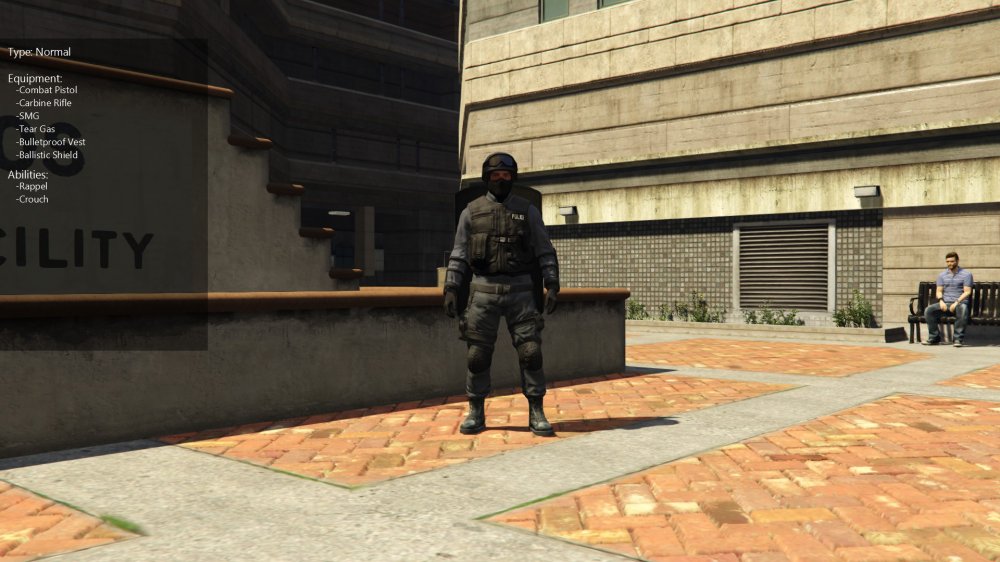
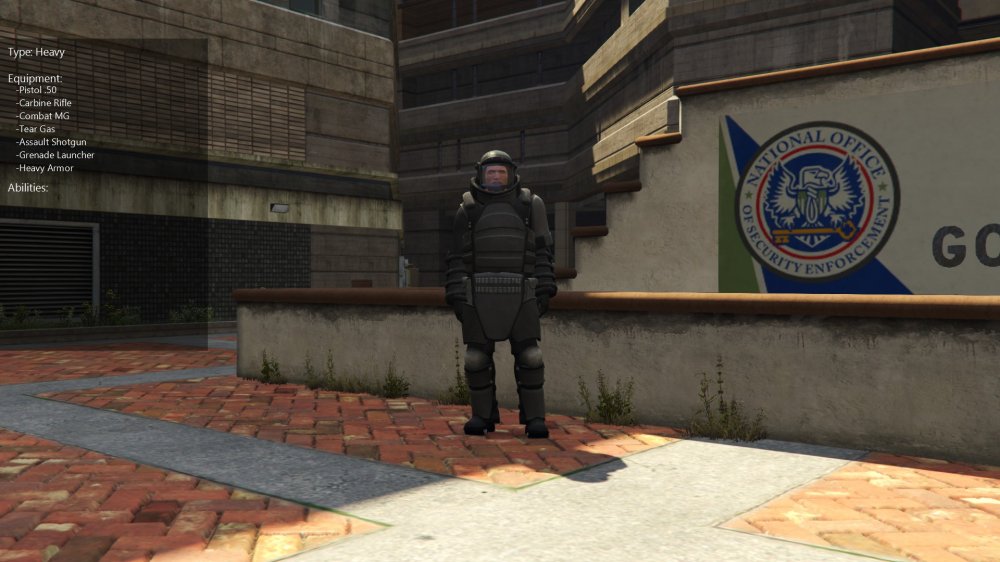
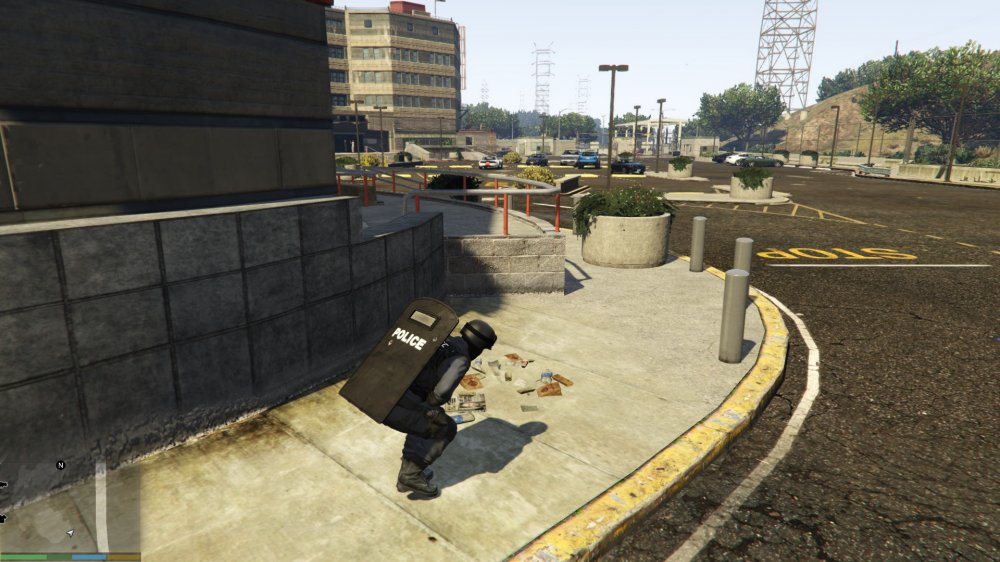
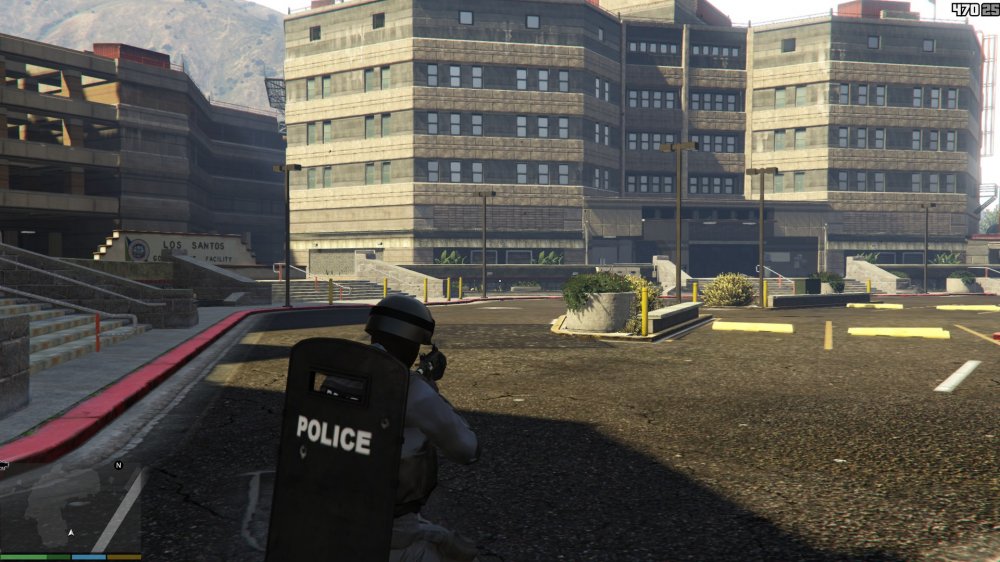
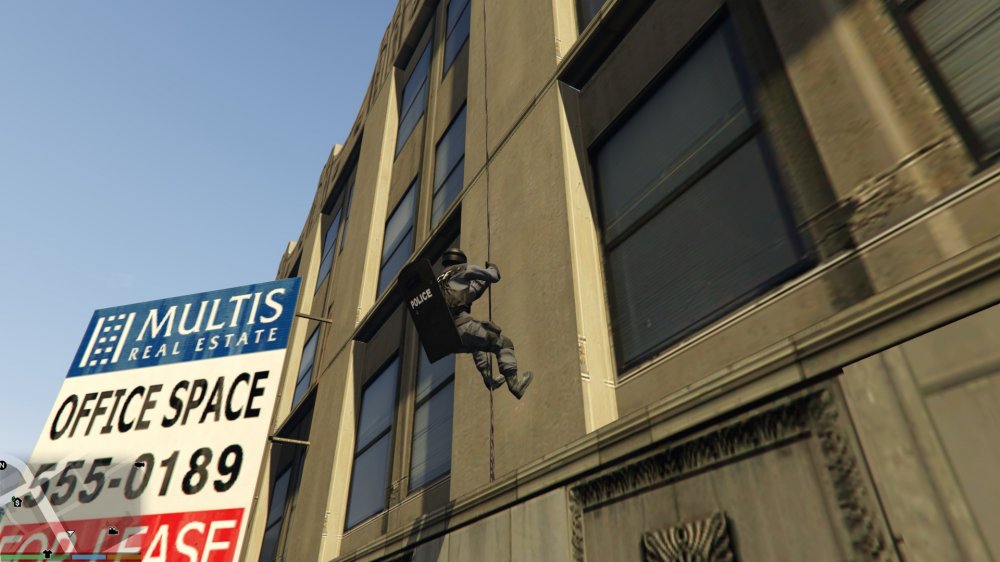
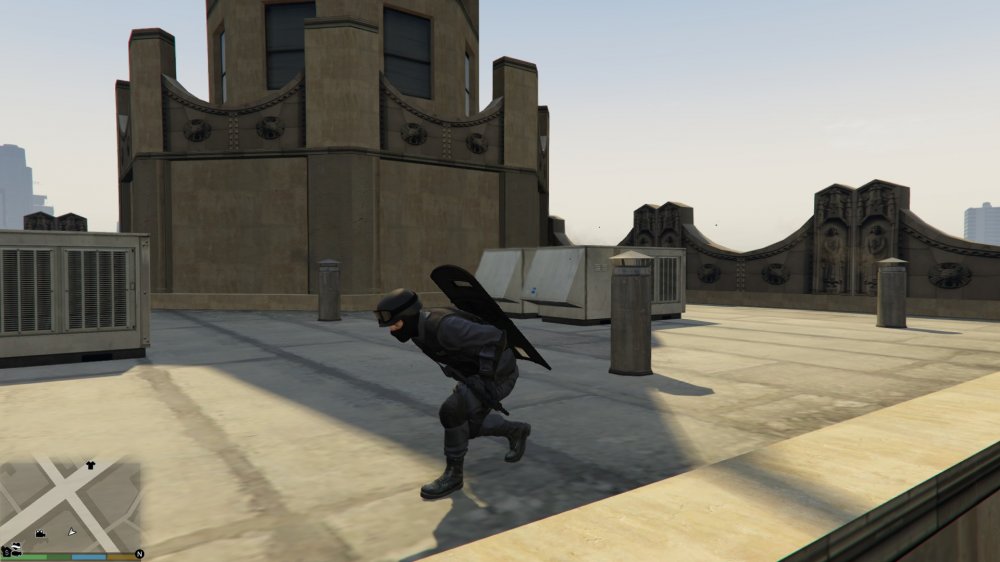
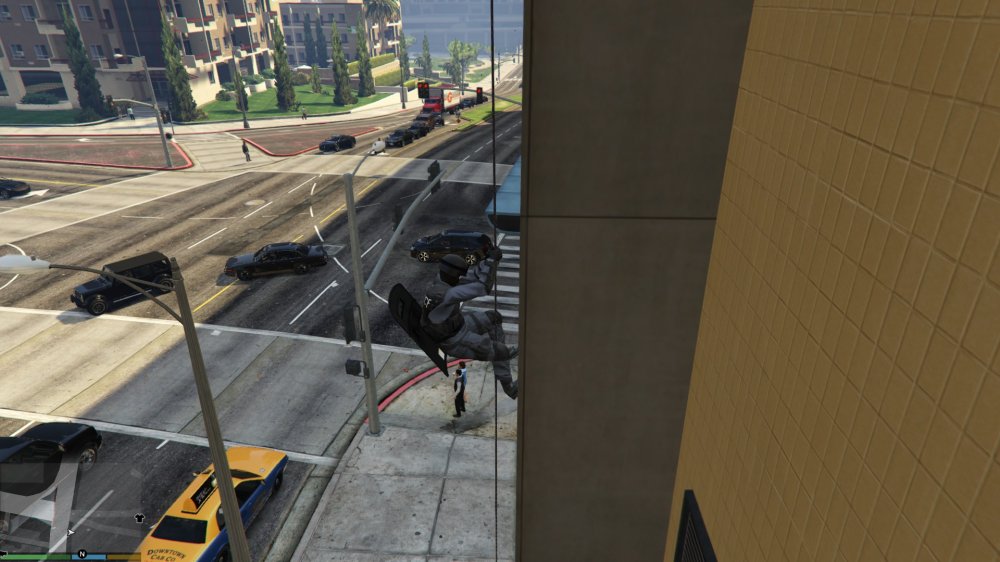
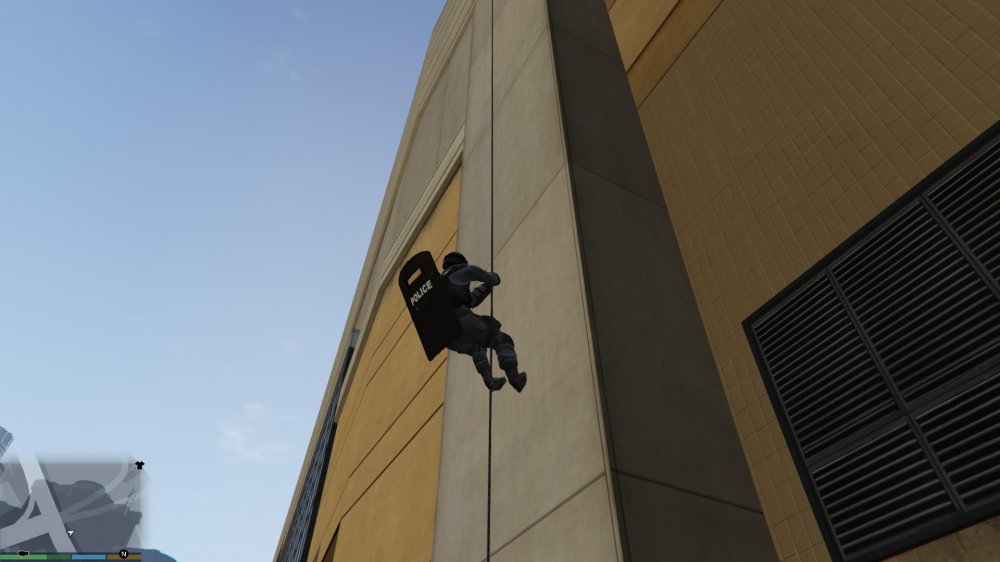
National Office of Security Enforcement Tactical Response Unit NOOSE T.R.U. is a plugin that will improve the way you play as a NOOSE agent by giving you special forces capabilities, like rappel or use a ballistic shield. Current goals: Crouch Usable ballistic shield Rappel Usable zip lines Flashbang grenades Partners Callouts aimed to use this features Early version screenshots: Suggestions are welcome.
-
Seems like you have the setting "Debug" bad spelled or something like that. Can you post your configuration file? (You can attach it below where it says "Drag files here to attach, or choose files...")
-
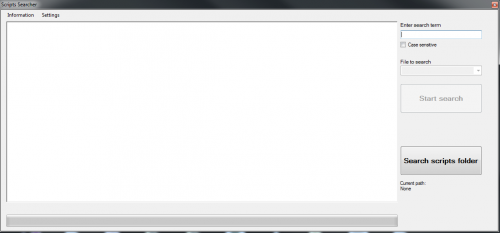 About Scripts Searcher is a development tool that allows you to search throw the GTA V decompiled scripts for a specific native or any other term fast and easy. It can useful to know in which script a native is use or how it is used. It has other features like open a specific script with Notepad++ or select a native an open its page in the NativeDB. How To Use Search: 1.Download the GTA V decompiled scripts. Get them here: http://www.dev-c.com/gtav/ 2.Click the "Search scripts folder" button. 3.Navigate to your decompiled scripts location. 4.Type the search term. 5.Click the "Start search" button. 6.Wait. Open a decompiled script with Notepad++ directly: 1.Install Notepad++. Get it here: https://notepad-plus-plus.org/download/ 2.After a search, highlight the name of a file. 3.Press E or right click to open the context menu and select "Open Notepad++" Open NativeDB directly: 1.After a search, highlight a native name. E.g. Line: PLAYER::GET_PLAYER_PED(a_0); -----> Text to highlight: GET_PLAYER_PED Line: if (UNK::_8AA464D4E0F6ACCD()) { -----> Text to highlight: 8AA464D4E0F6ACCD 2.Press Q or right click to open the context menu and select "Open NativeDB" *You can change the shortcut keys in the settings.
- 1 review
-
-

- 6
-
-
I don't have any estimated release date, but probably it will be after LSPDFR 0.3 release.
-
I don't know how Stealth does it but I will go for string.
-
Sure
-
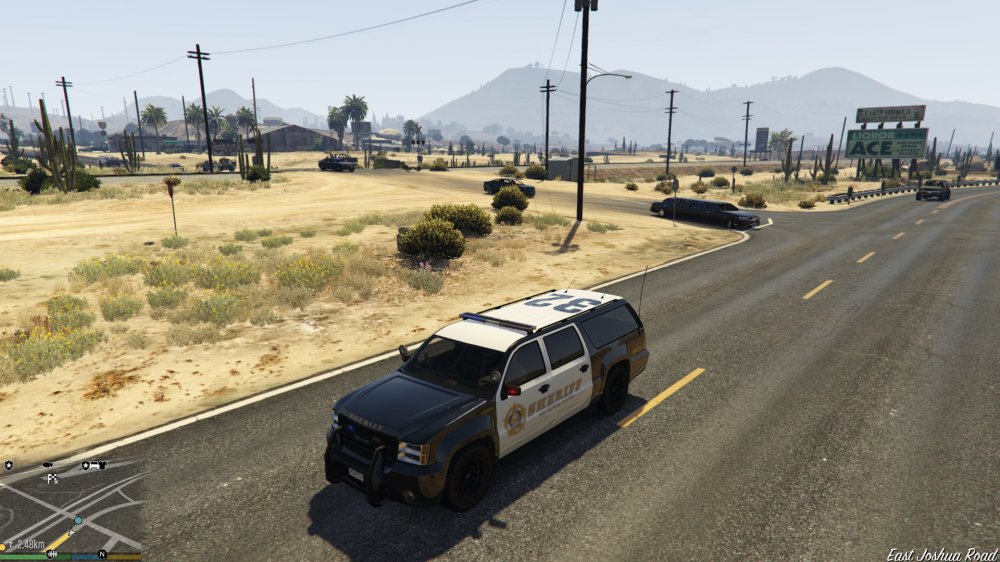
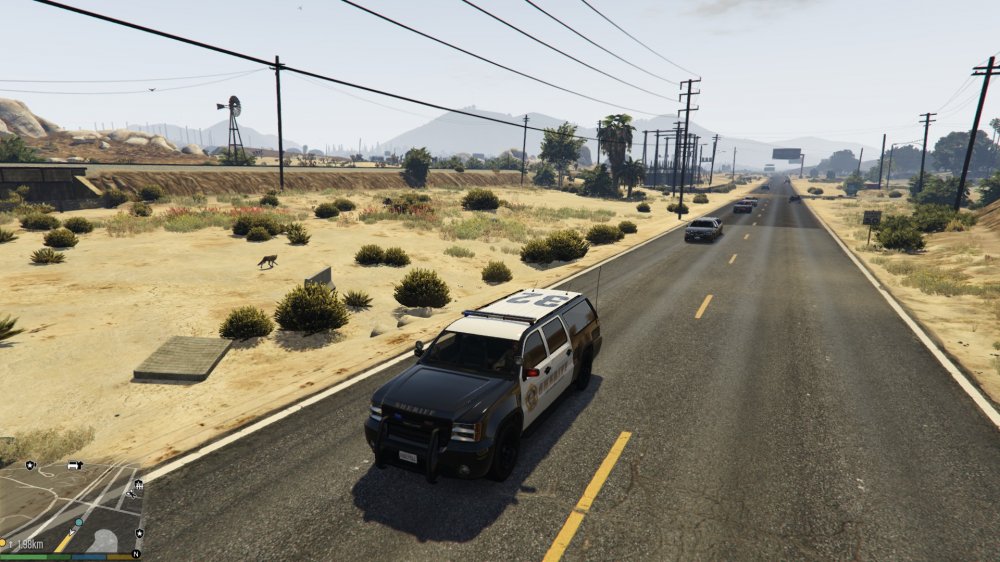
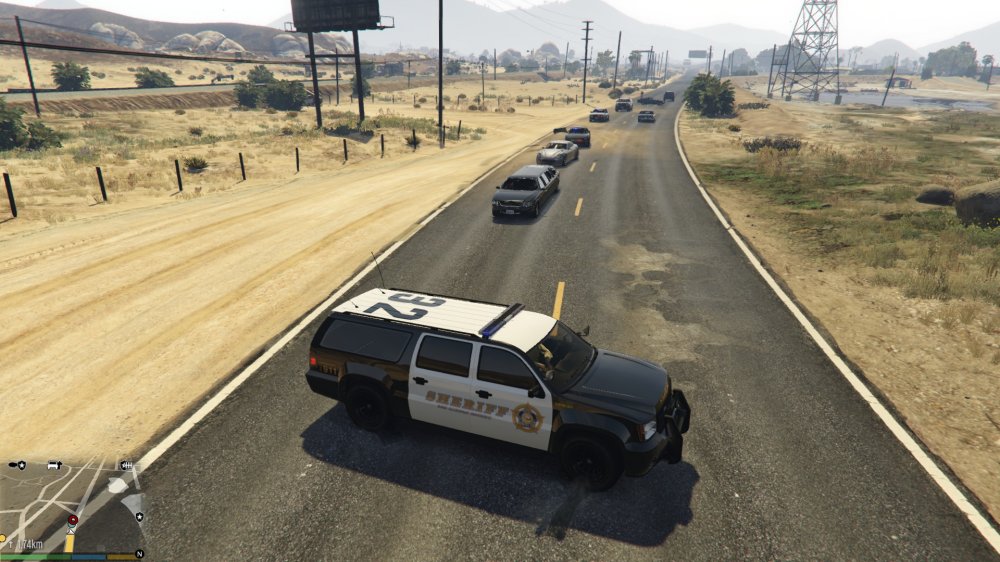
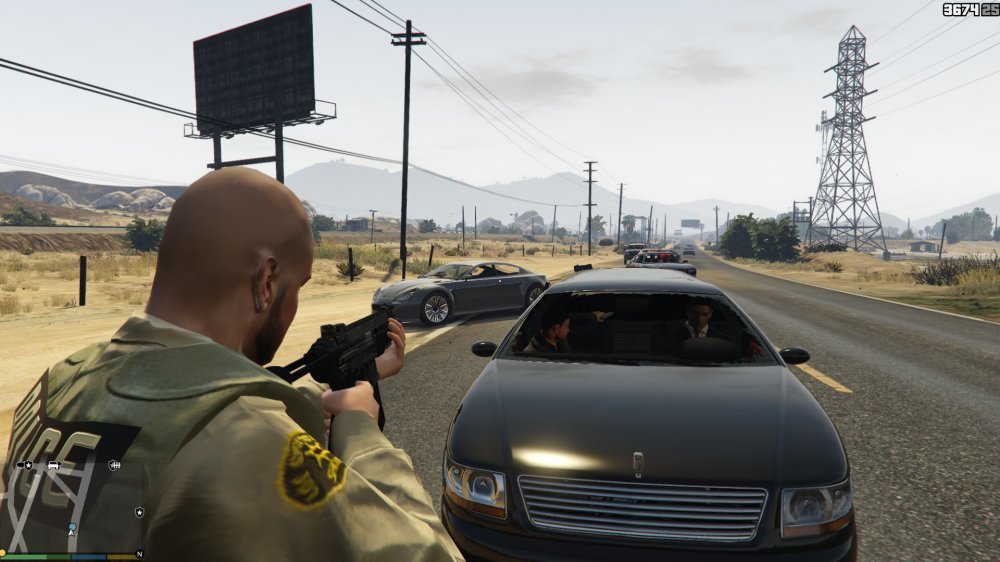
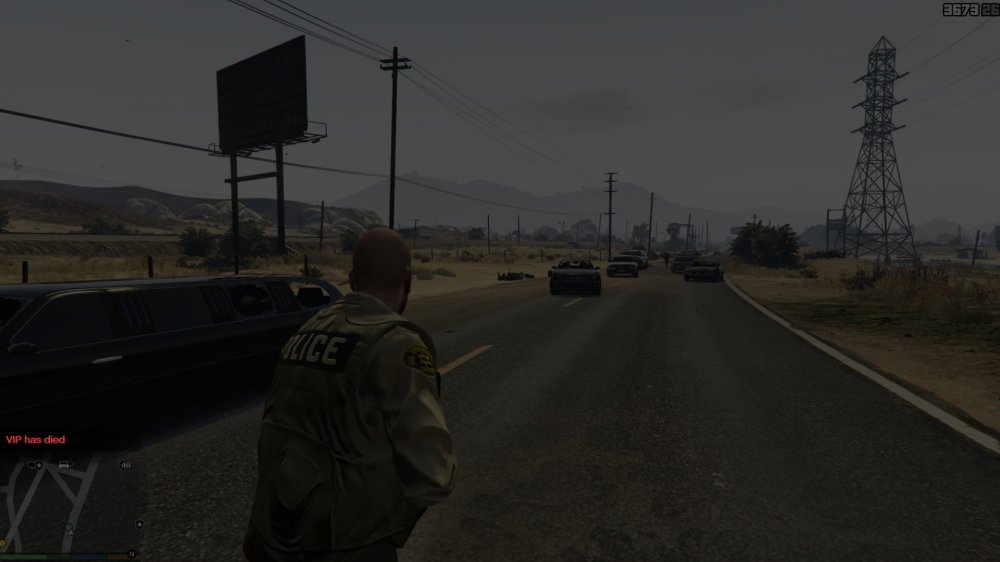
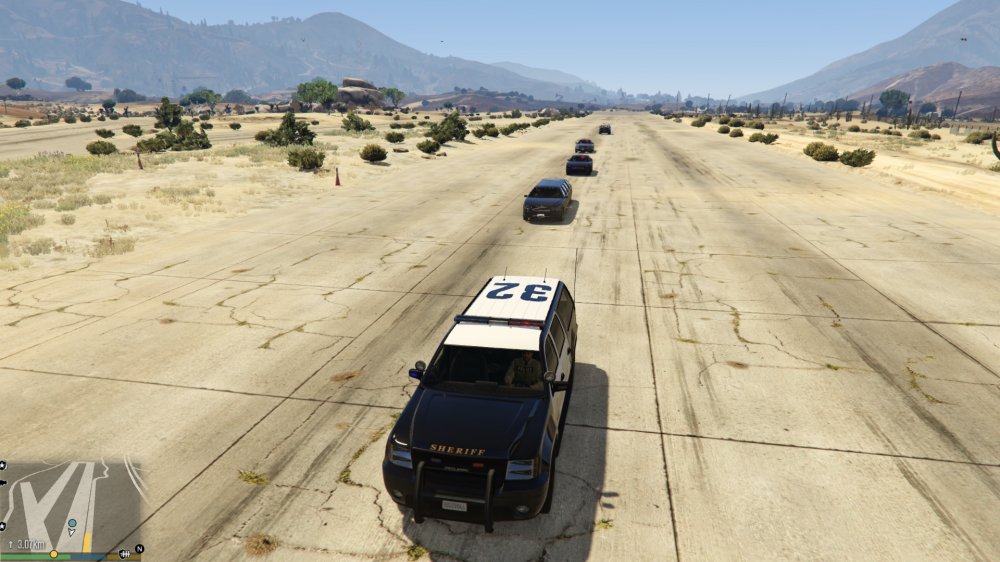
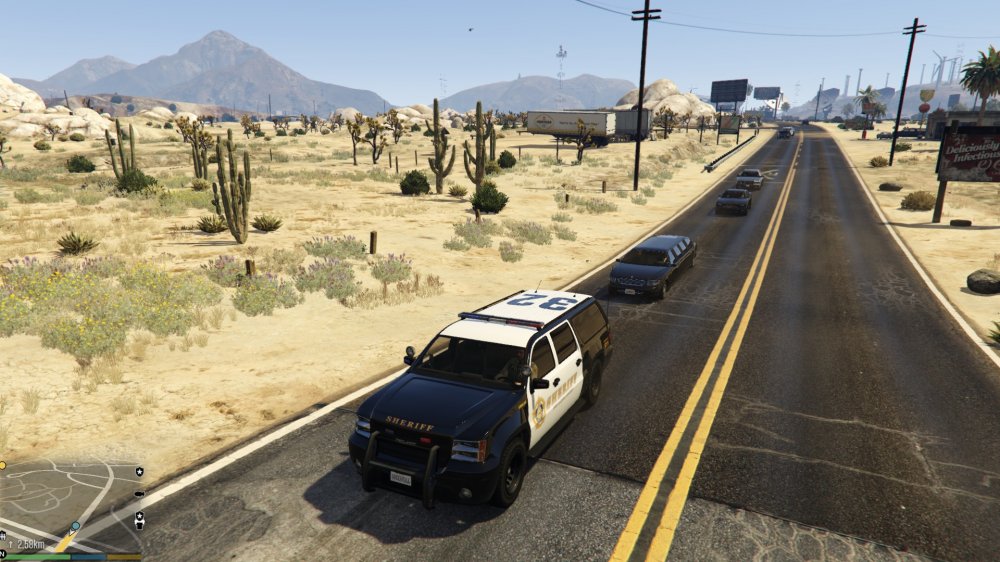
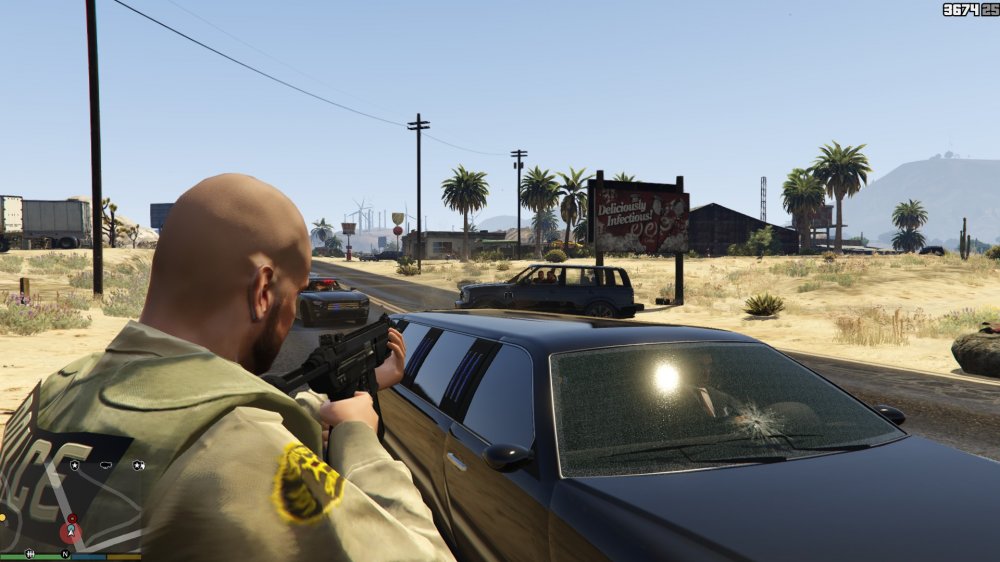
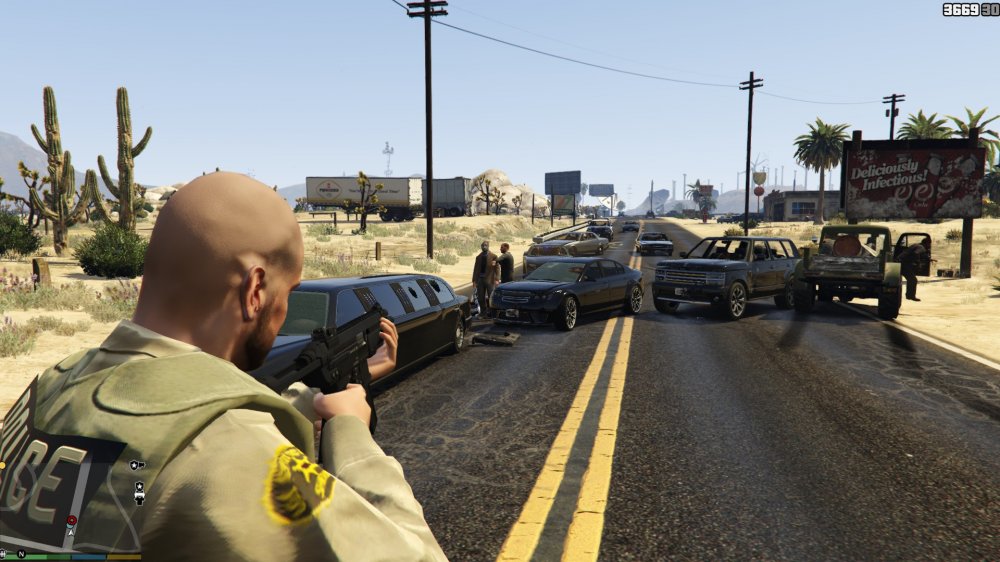
I started to work in a new callout for v0.5.0: VIP Escort callout, with variants like inmate escort.
-
What you need is the model. Example: public static Model VehModel { get { return Settings.INIFile.ReadString("General", "Vehicle Model", "police3"); } }
-
What I do is create a static class named Settings(or whatever you want to name it) and there have a static field with the InitializationFile and static properties with the settings: Example: namespace SecondaryCallouts { using Rage; using System.Windows.Forms; public static class Settings { public static InitializationFile INIFile = new InitializationFile(@"Plugins\INIFileName.ini"); public static Keys Key1 { get { return Settings.INIFile.ReadEnum<Keys>("Keys", "Key1", Keys.Y); } } } } Then in other parts of your code you can call your settings like this: Settings.Key1
-
This native GET_SAFE_COORD_FOR_PED
-
The problem with your EMS callout is in OnBeforeCalloutDisplayed(). You put " if (Ambulance.Exists()) return false; " so everytime the ambulance exists your callout will be aborted, it should be " if (!Ambulance.Exists()) return false; ", note the "!" symbol
-
 Can you post your log? Remember that in RPH 0.29 now the logs are inside a folder called Logs
- 302 comments
- 66 reviews
-
-
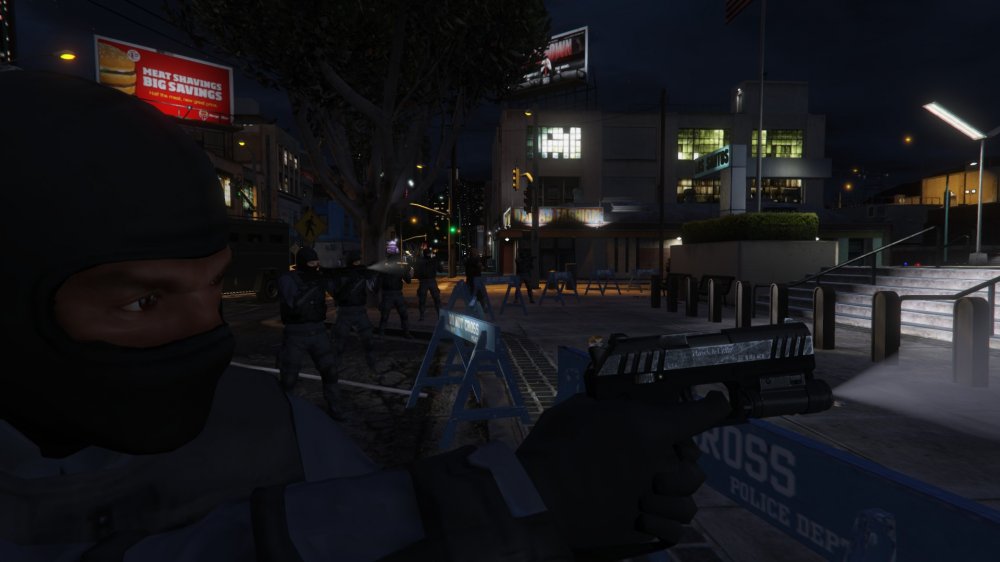
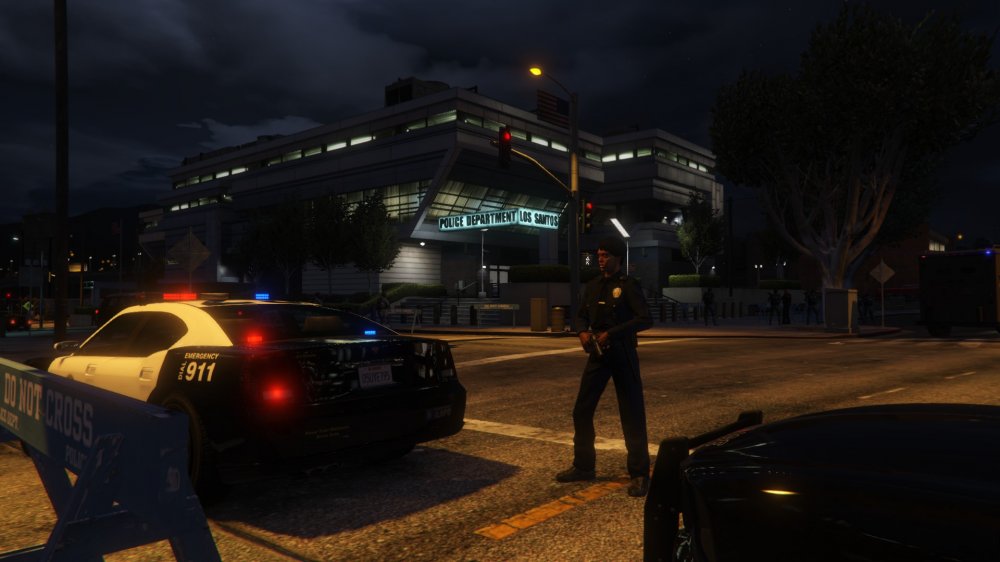
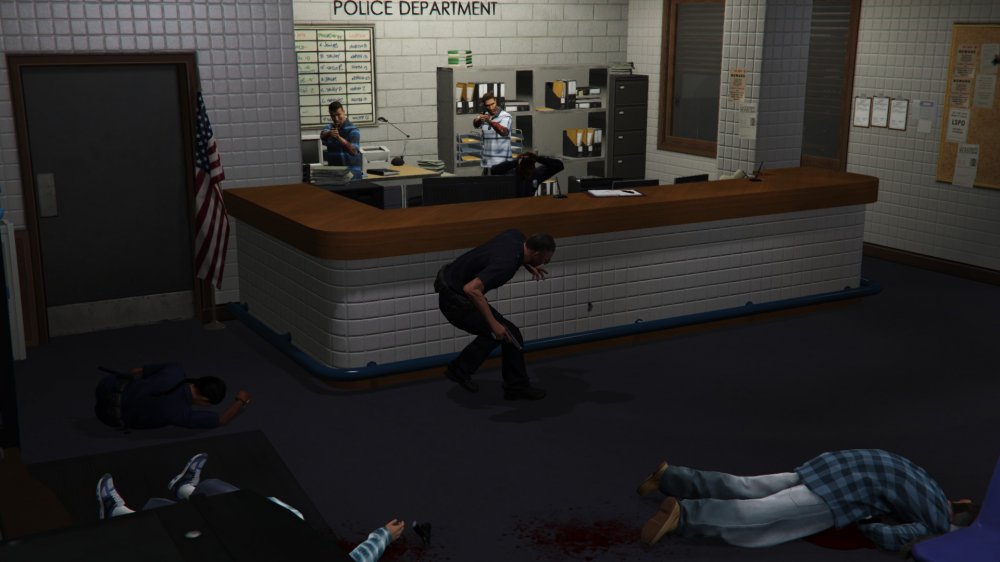
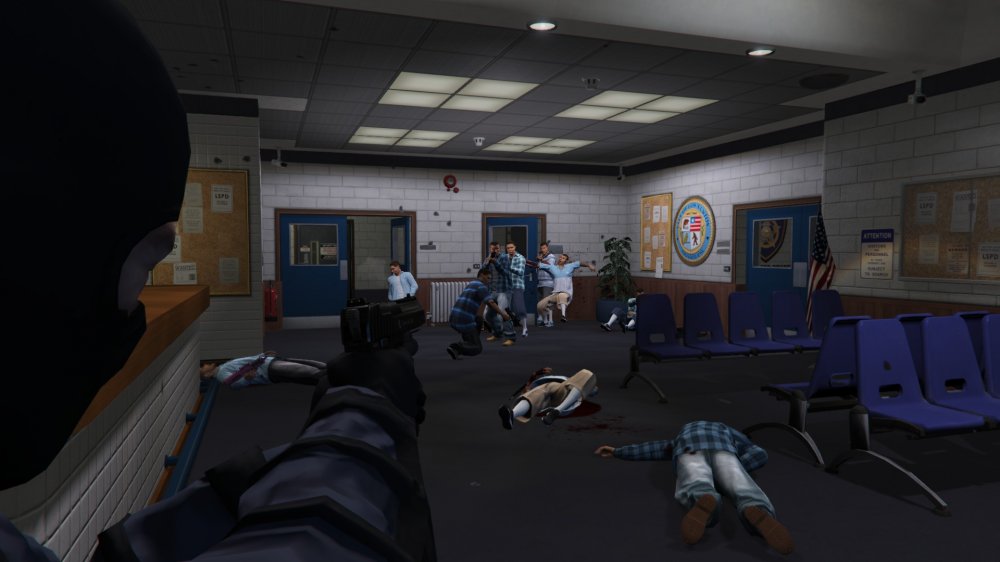
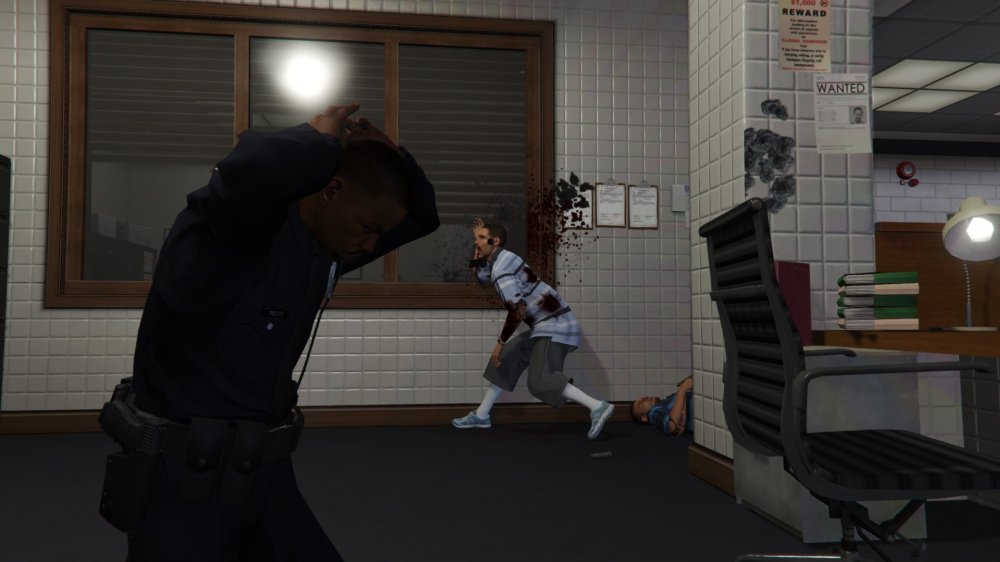
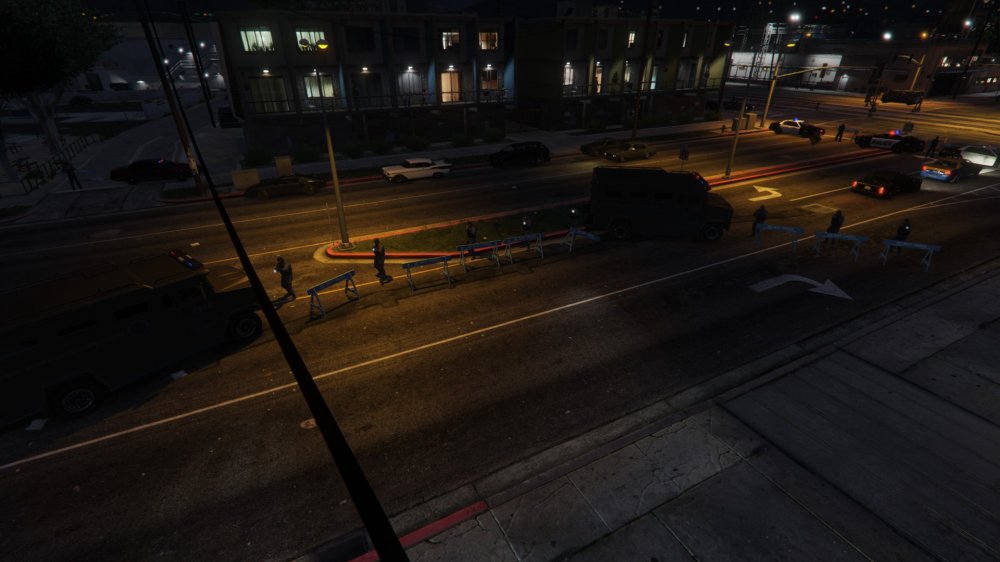
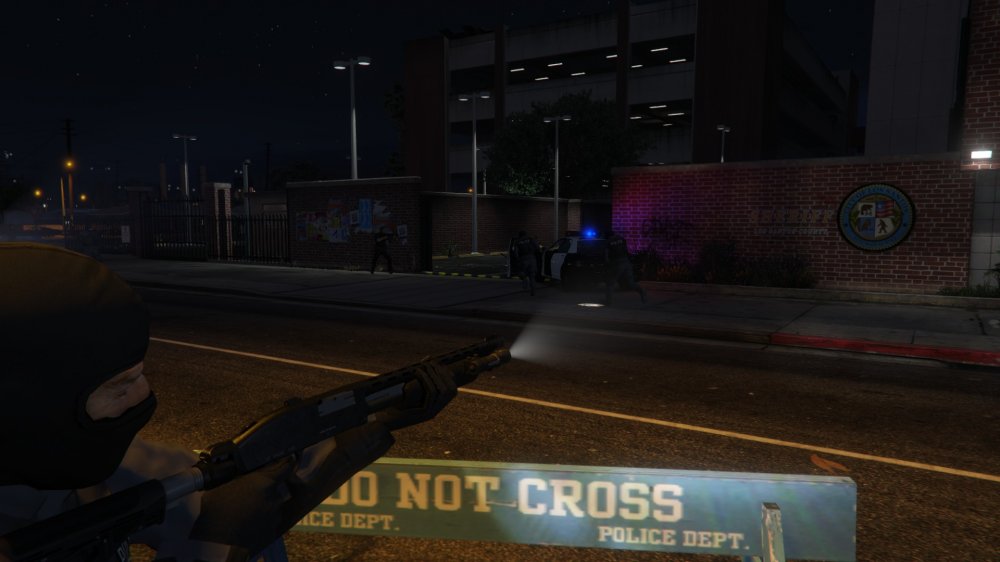
Some gangs decided to attack some police stations, SWAT has been deployed and they need some backup: Coming in Wilderness Callouts 0.5.0: Attacked police station callout
-
The latest version doesn't need "alexguirre.Common.dll", If you installed it correctly you should have the following things: Inside Grand Theft Auto V/Plugins/LSPDFR, Wilderness Callouts.dll, Wilderness Callouts Config.ini and a folder called WildernessCallouts with BinocularsTexture.png inside. Inside Grand Theft Auto V/LSPDFR/Police Scanner a folder called WILDERNESS_CALLOUTS_AUDIO If you have all that once you load LSPDFR it will load Wilderness Callouts automatically and if you go on-duty and open the console you will see something like this: [23/12/2015 2:28:24.818] LSPD First Response: Registering callout WildernessCallouts.Callouts.RecklessDriver And remember that it requires at least RPH 0.28+
- 302 comments
- 66 reviews




