NeOnLaZeR
Members
-
Joined
-
Last visited
Everything posted by NeOnLaZeR
-
 Excellent set of vehicles! About time we got a CHP explorer! Disclaimer: I am a devil with the details, if it doesn't look real, I don't use it. LOL My ONLY con is there are some stray flashes(coronas?) that don't do along with the lightbar pattern. Such as the blue windshield LED that has a faint flashing when it's not lit, same with the lightbars.(as seen in mroxplay's video) I will still use it fixed or not but I thought I would comment on it because other than that, it's OCD Approved!
- 501 comments
- 104 reviews
-
 Yea, that livery is ugly. LOL ;)
 -
 Gump is not the type to tease us so much yet not deliver the goods. It probably won't be long!
 -
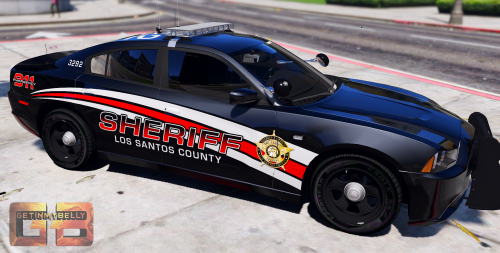
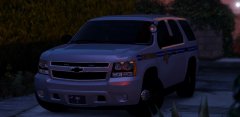 Getinmybelly's yard sale?
 -
.thumb.png.2d80fd653bcf1896f9cb97419070acfe.png) As Gump said, this IS the only yardsale I have seen and loved every single item that was there. So many good skins to use. The only negative is the fact it may take days to decided which skins to use. LOL
As Gump said, this IS the only yardsale I have seen and loved every single item that was there. So many good skins to use. The only negative is the fact it may take days to decided which skins to use. LOL- 9 comments
- 14 reviews
-
Gump's comment is priceless and true. LOL Holy awesome skin overload. WHAT SKIN TO USE!!!!!!!
- 9 comments
- 14 reviews
-
-

- 1
-
-
-
Moved my vehicles over to the new patchday11 and all the liveries do not work anymore..wierd stuff..
-
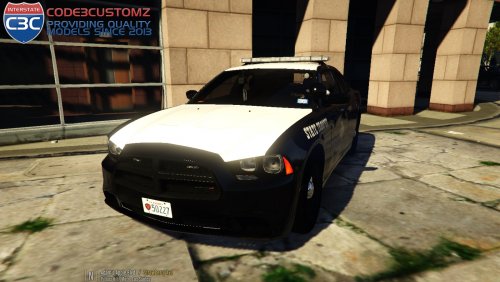 Hey Gump, Excellent vehicle! I had a quick question. What file names do we give additional liveries? The only one is "template". i tried some of the other common liveries names such as chgr and chr2 but neither work.
- 6 comments
- 16 reviews
-
 First Tahoe that I actually love to drive! Best model yet and excellent light setup! I especially like the minimal siderunner lights!
- 74 comments
- 23 reviews
-
I posted this so someone might be enlightened to organize their stuff, such as 400+ skins for me, so they may easily be changed/modified. Also useful for keeping track of what I have. Certainly makes my modding easier when things aren't all in the downloads folder like I know some people do.
-
A friend of mine came to me asking about LSPDFR and specifically modding with vehicles and callouts as he was new to it. For a beginner, modding GTA V can be a headache, but with organization, it doesn't have to give you a headache. Whether it being a game update messing everything up or a derp on my part in some way. I learned that keeping mods/skins organized, the easier my life was. I remote controlled my friends computer, uploaded my mod folder for him, and installed everything in a few minutes.(LSPDFR, callouts, full array of vehicles, ONLY thing was he had to install the skins as that's always changing for me) He was amazed with my organization of all my mods, vehicles, and skins, so I thought I would share this on here. I posted a video on my file/folder organization, beats the hell out of an outline. Lol
-
I remember one of the main issues was trying to fix was the fact that traffic does not respond to ELS. As far as the lighting goes, I would think that was buttoned down a while ago based on videos.
-
-
-
I'm with yall, glad it ain't me. Lol
-
 POLICE2 is the default spot, use the carvariations in the extra folder and rename to use the spot you wish to use.
- 74 comments
- 30 reviews
-
I agree, I am going to tone them down a bit in brightness in emerlights My only suggestion, replace Extra 7 with the rear bar color variation(amber or no amber) I fouind that to be my most favorite Extra feature(probably ever) in the Explorer and seems unneeded unless your too lazy to add Extra 5/6. Excellent car either way!
- 74 comments
- 30 reviews
-
-
-
-
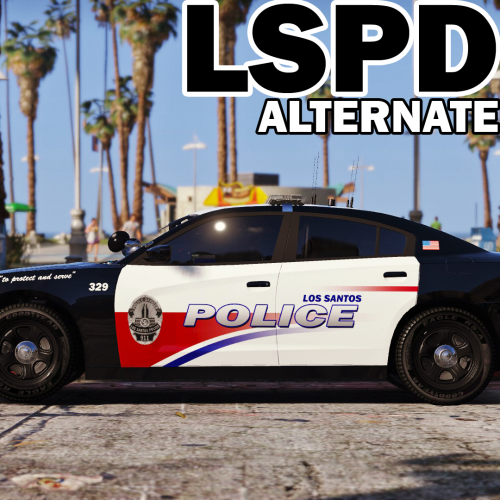
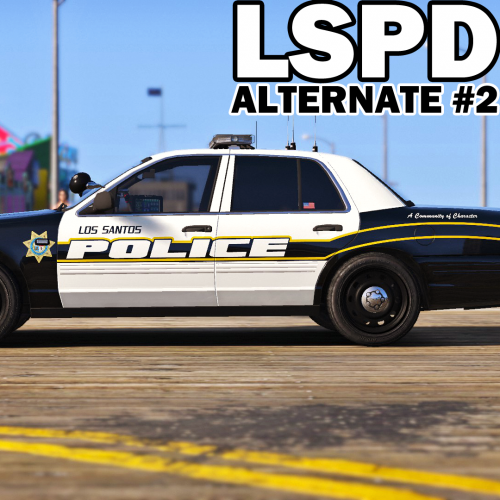 Great alternative if you get tired of looking at his other LSPD pack.(not cause it's bad but change every once in a while is nice)
- 51 comments
- 14 reviews
-
-
- 2
-
-
-
-
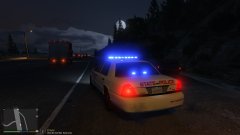
From the album: NeOn's Pics

.thumb.png.2d80fd653bcf1896f9cb97419070acfe.png)