


NeOnLaZeR
Members
-
Joined
-
Last visited
Everything posted by NeOnLaZeR
-
-
.thumb.jpg.53e6566fc11617e23f7fb13f2792cbbe.jpg) More lights, more fun, first vehicle working for ELS. What else could I want?! Thank You!
More lights, more fun, first vehicle working for ELS. What else could I want?! Thank You!- 132 comments
- 63 reviews
-
-

- 1
-
-
 Listening to Albo's calm voice would probably be alot more entertaining than reading for most of us. Haha!
- 2,655 comments
- 234 reviews
-
-
- 5
-
-
-
-
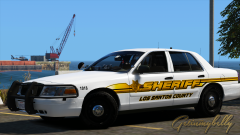 You know all three look awesome! Haha
 -
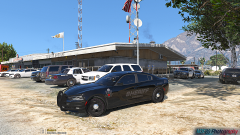 I like the simplicity of it!
 -
Bugs revoked use of that model.
-
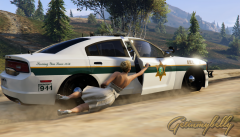 LOL
LOL -
Awesome to finally see some whelen outer edges!(if that's what it is) They use them all the time on tahoes here.
-
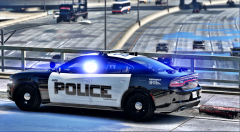 You must be blind so I can understand why.
 -
I don't think the laptop brightness is set all the way up.
-
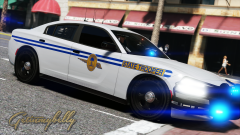 I see we have someone who loves the new charger. :)
 -
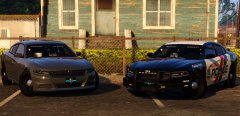 Thank you Gump for using 6 sirens. First priority once it's out is to make a nice pattern for it!
 -
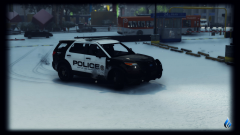 You edited the red to match the blue textures? My OCD has been wanting to fix that.
 -
-
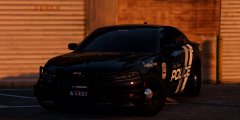 LOL
LOL -
Is this Him1250's 2015 Charger? Based on that tiny license plate. I hope so, very nice looking model. Nvm! Bet it's OfficerUnderwood's new charger :)
-
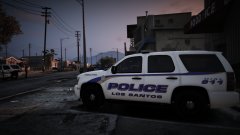
From the album: NeOn's Pics
LSPD Pack #2 Coming Soon™(aka tomorrow) -
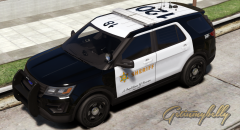 We need to ask Sam to make a dedicated download section to accommodate your massive amount of skins you have made. Ha! A bit sad to not be able to dig through a yardsale but it wasn't exactly the most noob-friendly way to release skins, so I can see where the idea isn't that great.
 -
Sounds like you want to start a custom DLC. Addon vehicles can be completely separate in their own DLC. However, replacement vehicles must have the original vehicle.meta edited in order to work as needed.
-
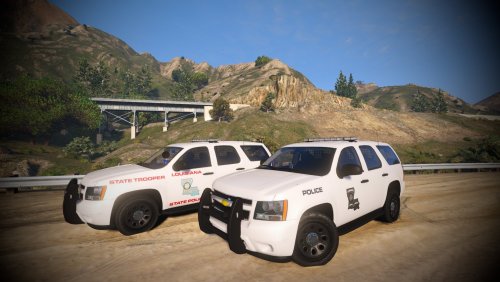 You will laugh but i put my normal gump tahoe skins on it(yes...in my skin database i got "Tahoe - Gump" folder) and was like..dafuq? Nuff said.
- 15 comments
- 12 reviews
-
I am a noob at modeling, isn't there a way to put the extra_2(ALPR) under extra_1(pushbar) that way if you have extra_1 on, then you can choice extra_2, but if you disable extra_1, it takes away extra_2 as well, instead of leaving the ALPR's in midair.
- 15 comments
- 12 reviews
-
I assume it wasn't placed under the pushbar, if possible, put the ALPR's under it so that if you remove pushbar, it moves everything on it.
- 15 comments
- 12 reviews
-
Yes, however, for me the linz6 LED's stay so removing it really isn't an option.
- 15 comments
- 12 reviews
-
-
- 1
-

.thumb.jpg.53e6566fc11617e23f7fb13f2792cbbe.jpg)

