officerAMR
Members
-
Joined
-
Last visited
Everything posted by officerAMR
-
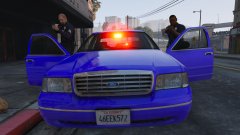 Ah okay. If you do fix it definitely release it. Nobody has made a proper detective crown vic yet
 -
Will you be releasing it? It looks good
-
Whos car is that? it looks amazing
-
Like GTA 4 i guess, if i remember you had to press J once of lights, twice for lights and traffic advisor and, three times for Siren
-
I'm not sure how to fix it. For some reason R* gave them a high centre of mass so they roll easily. I would only use cars designed for that slot. SUV/Pickups should only replace FBI2, Sheriff2 and the park ranger. Police3 acts weird regardless of what car you use
-
Move it to Sheriff or Police for me and see if it happens
-
Move it to Sheriff and see if it happens
-
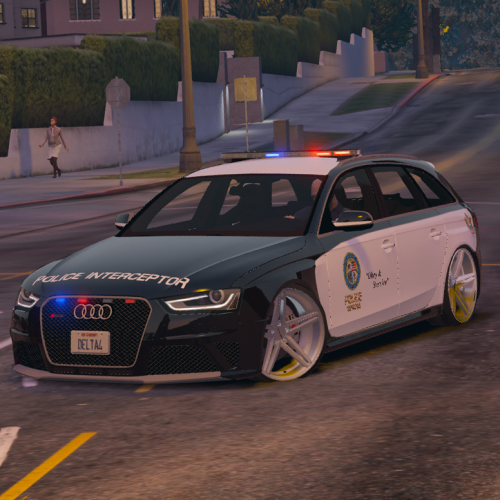 Love the lightbar man. As for the rims the only source i could find is this. You'd have to ask BritishGamer88 where he got his rims from https://www.gta5-mods.com/vehicles/2013-police-audi-a4-avant
- 53 comments
- 10 reviews
-
-

- 1
-
-
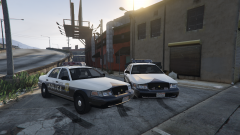 Red for sure
 -
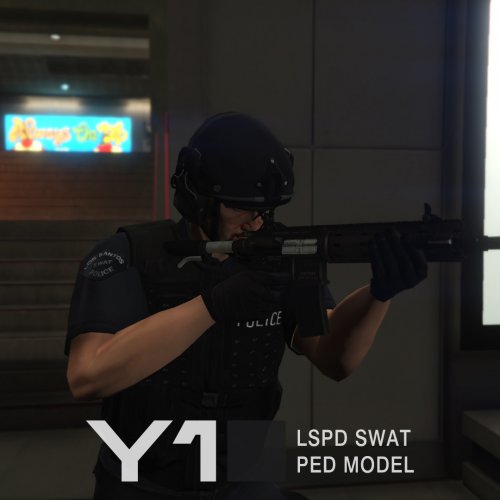 A must have mod for sure. Peds outfits are perfect, they look like SWAT officers, not too heavily armoured
- 21 comments
- 9 reviews
-
-
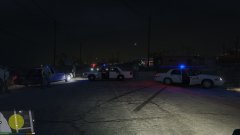
From the album: GTA V stuff
Old screenshot i had from when F5544 first uploaded his CVPI -
I'll check Yep its fixed :D
-
Untint the windows with a trainer
-
Menyoo is the best trainer available. Lots of functions https://www.gta5-mods.com/scripts/menyoo-pc-sp
-
I see many threads and people in the GTA V community complaining of the "Out of Memory Error" crash, theres no good support online for a fix and i only found the fix due to trial and error So heres a thread on how to fix it for those suffering with said issue So, When you start GTA V go to the ingame settings and under the graphic tab the FIRST option should look something like this IGNORE SUGGESTED LIMITS "OFF" Now in order to fix your issues you need to get the game to ignore its Received Memory Limit by switching the Setting to ON. Yes its that simple. This will stop GTA V from crashing when it hits its memory limits allowing you to install high poly cars without a hitch.
-
Go to the ingame settings ----> Turn IGNORE SUGGESTED LIMITS TO "ON"
-
Somebody is porting LC as a mod to gta V Heres a showcase for you guys. I have no idea how Talitgolt got access So even if R* does it or not we will be able to enjoy Liberty city for more then 15 mins
-
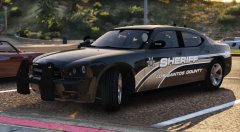 Hows the old crown vic coming along?
 -
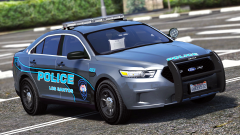 Nice. You're the first person to make a skin for it, the unmarked cars with lightbars was driving me nuts lol
 -
Is that Matt Jesters car?
-
 Its a great car, the white outline on the reverse lights is pretty annoying. Its one of those things thats gets me in a niggle. The other car in the same theme you made is outstanding. Fix the reverse lights and you got yourself one hell of a sand shores policing pack :)
- 50 comments
- 26 reviews
-
-
They don't in the vanilla game, they only pull into your path
-
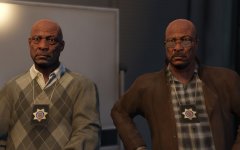 They will find out who stole the prune juice from Sandy Shores retirement home