officerAMR
Members
-
Joined
-
Last visited
Everything posted by officerAMR
-
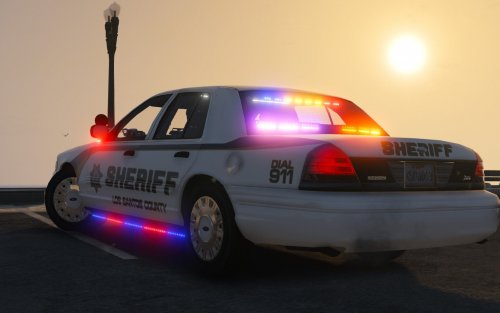
look how far LSPDFR has come in a year. Also Happy birthday
-
-
-
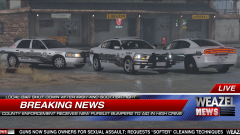 LOL all i can think of is this :P
 -
-
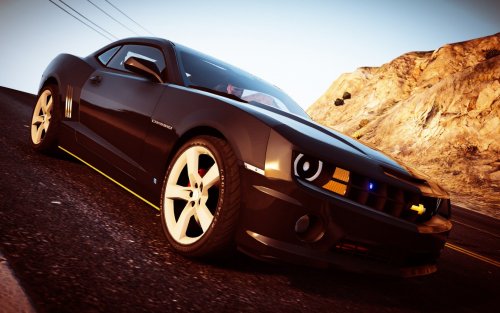 Love this car, great for doing some radar. I'm not sure why i cant change the vehicles colour tho. I would like to be able to do that
- 22 comments
- 7 reviews
-
-

- 1
-
-
 Amazing Tahoe. HQ interior and Exterior. The Charger is pretty good too but i noticed that the Break lights are very dim when the tail lights are on
- 66 comments
- 18 reviews
-
will do that worked thanks man. great to finally have a tahoe that looks great inside and out
- 66 comments
- 18 reviews
-
Hands dont sit on the steering wheel for the Tahoe. Only problem wrong with it
- 66 comments
- 18 reviews
-
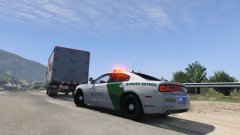
From the album: GTA V stuff
. -
If you ever happen to buy the MIG-21 for DCS world you will :P
-
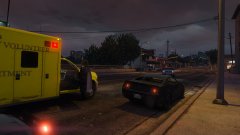
From the album: GTA V stuff
One male was shot following a traffic stop that ended with the driver being shot dead in Vespucci beach. Both officers were unharmed in the incident -
I want the vehicle to spawn without tint ingame. So AI vehicles dont use tint. I want the vehicle to spawn without tint ingame. So AI vehicles dont use tint. I figured it out you replace this in the vehicles meta <diffuseTint value="0x00000088" /> to <diffuseTint value="0x00FFFFFF" />
-
Simple question, how do you remove window tint on a vehicle via the vehicle metas. I dont want the vehicle to spawn with tint by default
-
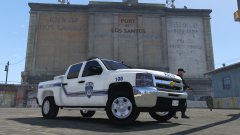 Oh god, who designed that? The blue line isn't at 90 degrees.
 -
 "Accident" :P
 -
It looks somewhat simular. Except its in that offensive greeny-yellow colour
-
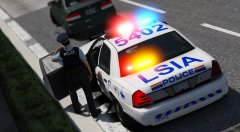 Love it.
 -
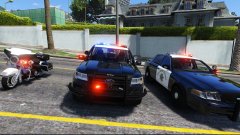 Alright. I prefer the way the the Vector looks compared to the Liberty on the Crown Victoria
 -
Sounds good.
-
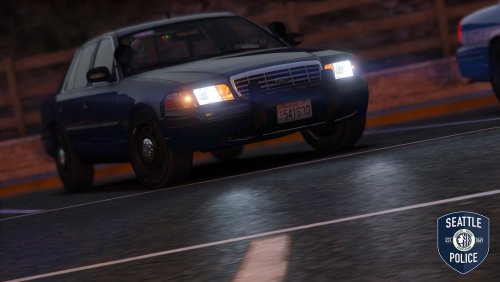 Thats the wrong one sorry, its this <lodDistances content="float_array"> 150.000000 300.000000 700.000000 1400.000000 5000.000000 5000.000000 </lodDistances>
- 19 comments
- 19 reviews
-
-
- 1
-
-
 Yes, heres the process Step 1- Create a character using the EUP menu (default bald guy is fine) Step 2- Save it to EUP and set it as default Step 3- Load your skin control character Step 4-go into the EUP menu and click edit on the character you just made. Step 5- Scroll to the bottom of the EUP character editor and click save (Making sure that the character you loaded from Skin control is still loaded) And now you have saved your skin control character to EUP
- 2,346 comments
- 236 reviews
-
-
- 1
-
-
@TaylorSwift I sorta fixed your LOD problem. Thought i would share. Put this in the Vehicles.meta over the old values. It just makes the LOD distances fall off significantly further so you dont notice the issues <lodDistances content="float_array"> 15.000000 30.000000 70.000000 140.000000 500.000000 500.000000 </lodDistances>
- 19 comments
- 19 reviews
-
-
- 2
-
-
Will there be a vector lightbar version for the Crown Vic? https://s-media-cache-ak0.pinimg.com/736x/80/fc/40/80fc40ac557e8aa351ce0f33a631484e.jpg
-
Its either going to be MPlux or MPChristmas 2 I think that model goes in MPLUX

.thumb.jpg.b94cb2baf1aa6d2b8e2d6a8fc69b8526.jpg)