officerAMR
Members
-
Joined
-
Last visited
Everything posted by officerAMR
-
 Its not that fool. SerekgPL said he didn't pay for it
 -
Who's Caprice is that?
-
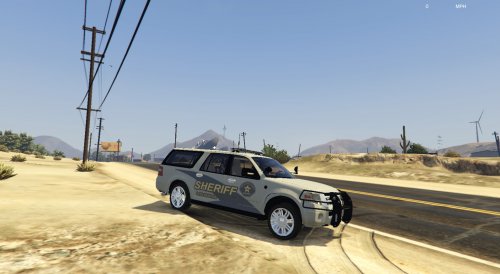 Pretty good exterior model....Give it an actual Ford interior and it will be perfect
- 48 comments
- 17 reviews
-
Fantastic!!!!!!!!
-
Release these for sure. Looks fantastic
-
What about the siren? I can probably help you with getting a siren to work
-
What about making it a slicktop? Like Black Jesus' Silverado?
-
 Its the ENB and the lighting. You can kinda see through the chargers Vector
 -
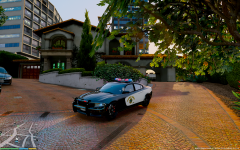 Yes, of course. You're nuts to even question if we want them
 -
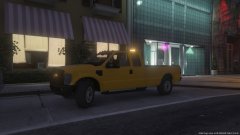 Looks good. What about LS Port Authority?
 -
I think Lundy's having a similar problem with his Crown Vic
-
-
Nice, on the insurgent, i would move the LSPD roundel down just a tad.
-
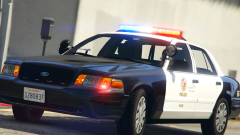 San Andreas Government found the colour yellow to be offensive
 -
-
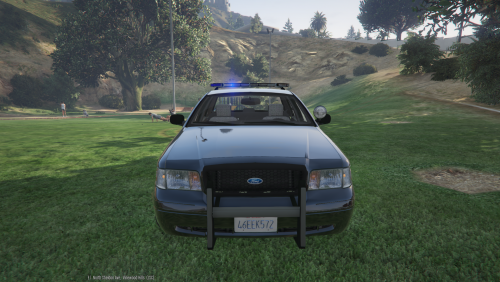 Fantastic, the title is misleading tho. It should read Barstow Themed LSPD CVPI or something along those lines :P
- 7 comments
- 2 reviews
-
-

- 2
-
-
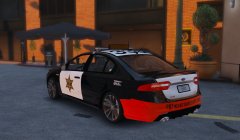 Yes pls. Looks fantastic. To get the bumper black, colour in the orange square at the top of the template
 -
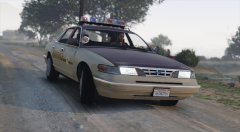 exactly, at least you wont have cop cars rear ending you in a chase
 -
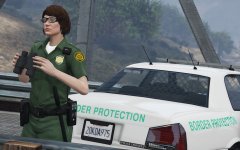 So you wont protect me?
 -
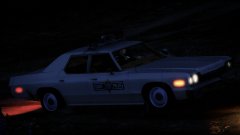 Yes, can't wait for a Monaco ingame. Also 1000th comment in your gallery
 -
Nice whelen edge will look fantastic on it. Plus it will match with Black Jesus cars
-
Providing the polycount is below 300'000 it should be fine ingame. Have you tried asking. BxBuggs or Lundy? Their cars are usually low poly. Lights look A LOT better btw
-
Something interesting on the car front yay
-
I dont know what happened to Sub, he just vanished
-
https://www.gta5-mods.com/vehicles/cadillac-dts-2006 Is anyone willing to make this into a unmarked car?