




purplepotatoes14
Members
-
Joined
-
Last visited
Everything posted by purplepotatoes14
-
I think if you want to go for realism take it off, but if you want to go for functionality, keep it.
-
In my experience, not too much.
-
-
 I love the music and that last CHP part! Awesome job!
 -
Is your "Shader Quality" set to high or above? If not, try doing that.
-
My God I can't wait for the release! :)
-
 You need to make sure that your "Post FX" and "Shader Quality" is set to high or more to get the "bloomy" effect.
- 246 comments
- 40 reviews
-
I can't believe that's the stock fire truck model. It doesn't even look anything like it now, awesome work! :D
-
Ooooo looking pretty good!
-
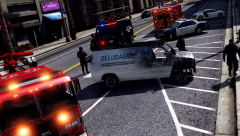 Thanks! I wish I could get my graphics settings up to yours though lol.
 -
Nice screenshot! :)
-
-
-
-
Can't wait for that! :D
-
 LSPDFR: Widescreen Edition hehe that's pretty cool though
 -
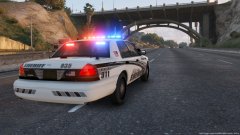 That's gonna be a long response time!
 -
-
-
-
Oh, awesome! Thanks for answering :)
-
I heard a Hi-Lo siren in the video. I assume that is the "fourth" siren (or "ambulance warning") that isn't accessible in the game, right?
-
Awesome preview! I definitely like that there's vehicle damage in the early stages of ELS!
-
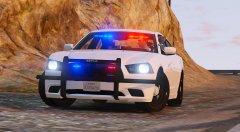 Agreed.
 -
I looove the light setup and pushbar on this, great job!




.thumb.png.647a35b217b2e1fe6e15e0ccc0c77b3b.png)


