purplepotatoes14
Members
-
Joined
-
Last visited
Everything posted by purplepotatoes14
-
-
-
-
-
-
-
-
-
-
-
-
-
-
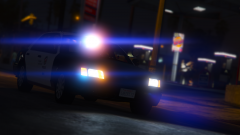 https://www.gta5-mods.com/vehicles/1999-ford-crown-victoria-lapd
 -
-
-
The default GTA 5 lighting system doesn't reach buildings/far away objects. The lights only really revolve around the police vehicle itself. You'll have to wait for ELS to be released for GTA 5 to experience those reflections. Here's a link to the ELS topic if you haven't looked at it already:
-
-
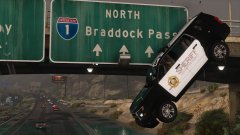 "But, someone threw my donut up there, sir!" XD
 -
Check to make sure that your "Shader Quality" is set to high or more. That might fix the problem.
-
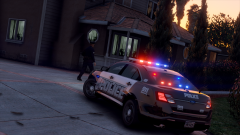 That Taurus is awesome! Nice screenshot!
 -
-
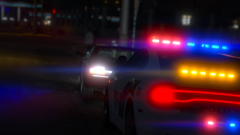 Thanks! Thanks! Thanks!
 -
-






.jpg.a29523ed3938f4fa68e3367cea217d13.jpg)