


OfficerFive0
Members
-
Joined
-
Last visited
Everything posted by OfficerFive0
-
some and most not,
-
i dont really think those are quite illegal. maybe things like illegal hunting. but that would be quite complicated
-
once i convert it i definitely will make a ultra realistic marked and unmarked version.
-
-
glad i could help
-
wheres your els.ini?
-
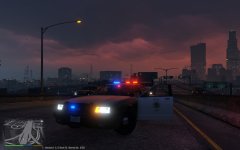 lol i know i was just saying how it should properly done
 -
i think bpm ( the author of the fusion) made a british version also there aren't any unlocked fusions. i have a 2010 fusion but it needs to be converted. still looking for a '13/14 though
-
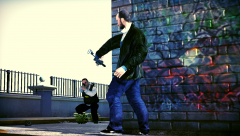 one stupid burt macklin
 -
-
*chp
-
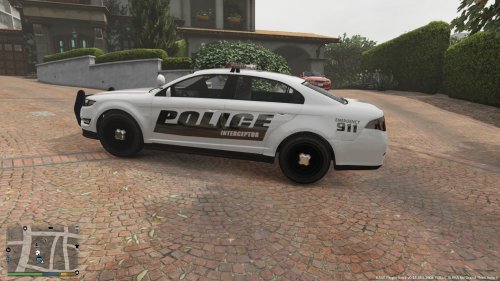 sad i have to say this but this is one of the first decent textures ive seen in a while
- 3 comments
- 1 review
-
-

- 2
-
-
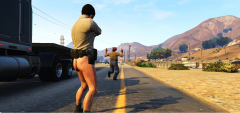 for a second i got excited and thought it was Jim Dangle
 -
 i figured. lol *Stolen
 -
said nothing about els or the car. i was talking about the ped. but nvr mind
-
lemme take a wild uneducated guess. u added a ped and made it chp?
-
ah ok
-
ok thanks because some of my lights are wayy to bright
-
Are you talking about this? https://youtu.be/OyySVA8P-QI the reverse lights not the taillights.
-
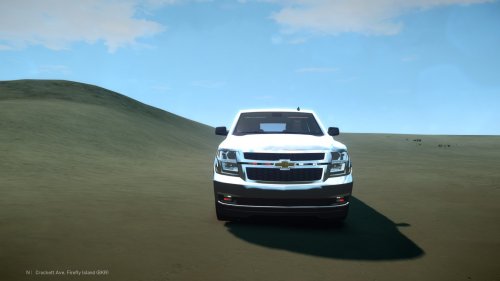 cars nice tasteful amount of lights id download but im not on my computer
 -
so if i understand correctly, if say a light is too bright i darken the spec texture
-
-
sure!
-
i thought only us marshals did that.
-
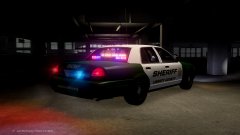 thanks!



