


OfficerFive0
Members
-
Joined
-
Last visited
Everything posted by OfficerFive0
-
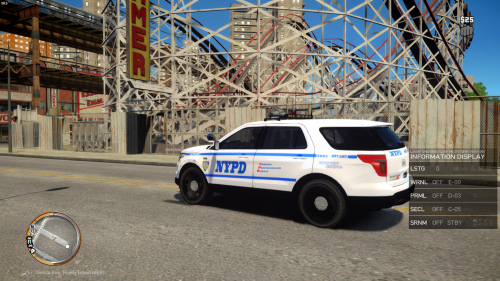 i cant stand these inaccuracies
 -
quick question if i change the model/clothes in snt will that interfere with lspdfr?
-
correct me if im wrong but this is dummy involved?
-
i wanted to just get it uploaded asap and was running handbrake at the same time
-
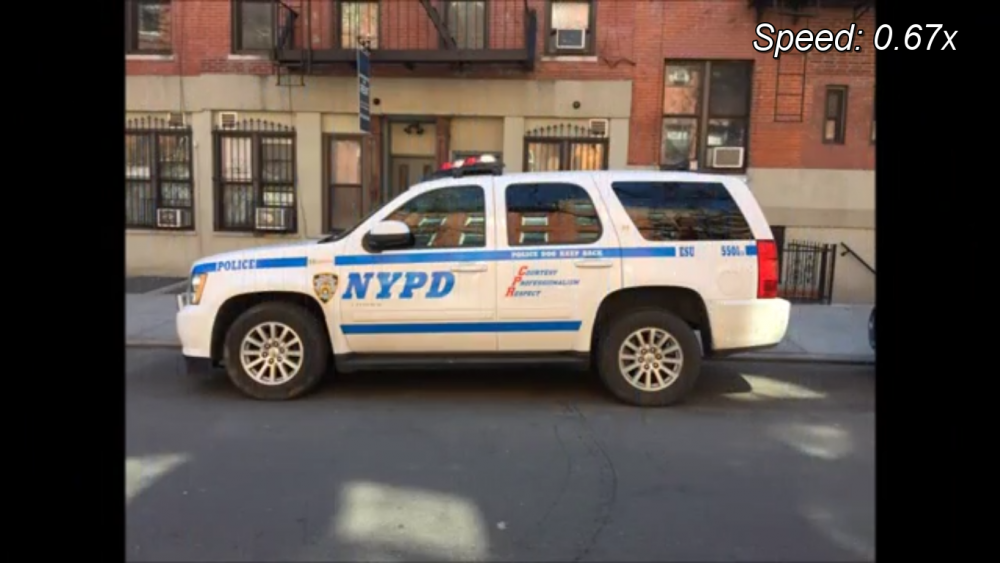
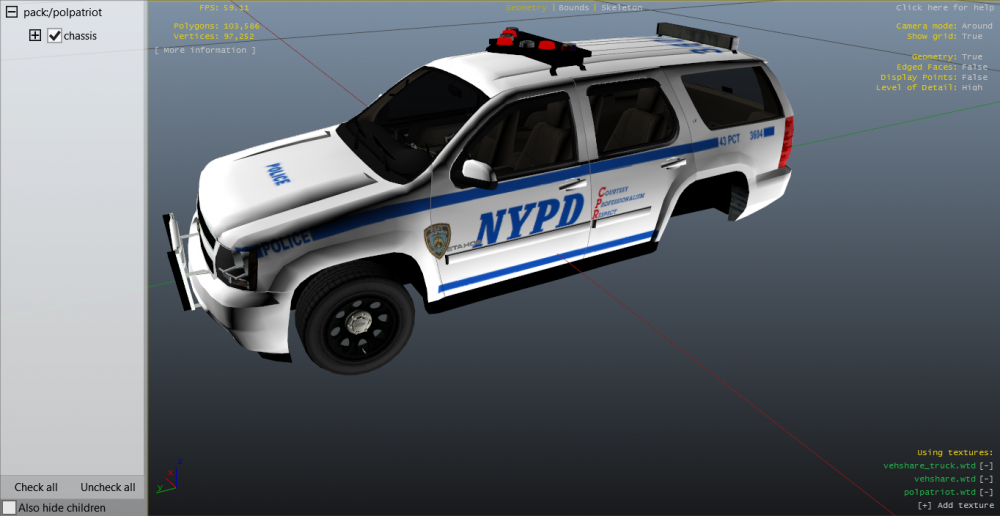
so im working on a nypd esu k9 tahoe and for lightbar im currently using one that simulate rotators but looks horrid heres what im trying to make long story short anyone know the long lost secrets of making a rotator lightbar work because i want to switch lightbars.
-
thank you!
-
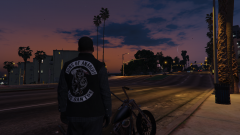
From the album: OfficerFive0's gta 5 album
-
ok so simple native traineris there one for 2013 Ford Police Interceptor Sedan [DEV] by IronicRainbow http://www.gta-mod-center.com/forum/index.php?/files/file/394-2013-ford-police-interceptor-sedan-dev-v35a/which trainer, simple native?
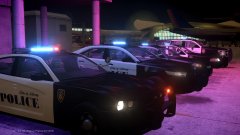 nice! simple and sweet!looking great!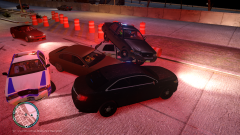
From the album: Daily Patrol Photos
pics of the key west vanyea i have plans to make/ release several nypd cars, mostly unmarked but never get around to itah ok neat!whats with the twitter?it was heres the setup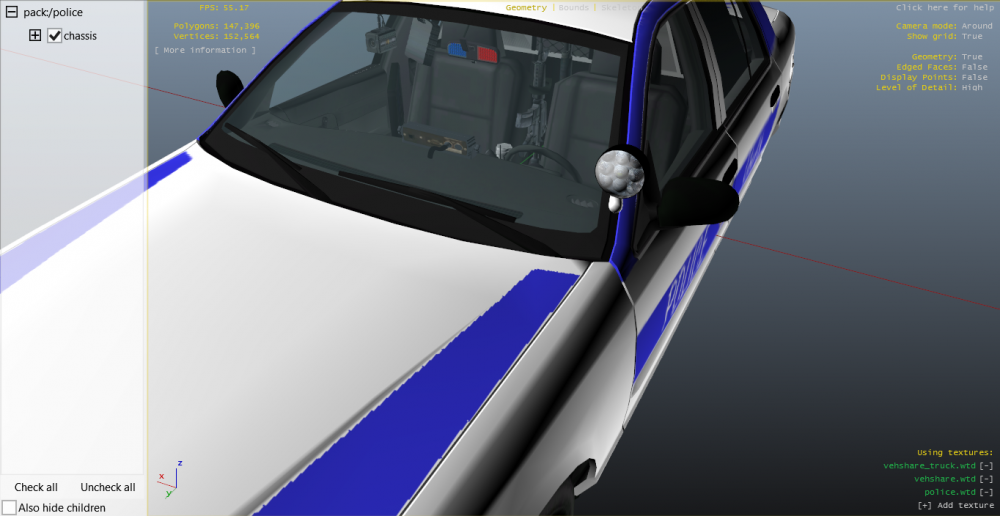
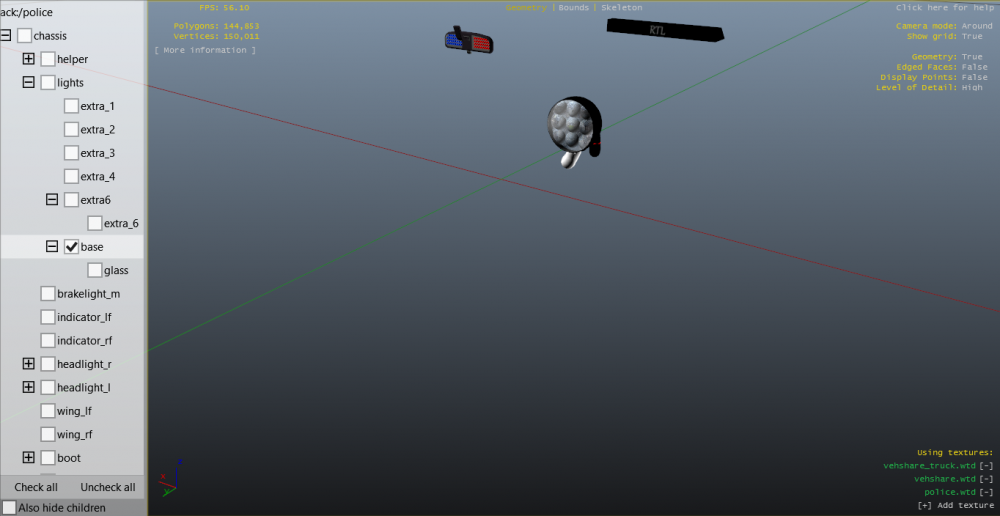
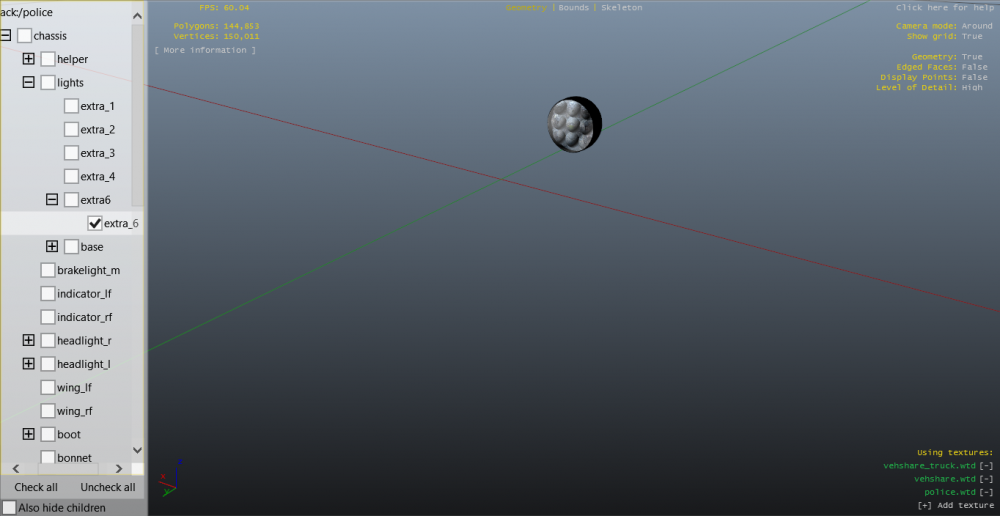
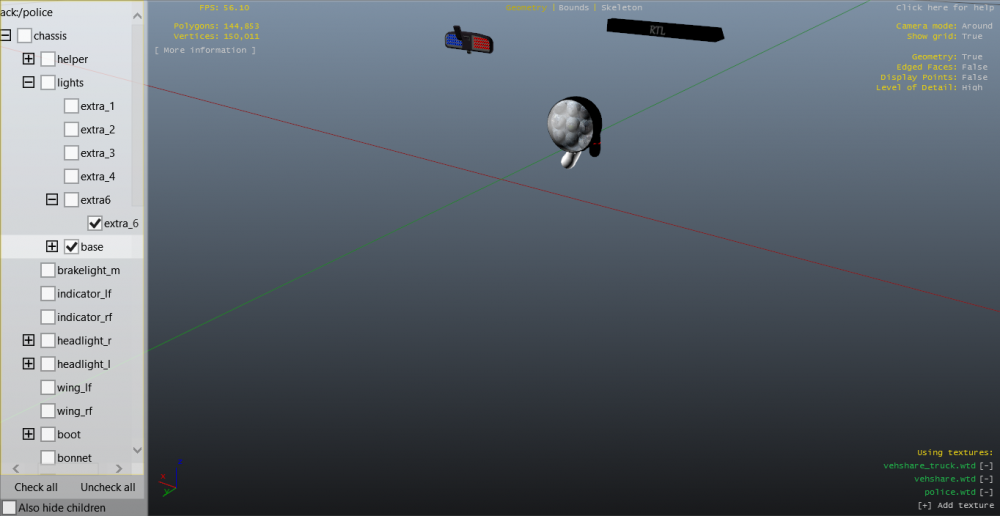 well i have several. when i made my raydian cvpi i used the one by deco and just copied the bulb and named it extra_6ok that worked how would you suggest doing the model part?lol no problem. thanks!no i mean with theactual car im making not the mod




