


OfficerFive0
Members
-
Joined
-
Last visited
Everything posted by OfficerFive0
-
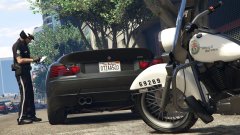 ah dang
 -
are we finally able to export import ymt files?
-
-
-
-
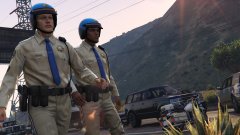 nvr mind you saw nothing
 -
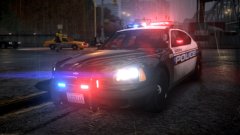 oooh i want that wrap!!!. lol
 -
do you want some close ups of the highway patrol taurus? they are mostly high res
-
heres a few more
.thumb.png.cc296eb7c4c2891f53a3ce97023720d5.png)
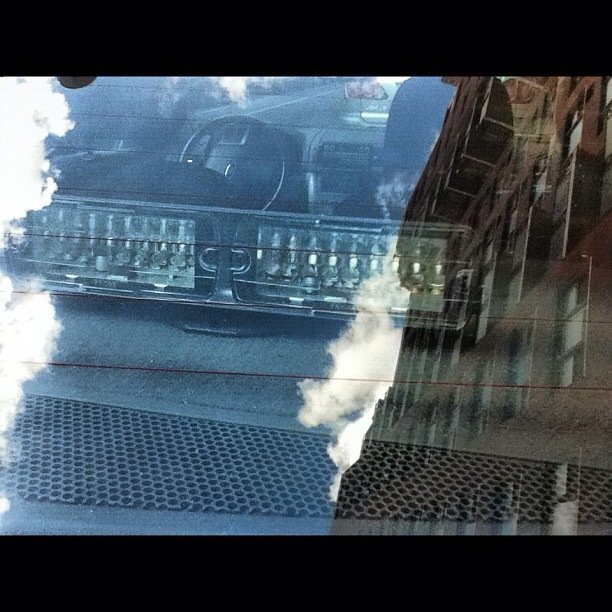
-
yea not sure if that or fs impaxx
-
Just random screenshots from my day to day patrol around NYC/Liberty city
-
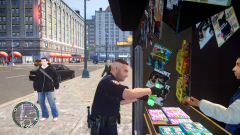 well i guess il just get a 7 up
-
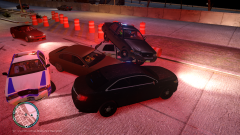 And this is why you dont drink and drive
-
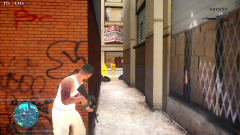 5 star challenge
-
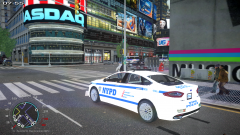 Ford Fusion Times Square 2
-
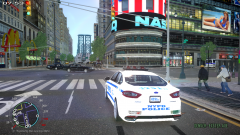 Ford Fusion Times Square 1
-
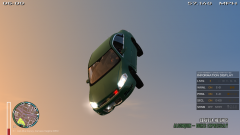 old unmarked impala
-
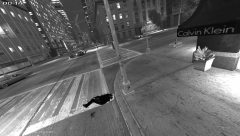 GTAIV 2015 04 13 18 04 51 92
-
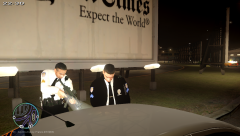 Don't Even Move!!
-
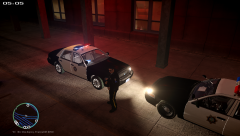 should i release reno 911 these skins?
-
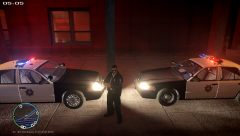 should i release reno911 these skins?
-
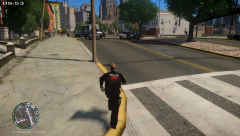 GTAIV 2015 04 06 19 01 51 68
-
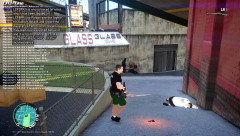 GTAIV 2015 04 06 18 55 07 22
-
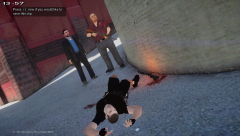 GTAIV 2015 04 06 18 51 57 28
-
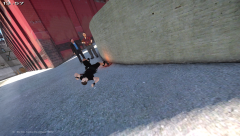 GTAIV 2015 04 06 18 51 49 38
-
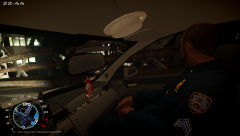 GTAIV 2015 04 07 09 31 57 34
-
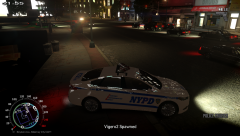 2014 ford fusion nypd
-
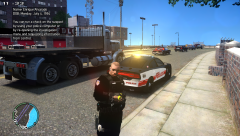 GTAIV 2015 04 06 19 07 00 74
-
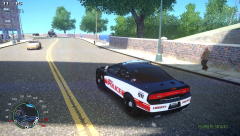 GTAIV 2015 04 06 19 06 16 05
-
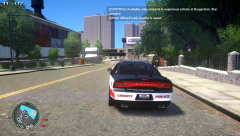 GTAIV 2015 04 06 19 05 52 88
-
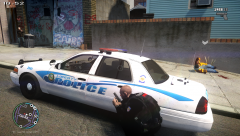 GTAIV 2015 04 06 19 05 12 82
-
-
From the album: Daily Patrol Photos
-
anyone know what lights these are?
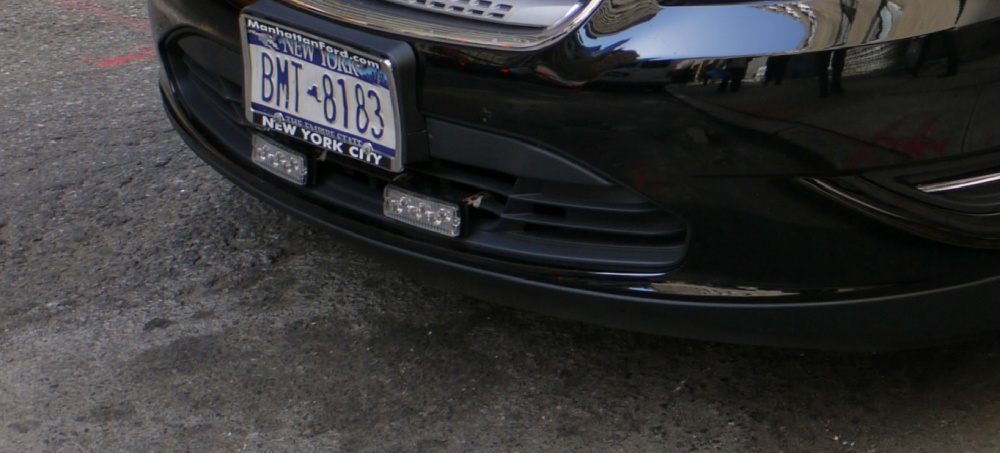
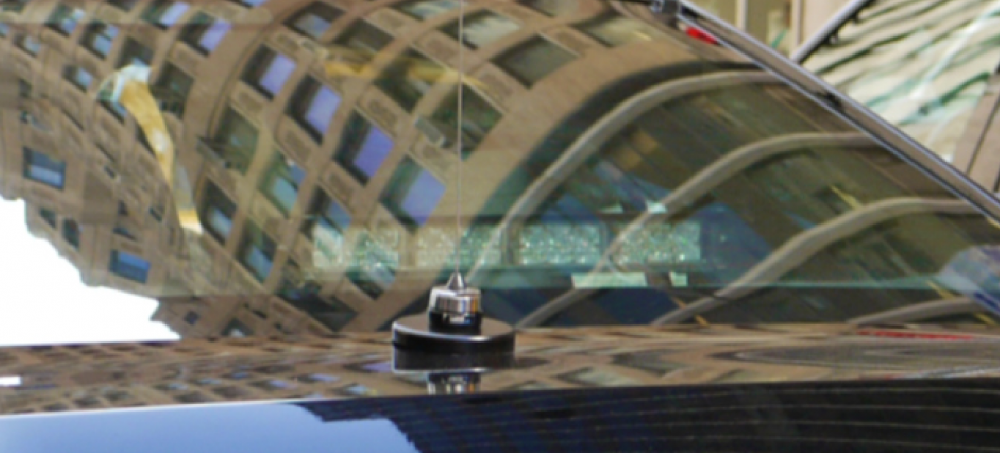
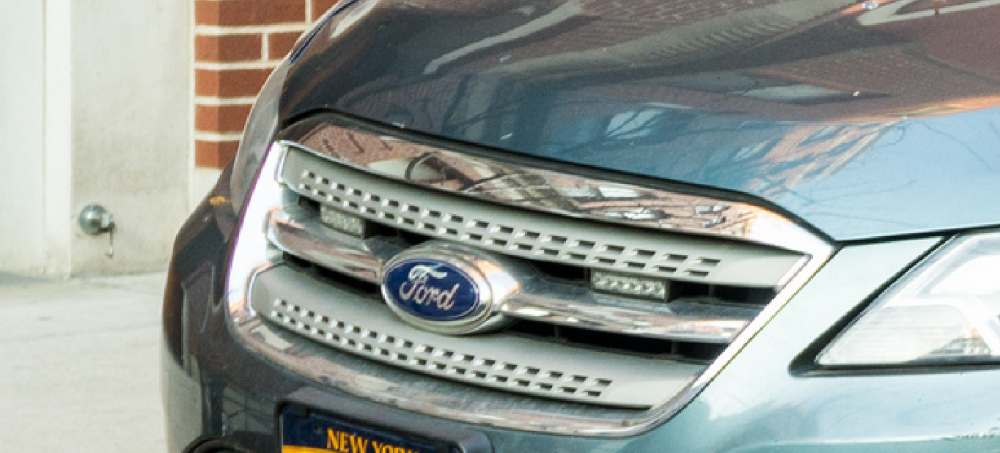
-
still have to figure out why i cant get the vehicle wig wags to show up ingame
-
 ah o well thanks anyways
 -
is the k9 fan/window bars private?
-
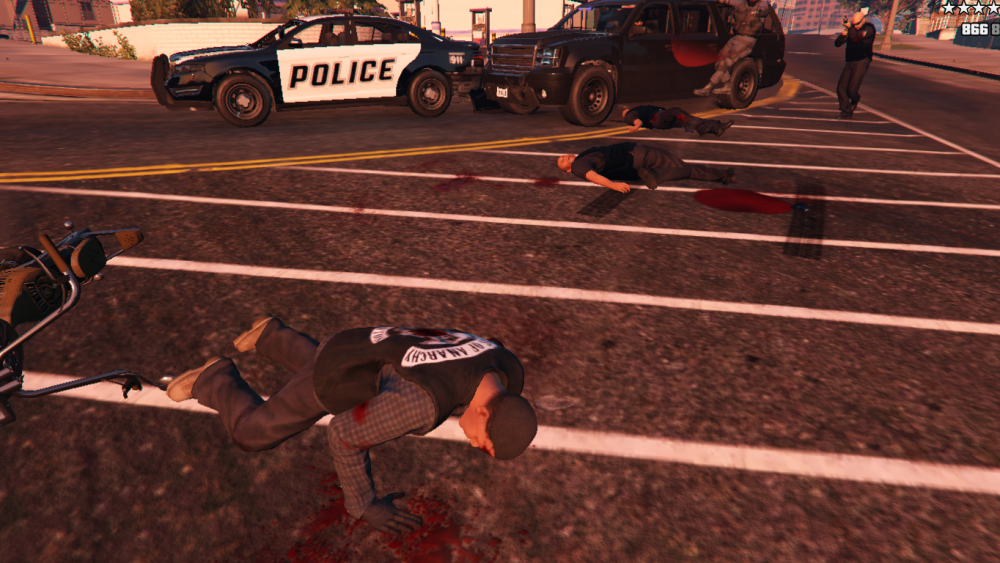
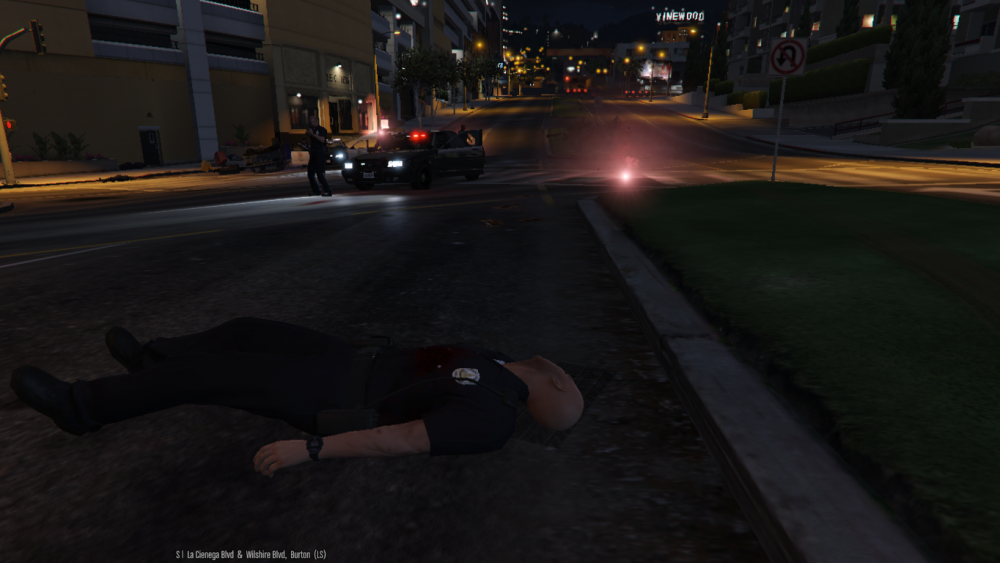
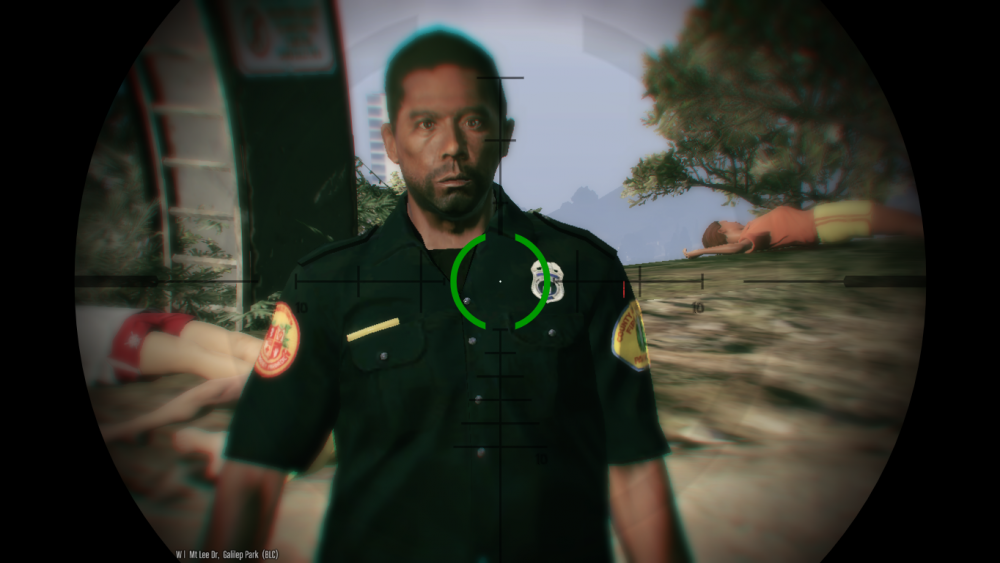
heres a few oldies
-
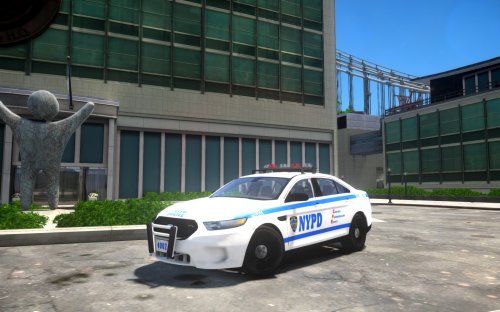 only 2014 model is locked and VERY private. and i havent been able to find a 3d model to convert but i am working on a 2011 version.
- 20 comments
- 6 reviews
-
-

- 1
-
-
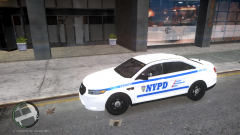 you have to click on the forum link above the pictures
 -
-
-
love that back of the fpi !
-
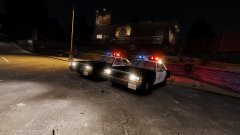 wow
wow -
prerelease can be found here
-
prerelease of my nypd slicktop taurus!

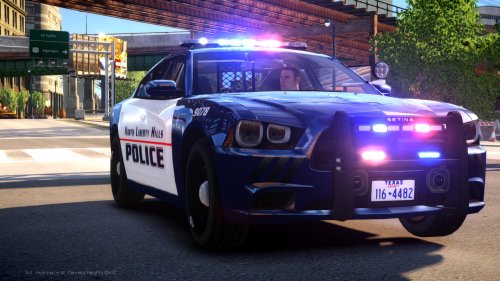
.png.75e39bd0a18b87d16f9054a09c538599.png)


