


OfficerFive0
Members
-
Joined
-
Last visited
Everything posted by OfficerFive0
-
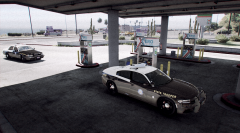 yea sure!
 -
ah ok i was actually thinking of making a code 3 javelin and in return a fhp pack. but that will be in a while
-
this just a texture pack?
-
i really hope you are being sarcastic
-
video by steinberg
-
No like steinberg said it's probably from a script
-
some screenshots of the detective unit
-
i don't remember tbh
-
no problem glad i could help :)
-
its been a while but i think its either caused by A. improper hierarchy B. you exported it as something besides what it was ie: it was police and was exported as fbi
-
i will have to change a few things on it including the liscne plates and the crimestoppers sticker. :( but thanks anyways
-
ill try it out! do you have any more?
-
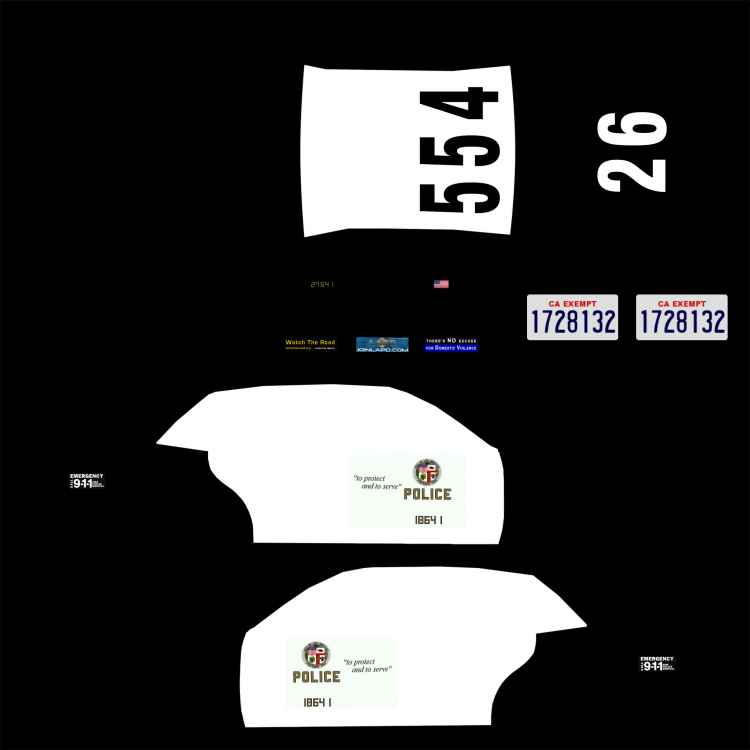
if someone wants to make the "police" smaller on the cvpi that would save a lot of time for me and would be greatly appreciated :) the 2 skins are in the spoiler
-
.jpg.1c3c6dff8abaa45b1f39802096b399f2.jpg) lol i wish. my computer cant run gta 5 sadly.
lol i wish. my computer cant run gta 5 sadly. -
yea it looks awesome! :)
-
yea lol it looks awesome but its kinda a lot for a small light that you will never really see much
-
nice! how many polys?
-
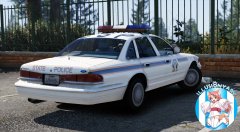 this the same thing?
 -
are you talking about the "police" under the la seal? if so i think its fine ah i see what you mean
-
im almost done working out the main bugs. after thats doone i just have to make the detective version and older slicktop and detective.
-
another awesome photo by @steinberg4145
-
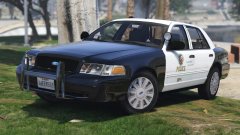 yea i noticed that earlier and fixed it. thanks though!
 -
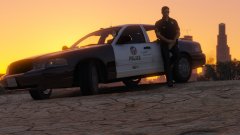 thank you!
 -
is the base car done?
-
From the album: Five0 WIP
WIP LAPD Gang unit cvpi. Photo taken by @steinberg4145 Model by OfficerFive0/Five0 CREDIT Photo taken by steinberg4145 Model by OfficerFive0/Five0




.jpg.1c3c6dff8abaa45b1f39802096b399f2.jpg)
