


OfficerFive0
Members
-
Joined
-
Last visited
Everything posted by OfficerFive0
-
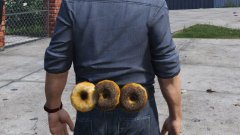
almost done with the partition
-
-
use this texture for a better emissive for the liberty you may need to rename it to emerglights_liberty
-
amazing videos taken by @steinberg4145
-
finished modeling the inner edge
-
working on a inner edge for pimdslrs tahoe and a few of my future cars
-
impossible until better pictures are released. anyways seeing as its only available on the new 2017 model and there are very few 2016 models available for gta 5 it wouldn't make sense to make it until the model is more available
-
finally made glass for the linz6 dominator
-
it may seem like it but they dont
-
yup
-
guess what this is
-
missed the © and ™
-
well i realized that my weird problem was very simple. the emis material was under the glass material
-
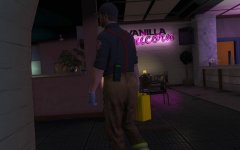 im sure they were responding to an "emergency".
 -
Not unless he hides the coronas
-
he didnt know either
-
familiar with this laptop? its a screenshot form this documentary on the lapd gang unit.
-
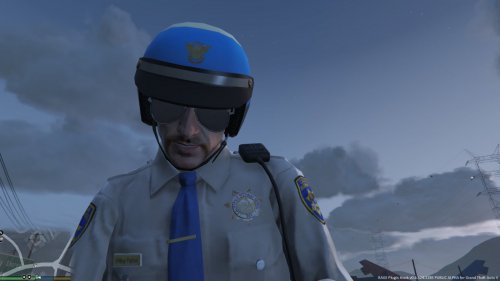 yea you most likely need to install it in one of the patchdayng you can search the model name in openiv for the latest install location
- 15 comments
- 3 reviews
-
-
i dont know anymore ive abandoned this file as i've been busy modeling use this instead it has some of my textures and most probably has been updated
- 15 comments
- 3 reviews
-
they probably updated the install location they probably updated the install location
- 15 comments
- 3 reviews
-
having problems trying to get the coplites working. hopefully will be able to figure it out soon
-
03 hubcaps and coplite dash and deck lights (that dark bit in the middle is the mirror from the car i just didnt adjust it)
-
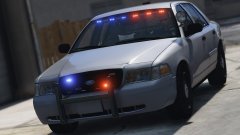 looks nice! glad i could help!
 -
why not just use an unmarked car?


