


OJdoesIt
Members
-
Joined
Everything posted by OJdoesIt
-
 How well does the other mod work with the backup placement if you perform the traffic stop and park across the street of the the suspect? To run it down: Perform traffic stop, position your vehicle across the street, then call for backup. Call for backup for this mod and the other mod. Let me know how the backup positions itself.
- 242 comments
- 18 reviews
-
.thumb.png.e2108197eebd2a115a71434e78afdd67.png) Wouldn't be a problem. Can you both get coordinates of your interested areas?
Wouldn't be a problem. Can you both get coordinates of your interested areas?- 31 comments
- 15 reviews
-
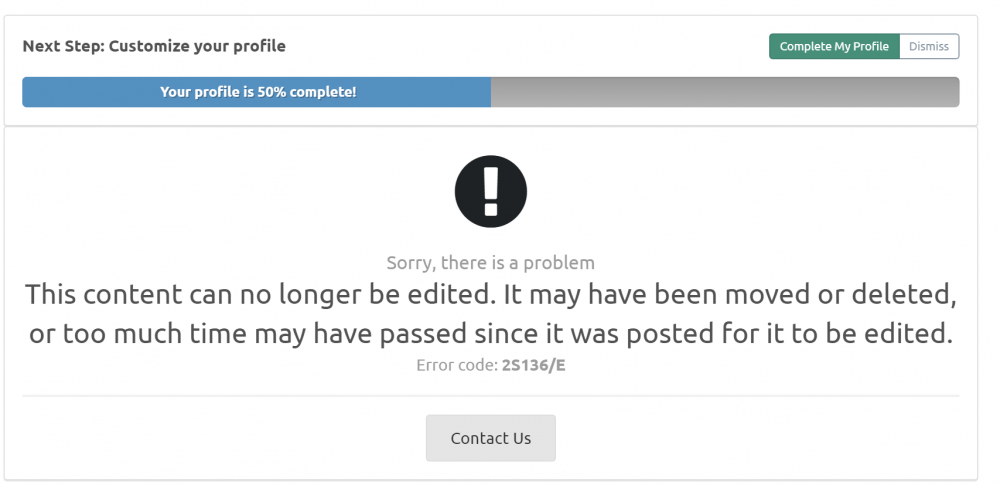
I get an error when trying to edit the details of a mod I recently uploaded. [Mod edit] Just adding that the mod in question is this one -
-
This callout will create an active manhunt within the Grove neighborhood. There will be several perimeter units to which will hold the containment. Therefore, the suspect will be within the containment and you don't have to waste time searching outside. There is also a command post where you will respond to for briefing. Note: You must be a distance greater than 150 meters from Grove for this call to activate. This is intentionally done to prevent the player from seeing units spontaneously being spawned. It is advised that you have HeliOrbitPlugin v1.3.6+ installed for best experience. Make sure to put OJManhunt.dll and OJManhunt.ini into \Plugins\LSPDFR folder. Take a look at the INI at least once to make sure you are satisfied with the settings. If you have a location suggestion, send me a PM. Join the LSPDFR Fans Discord: https://discord.gg/hxmvtHE Special Thanks: @lttrbmb - Testing, Video, and Screenshots @DvHbadger - Testing
- 31 comments
- 15 reviews
-
-

- 15
-
-
-
-
-
-
I don't understand how the menu isn't working for some of you. I'm only running this mod and the menu is perfectly fine with showing. The menu is disabled during callouts to prevent crashes, but if it's not working outside a callout, then that's strange.
- 242 comments
- 18 reviews
-
 This mod wont be updated until ALPR+ is updated.
 -
.thumb.png.9d0943161b37f863c291d6d6664edefb.png) Show me your INI. Also get in a pursuit and end it, then send me your Rage log.
Show me your INI. Also get in a pursuit and end it, then send me your Rage log.- 368 comments
- 33 reviews
-
-
The backup heli is for callouts/traffic stops. For pursuits, use the LSPDFR pursuit menu and HeliOrbit will take control of that heli.
- 368 comments
- 33 reviews
-
I have a manhunt in the Grove callout on the way.
-
-
-
-
The button disappears in pursuit because there are other plugins that add air support.
- 368 comments
- 33 reviews
-
-
- 1
-
-
-
-
Can you both try testing with just this plugin installed and see if everything is working.
- 242 comments
- 18 reviews
-
Hold the Felony Stop keys to request multiple units. I'm trying to figure out the issue.
- 242 comments
- 18 reviews
-
I been testing all day and it works fine for me. Had someone else download the mod and it worked for them as well.
- 242 comments
- 18 reviews
-
-

.thumb.png.e2108197eebd2a115a71434e78afdd67.png)

.thumb.png.9d0943161b37f863c291d6d6664edefb.png)
