




RyWilson
Members
-
Joined
-
Last visited
Everything posted by RyWilson
-
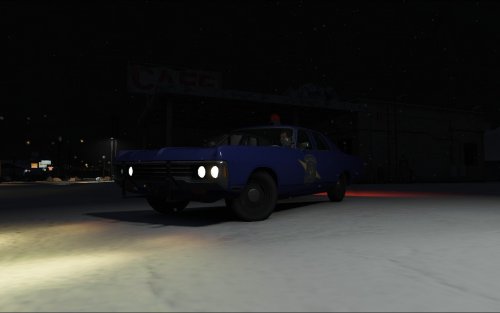 great looking car. i love it!
 -
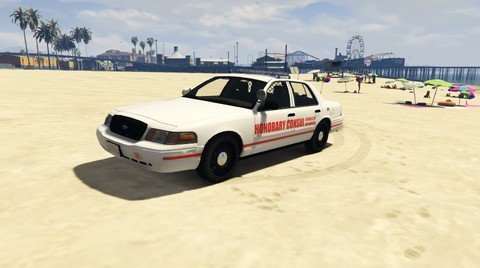 hmmm. this is definitely different. i'm gonna try it out, but i had an idea. since this is a consulate and has no police powers, maybe the consulate skins can be put on a slicktop or car with red and white lights. the red and blue lights have too much of a police feel to be strapped with a consulate texture. either way, thanks for doing a skin for us and we look forward to seeing more
 -
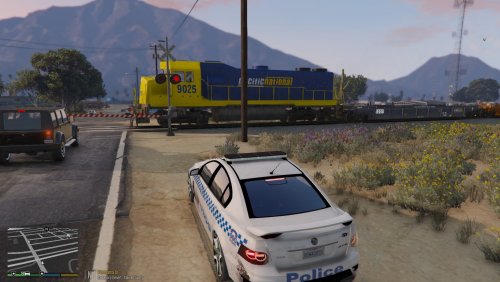 good job guys!! there is definitely a place for this here. i'm sure darkmyre will like this
 -
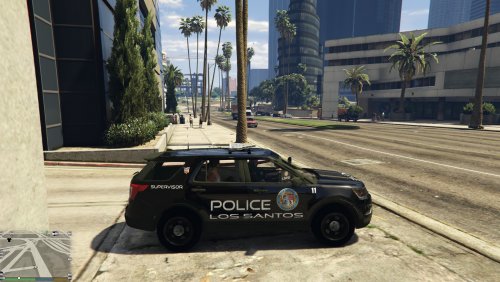 hey this looks pretty nice dax. that logo on the door sticks out nice on all that black and white
- 2 comments
- 1 review
-
-

- 1
-
-
 nice job Pangio and welcome to the forum :)
 -
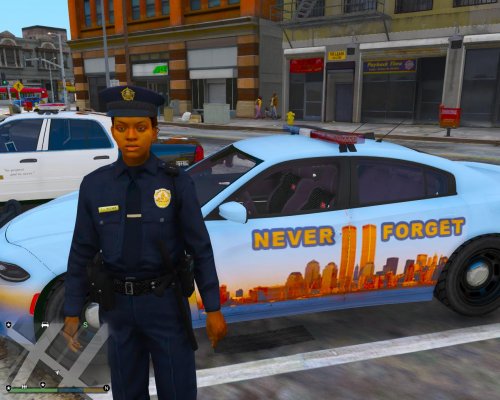 super nice job and it's awesome that you are making cars like this for special events. ya are getting alot of people who are liking your projects so keep up the good work man!!
- 5 comments
- 6 reviews
-
-
- 1
-
-
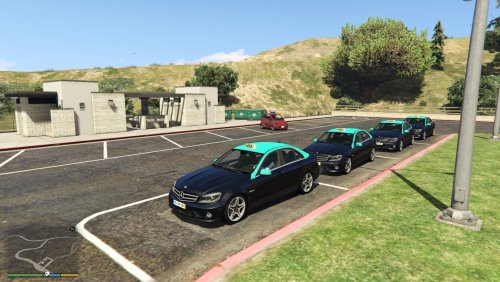 is that you in the back?
 -
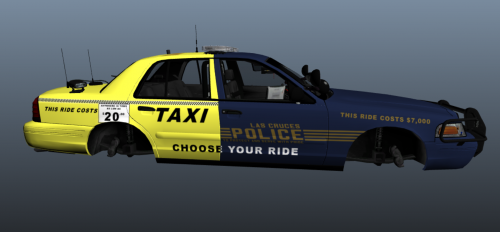 Yes!! This is awesome. Ill download after work. Great job christopher
 -
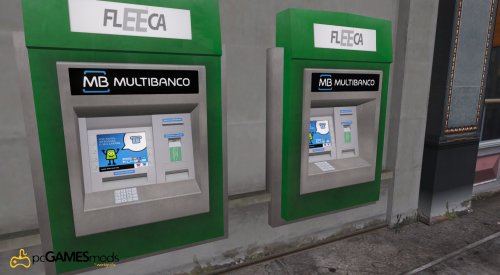 i love that smiley guy on the ATM screen :D they look funner than the normal ones so thanks
 -
 fantastic khorio!! you nailed something that tons of us have been waiting for. there is a script someone where that is supposed to do this, but it never worked for me. so cooties to you..i mean kudos
- 51 comments
- 21 reviews
-
-
- 1
-
-
these are very luxurious cabs to be driving around and i like them :D that green on the top will definitely make them stick out in a crowd!
-
i find it ironic that you would be the one replying since you are the single reason i stopped posting on the forum to begin with. you are the one who told me what i was posting should be a status update and not a forum post and you locked it. and i've never posted on the main forum since that day. having said that, i'm somewhat patient and we'll see how this status update situation goes. if i can hold off on posting on the forum for over a year, i can certainly wait this out..i think.
-
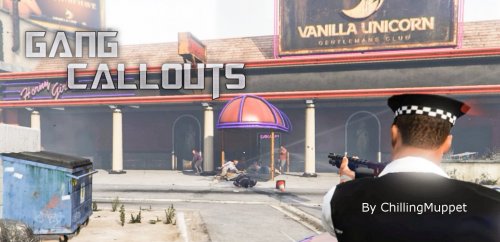 i am about to try this myself. i did see how people were getting crashes calling backup, but i was thinking, i wonder if pushing your panic button will have the same crash effect? cuz that is what i will try when i play. i'll let ya know how that works out!!
 -
this is the worst decision i've seen in two years. the moderators are what led to statuses being used more to begin with. people like me were tired of having our shit moved from one part of the forum to the other, getting warned for posting in the wrong spot even though it clearly fit where it was, or moderators telling us that what we were posting in the main forum should be posted as a status update. what the hell is goin on around here? the status update was the only space some of us felt comfortable posting on and now we have nothing. un-fantastic
-
-
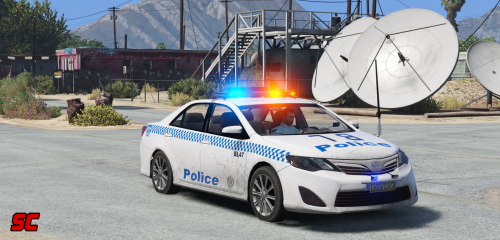 this is fantastic. as our british and australian members pick up steam, i'm glad we have you, albo, Dark, and Corpsy to make some of these amazing cars and scripts. there are others, but im smokin a blunt and can't remember haha
- 7 comments
- 3 reviews
-
-
- 1
-
-
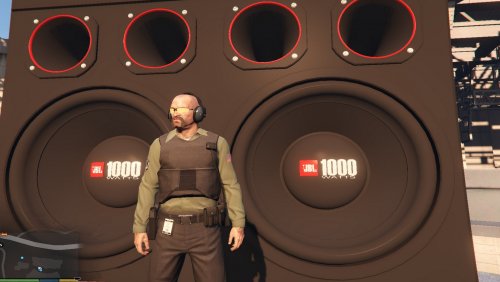 great job Swat!! i think that people sometimes forget that this police mod is around because of GTA V, which is our bread and butter. any mod that helps make either the game or the mod better is something that is extremely needed and appreciated. will everyone use this? nope...but who cares! you keep putting out good mods for everybody and that is what counts.
 -
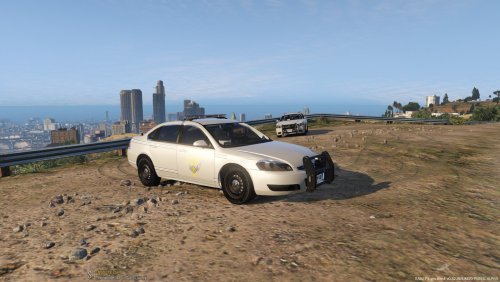 thanks for helping him out guys!! you are getting better Drew!! keep up the good work!!
 -
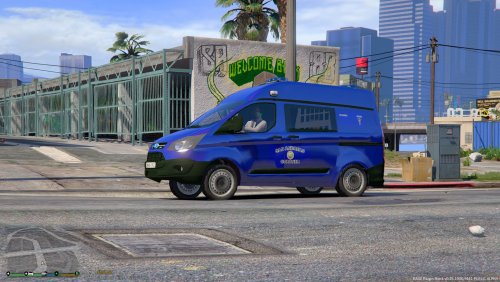 this is a nice looking skin and i like the idea of using that van. i dont particularly like the coroner pulling up in a burrito, so this seems more professional
 -
lol that was alot to take in :P well even though it doesnt seem like you have done alot to your game, adding all those variations, cars, scripts, cycle.dat, etc is alot and its possible that your game has reached its limit. it could be that you installed a car that is not working properly or is too big. or you are having an issue with a callout (currently the Redneck callouts are causing me multiple crashes). the best thing you can do is delete your mod folder and start over. i know that probably sucks to hear, but if your game plays just fine without it, then the mod folder is your issue. i delete my mod folder and start over occasionally because of all the meta files and such that are installed and never removed. if your game is not currently working at all, then i would start over with a fresh copy and rebuild one thing at a time. its also possible that while you were cleaning out your GTA folder you deleted an important file. i've done that before and had to reinstall over one little file. maybe someone smarter than me will pop up and be able to offer more advice or perhaps pinpoint your issue. good luck man
-
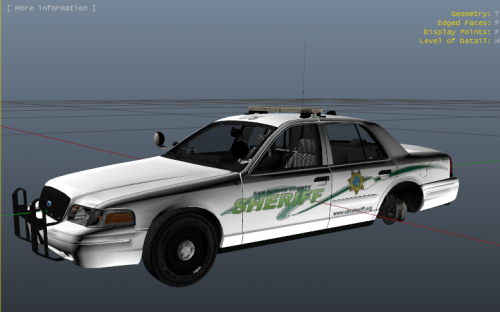 i got around to installing this skin today and it looks great! i mean its different and it looks pretty damn nice ingame
- 10 comments
- 2 reviews
-
-
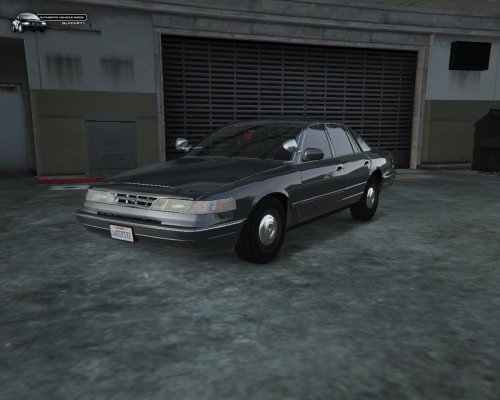 what can be said that hasn't been..its an amazing car..fantastic even!! really nice job!!
- 21 comments
- 10 reviews
-
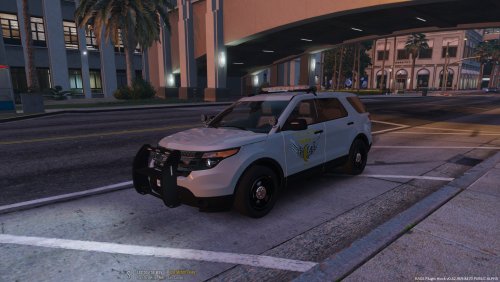 hi drew. i will agree that some things need to be fixed, but being from ohio, i don't see anything really bad...and i actually like the cvpi skin. so good job on your first attempt..and good luck with your future ones
- 4 comments
- 1 review
-
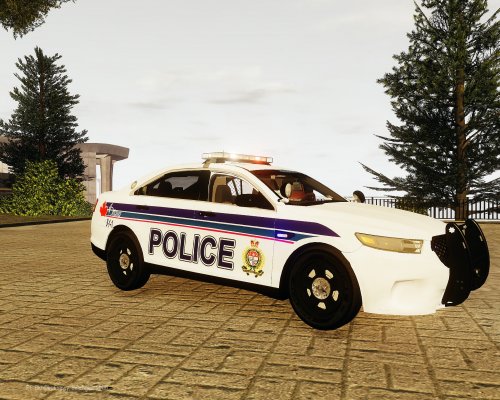 nice job and i think its awesome that you are open to do requests for people. very classy
- 3 comments
- 1 review

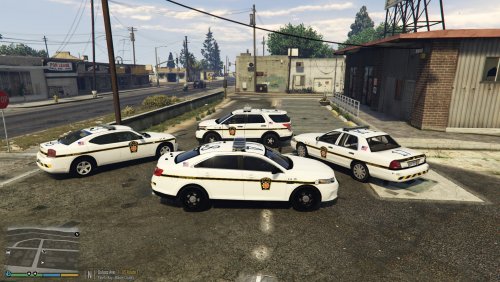
.thumb.png.9fe05a178e94938c86a0fd823c570f51.thumb.png.a20c5601a74875c26e0bd72506fa2f8a.png)
