Skip to content
View in the app

A better way to browse. Learn more.

LCPDFR.com

A full-screen app on your home screen with push notifications, badges and more.

To install this app on iOS and iPadOS
  1. Tap the Share icon in Safari
  2. Scroll the menu and tap Add to Home Screen.
  3. Tap Add in the top-right corner.
To install this app on Android
  1. Tap the 3-dot menu (⋮) in the top-right corner of the browser.
  2. Tap Add to Home screen or Install app.
  3. Confirm by tapping Install.

CHR1570PH3R

Members
  • Joined

  • Last visited

About Me

My name is Chris, I'm from Clonmel, Co. Tipperary, Republic of Ireland. I'm a certified Emergency First Responder and Advanced Cardiac First Responder. I am a member of Crois Dhearg na hÉireann (The Irish Red Cross) since May 2008

I dont currently have a computer with the specs to run any half decent games but Im in the process of building my own (It gets bloody expensive). When I do it will be first stop LSPD:FR and no more asking people to take screenshots lol (I apologise for asking everyone I encounter) but ye are all a great bunch.

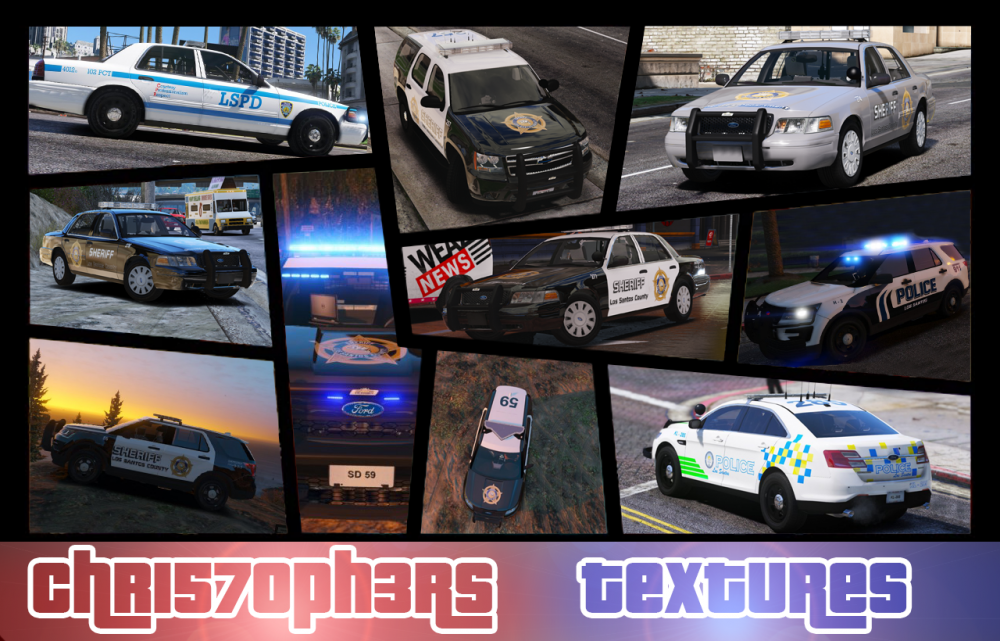
I love doing textures, I used to do photography & a bit of graphics design so luckily I'm familiar with Photoshop and can present reasonable textures
 

FRAME.png

Account

Navigation

Search

Search

Configure browser push notifications

Chrome (Android)
  1. Tap the lock icon next to the address bar.
  2. Tap Permissions → Notifications.
  3. Adjust your preference.
Chrome (Desktop)
  1. Click the padlock icon in the address bar.
  2. Select Site settings.
  3. Find Notifications and adjust your preference.