




CouthInk4
Members
-
Joined
-
Last visited
Everything posted by CouthInk4
-
This is a two year old topic. Don't comment/bump topics that have been inactive for 30+ days. it's against our Guidelines to do so.
-
I was actually wondering what happened to you. I haven't seen your videos since LCPDFR and haven't hear anything of LSPDFR. Glad to see you back. I used to watch your videos on occasion and they were really enjoyable.
-
This topic has been moved to the appropriate forum. Please post in the correct location in the future.
-
 I love it! :D
 -
Uploading files from the original game (unedited) is against our Guidelines. to retrieve these files you will either have to repair or reinstall your game.. Or use backups if you created them.
-
Don't bump/comment in topics that have been inactive for 30+ days, it's against our Guidelines to do so. Locking to prevent further replies.
-
This topic has been moved to the appropriate forum. Please post in the correct location in the future.
-
The last time this topic was commented in was in 2014, Which exceeds our 30+ day limit.. not only that you've also attempted to hijack this thread, Read our guidelines before commenting/posting they're located here Once you've done that look through the Knowledge base, if you don't have a solution from that create your own topic in the support section. Locking to prevent further replies.
-
That build is only $40 extra.. Why not just add the extra $40 to it?
-
Try the Resource and Assets section. Also, The lightbars you see on models are most likely locked so you won't find them on any site. ELS is quite new so you won't find that many ELS setup lightbars
-
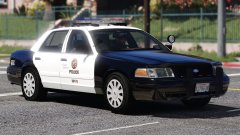 I do like this. I'm assuming the pushbar is an extra and can be toggled?
 -
in fairness the Caprice is essentially a Omega.. which in itself is just a toned down business type Commodore.. so they kind of do have a Commodore, although it's a basic Commodore. The Caprice in itself is a good police car, although just as a patrol car.. not the pursuit vehicle they initially got it to be.
-
This topic has been moved to the appropriate forum. Please post in the correct location in the future.
-
Your topic has been moved to GTA V Support, this is not LSPDFR related. Please post in the correct location in the future.
-
This topic has been moved to the appropriate forum. Please post in the correct location in the future.
-
We provide support for free. It's against our Community Guidelines to ask or recieve money for support. Anyone caught doing so will be sanctioned. In future don't put offer of payment or any other money requests in your topics.
-
Yup i believe maority of our boats/vessels were originally siezed items http://www.police.tas.gov.au/news/replacement-of-marine-and-rescue-service-vehicles/
-
Your topic has been moved to GTA V Support, this is not LSPDFR related. Please post in the correct location in the future.
-
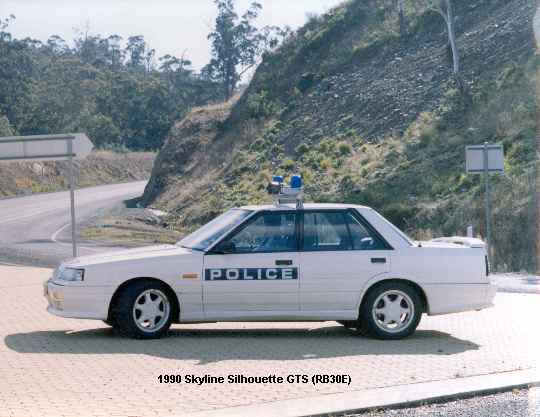
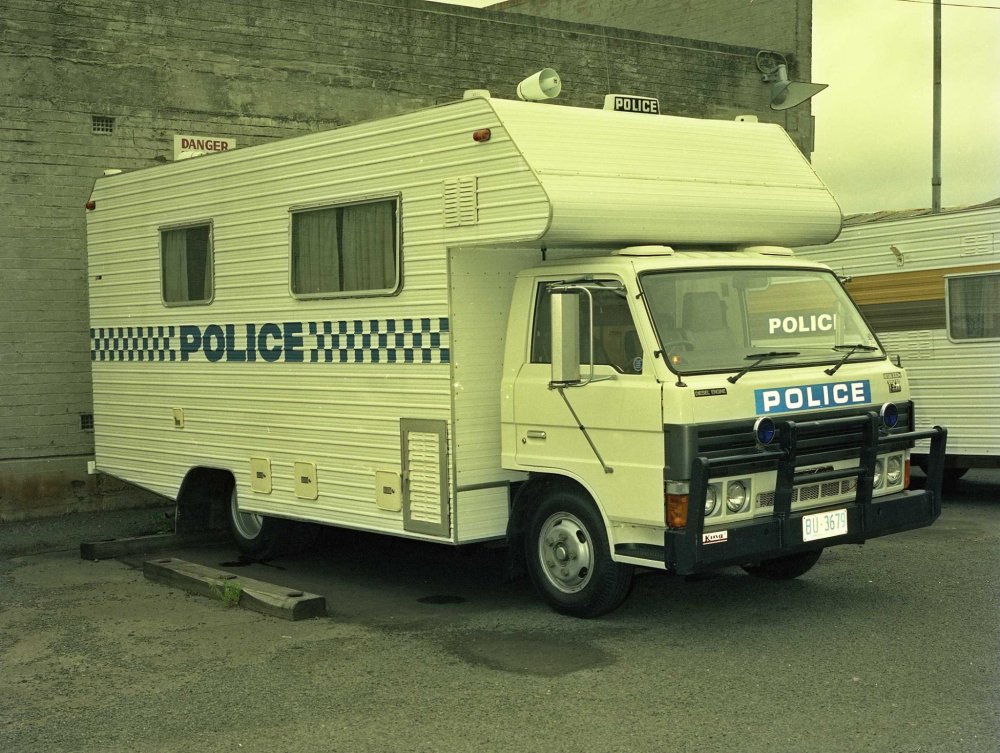
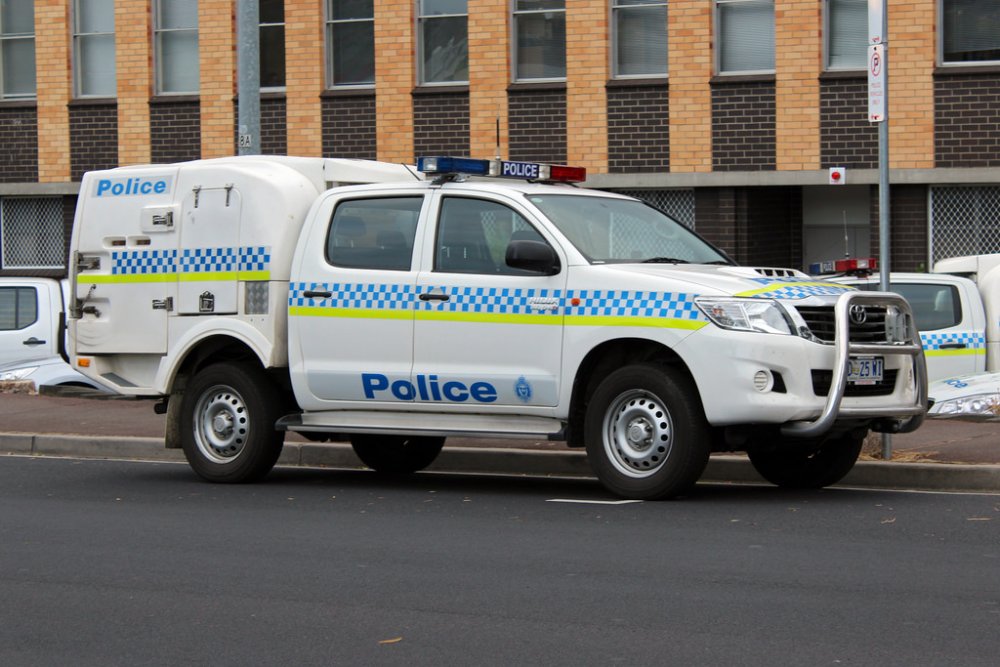
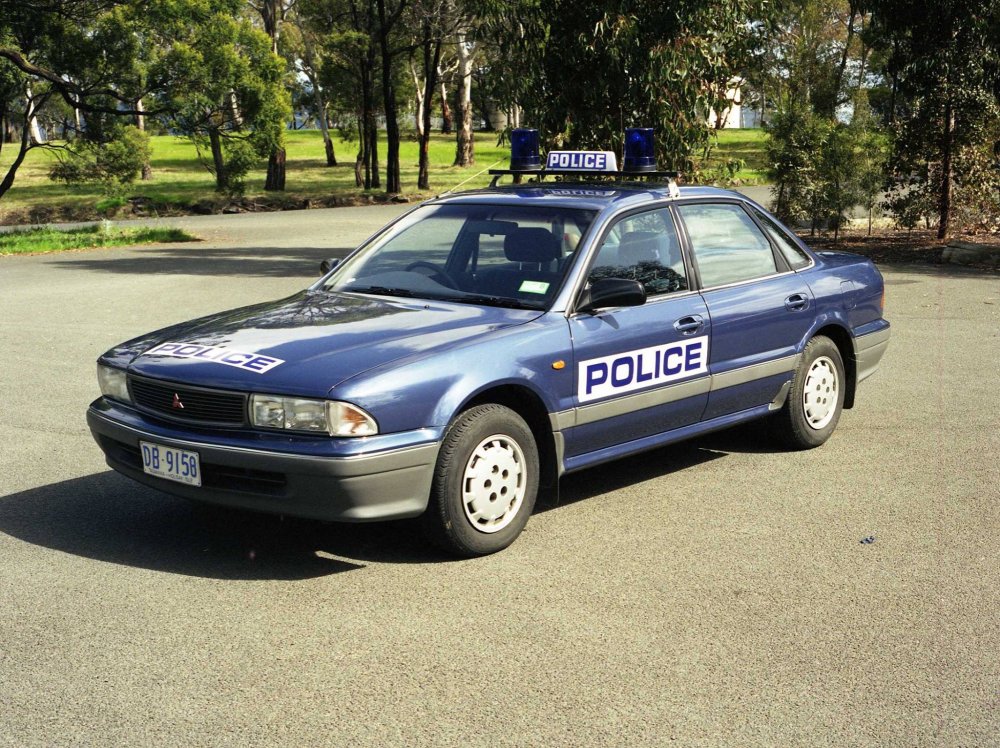
Everyone hates Tassie.. We did get Holden Commodores in the 90's.. that was the late ninties though. other than that we essentially drove what the hoons would.. which included a Nissan Skyline our RBT bus.. was also a crappy camper van also our marine unit? Well.. we only got that boat because we confiscated it from a fisher. rather than auctioning it the government gave it to taspol. so yeah. Tassie.. not the best equipment for the police force.
-
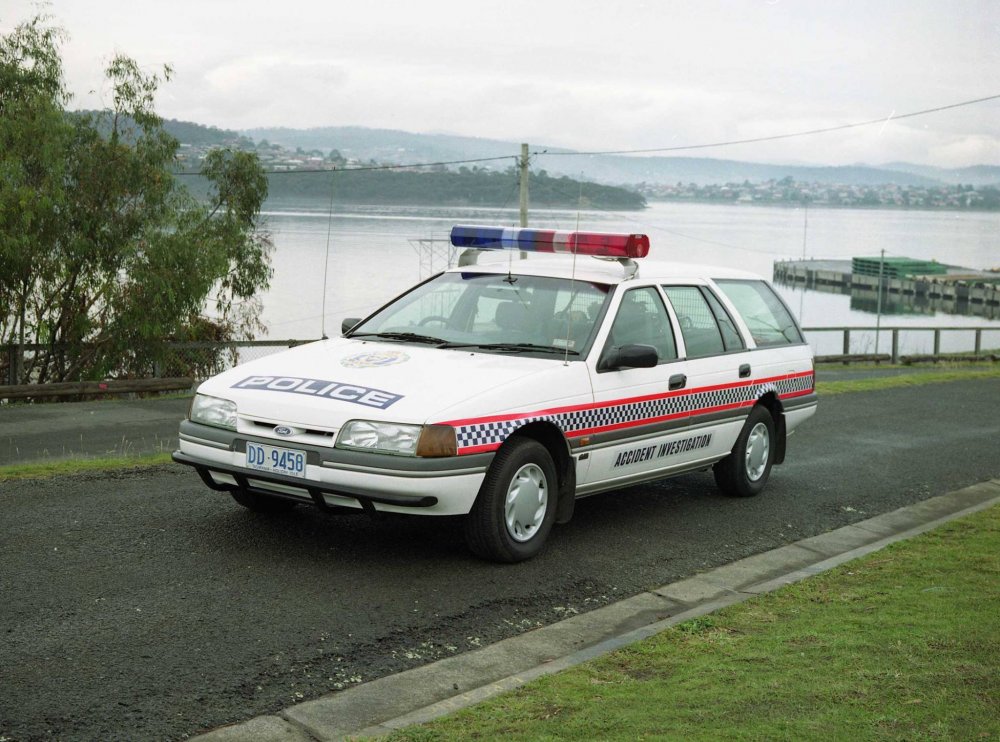
Yeah, that style was when tehy first introduced the stripe (which to this day still looks absolutely horrible) they ditched the low stripe scheme when they changed the colour of the checkered stripe. nonetheless it still looks pretty good. I like it (it's good enough to be used by the real taspol.. just minus the horrible yellow stripe of course). the hat badge also fits well with a car decal. it's always been what it is now so seeing something different is cool. before the design now which (which i believe was around the early 2000 we adapted it) we had crappy cars and liveries that looks like someone spend $100 to try and impersonate a cop even Accident Investigation had a crap livery... the only good thing about it was their lightbar. Australian car with an American lightbar
-
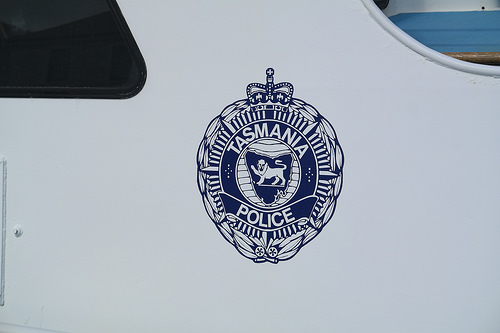
You may want to fix a few things. the reflective yellow stripes are too low (they should be right under the blue checks), the blue on the checks are dark (they're a lightish blue in Tassie) and the Taspol logo is wrong the logo you're using is actually a cap badge from the 70's the logo you should be using is this (although in a lighter blue.. we went from the dark navy blue to the lighter blue a few years ago) We also don't have all these excessive logos like the roof number or the "think first.. then dial" etc. other than that. good job. glad to see some Tasmanian related stuff :D
-
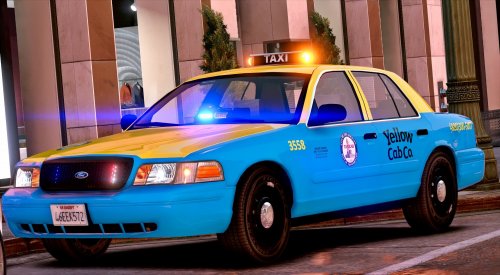 Stop your bickering. Any more arguments about this model will lead to sanctions. if you want to "discuss" the lighting setup of a vehicle then take it to the PM system, this is not the place for arguing.
- 33 comments
- 8 reviews
-
-

- 1
-
-
I have moved your topic to the correct section of the forums as it's not an LSPDFR support topic. That being said in future don't write in all caps, it makes it hard to read and it's messy. This topic has been moved to the appropriate forum. Please post in the correct location in the future.
-
This topic has been moved to the appropriate forum. Please post in the correct location in the future.
-
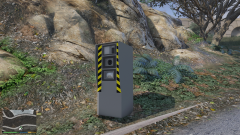 blowing speed cameras up with sticky bombs is realistic.. it's just not legal.



