


HomerS
Members
-
Joined
-
Last visited
Everything posted by HomerS
-
Good point! I have the same problem. So much so I'm thinking of getting one of those Logitech keyboards with all the G keys.
-
What if we had the arrest animation randomized. What I mean by this is sometimes they would get on their knees sometimes lay down. Better yet have different buttons for each one. Now I'm not sure if there's a standing arrest animation, but if there is that would be great as well.
-
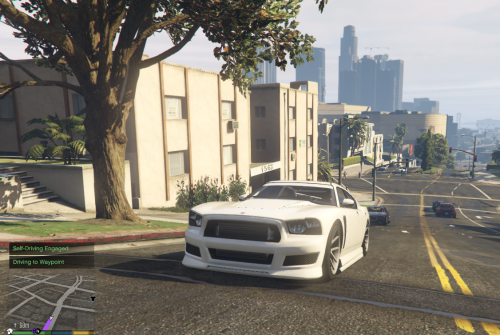 Not useful for me, but I can see it for others. Nice job!
 -
-
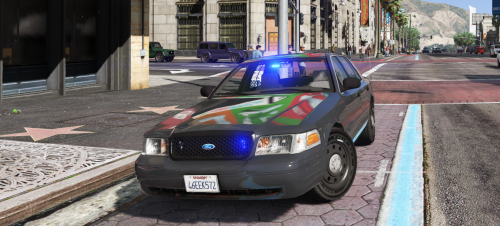 Very nice except for the floating radio and RLS. Other than that absolutely perfect.
- 17 comments
- 10 reviews
-
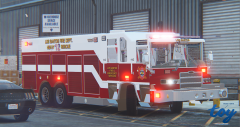 it's simple and plain, but that's what makes it good. Release!
 -
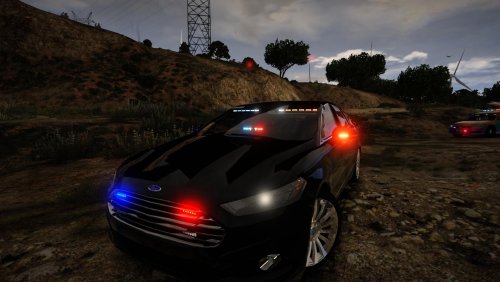 Very nice, but the rear lighting is horrendous. Especially the spoiler lights.
- 30 comments
- 14 reviews
-
 Nice mod. Although I get texture loss on a non-maxed game, 1070, and I7. It's not like I'm doing anything too intensive either.
- 246 comments
- 40 reviews
-
-
-
You spelled Trudeau wrong. My hill.
-
 @FtDLulz Same issue only it came around now. Will you fix this bug? The mod's kind of essential for some people.
- 91 comments
- 21 reviews
-
UPDATE: So I narrowed it down to Entity Persistence. I'll do some more testing, but that looks like the problem.
-
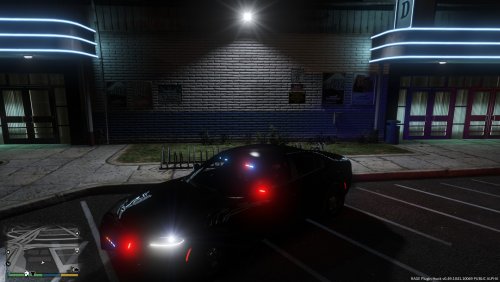 I think this is good for two types of people: 1. Lazy people 2. People who don't like or know how to make skins and that's a good thing.
- 6 comments
- 3 reviews
-
So after the most recent update I have a few bugs. The AI just stand there until I'm within 15ft of them. They don't do any animations (even if they're supposed to). Other bugs I have that relate to this: the AI run after me if I shoot or point a gun, and one other that I can't quite remember and I'l update the post if I do. I have verified my game. my friend said he reinstalled his game and that didn't fix it. I removed all my plugins and put in different ones and that didn't fix it. Scenario: I'll drive down a street (with LSPDFR on or off it happens with both) and the AI will just stand and stare. I'll drive up to them and they'll come out of the trance and start walking down the street.
-
What do you mean by "old mods"? GTA IV?
-
My thoughts exactly.
-
It is I guess? I thought they would keep both and just leave GTA Police Mods and treat it like a GTA 4 if you will. Just leave it be, but live and let live.
-
On the website of GTA Police Mods.com they said that they would let it wither. It seems they took it down :(. Does anyone have any info on this? Lots of amazing mods were on it and many were exclusive to the site such as Lt. Caine's mods? Will he be releasing his old mods here? Same with BxBugs? I know they have a new site, but it's focused on V.
-
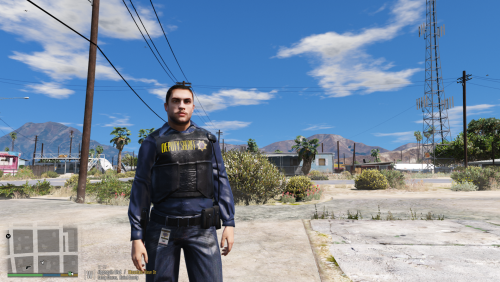 Nice, but the badges on the LSPD and BP is too big. And all the uniforms are way to shiny.
- 6 comments
- 3 reviews
-
I think you edited some carvariation, vehicles.meta, or other files and now with the update it was overwritten. That might be it.
-
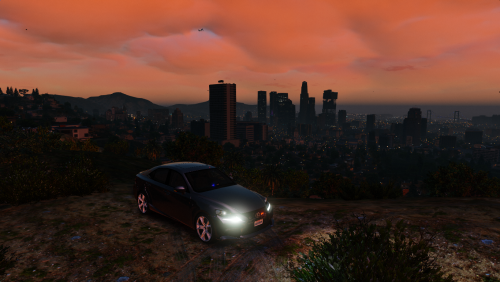 I really like this simple design. It gives it a detective/undercover feel which I really love.
- 4 comments
- 4 reviews
-
-

- 1
-
-
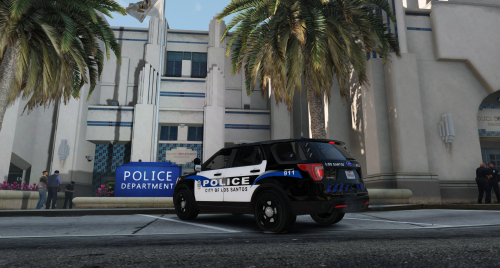 Amazing job man! I live close and love to see local stuff in the game!
 -
Isn't that a Puegeot? It's a logo of a Puegeot (https://upload.wikimedia.org/wikipedia/en/thumb/2/28/Peugeot_logo.svg/1280px-Peugeot_logo.svg.png). A Citroen would be :http://www.car-brand-names.com/wp-content/uploads/2015/10/Citroen-Logo-5.jpg
-
 How about this. Before this escalates further let's agree not to speak of it. Okay? I'll admit maybe I was wrong maybe you were right.


