


HomerS
Members
-
Joined
-
Last visited
Everything posted by HomerS
-
If you have an I7 like me you shouldn't have memory errors. That should be the case as long as you have a pretty good GPU. Do you have any traffic variety mods? Or population density? What about an ENB?
-
So I pin pointed my most recent issue. It's due to a mod I have installed called Southern San Andreas Exotic Traffic. With the last version many people had their games crash often. So he updated it. And for some people (like myself) it still doesn't work. He said to some people to remove some cars from traffic. Is there anyway around this? It's not prefered for me. Any ideas? Here's a link to the mod: https://www.gta5-mods.com/misc/southern-san-andreas-exotic-popgroups-ymt-803cba20-ebff-4a21-82a7-b0d70ab9a39a UPDATE: I'm not sure that solution will help. As when my game crashes the log from Ragehook shows "new ped identified as cop" or something along those lines. I'm wondering if I remove police cars from traffic maybe that will help. Ideas? So I ruled out the issue. It's no longer what I thought. A moderator may want to move this. it happens whether I use a stable old version or the new "broken" one. My Rage log always ends with: [8/22/2016 1:05:17 PM.485] [TRACE] New ped recognized as cop This happens even if I'm not running Rage so I'm not sure that log entry even matters. Does anyone have any ideas? At all? I have seen people with this issue, but they are old topics and the fixes don't work. I did see one where the person figured out it was a Windows 10 CPU leak. The only problem with that is I use 7 Home Premium.Could something like that happen with 7? Any ideas? Fixed!
-
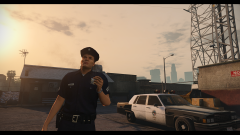 Really? I figure all these cars would never be released. Well thank you!
 -
I would kill for that car.
-
 Oh I know. I just felt like being sarcastic. :)
 -
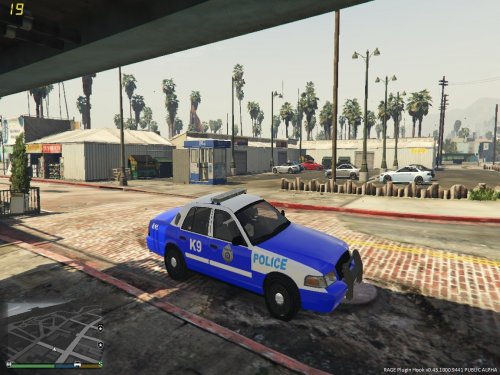 I looked up the PD and I see the blue is a bit too blue. I would recommend downloading a Fairfax County skin and basing the color off of it.
 -
It's an unreleased version of Police Helper. Most likely never will be released :(. If anybody related to it sees this post please do everything in your power to get it released.
-
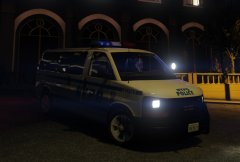
A GMC Savanna... With Chevy rims... And CA plates... Right... :P
-
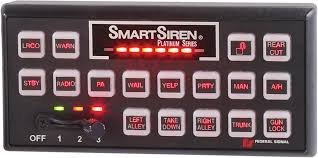 I would love to see a rumbler version so we could "switch on the rumbler".
 -
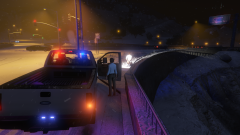 Sure you don't want a coat? :)
 -
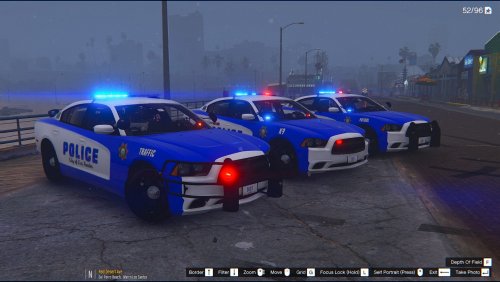 Nice! The only thing I don't like is that the cut off point is a bit weird. Maybe color the front blue. It's a bit too blue for my taste, but that's just me.
 -
Really? Never would have guessed :P. Nice photos man.
-
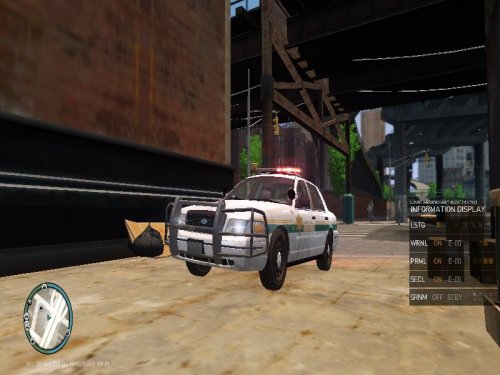 Hey it's not perfect. Now I think it's good for your first model. People are rating it like Cj24 made it. For somebody who has never done this before it's good. With the rambar I like it because it's creative. We need to detach from the small rambar and Whelen Liberty. Keep on making models I want to see where you go.
- 36 comments
- 9 reviews
-
-

- 2
-
-
 Your problem not mine :D
 -
-
From the album: Random Game Pics
A creative way to say my game bugged out after a vehicle fire and I couldn't tow it :) -
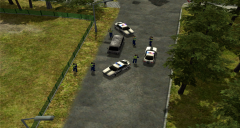
From the album: Random Game Pics
A creative way to say my game bugged out after a vehicle fire and I couldn't tow it :) -
Not yet. Gonna try a reinstall of lspdfr then Ragehook. I'll keep you posted.
-
Make any changes to your game?I'll check mine and see though.
-
What's really funny is for me nobody in this topic has a profile pic on my screen. :D
-
That was actually a different issue I had that I already fixed. This is a Ragehook issue. That was an issue that crashed my game. My issue just crashes Ragehook, but the game itself works.
-
Didn't work for me :(
-
For me Ragehook crashes and it launches the game anyway through the normal launcher. I tried on 44 as well as 42. Neither work.
-
 If I install the mod my game automatically crashes on startup. As a test I installed only scripthook and my trainer. It crashes it every time. Once I verify it's fine though. Never mind! Great mod!
- 1,509 comments
- 85 reviews
-
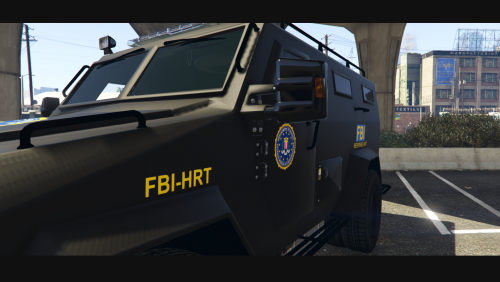 Nice job!

