



CryptEclipse
Members
-
Joined
-
Last visited
Everything posted by CryptEclipse
-
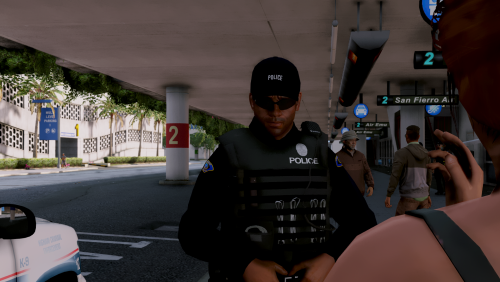 Is there a way that'll allow all AI officers to wear the vest or at least sometimes?
- 25 comments
- 10 reviews
-
Testing my new GPU
-
-
-
-
From the album: GTA IV GPU Test
-
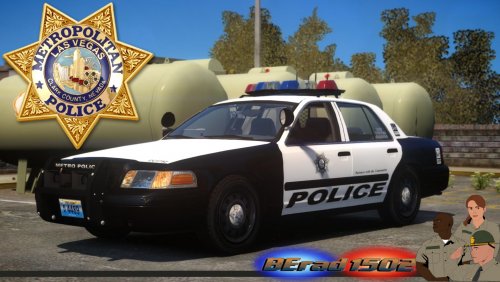 This is the moment I've been waiting for! Oh so precious!
 -
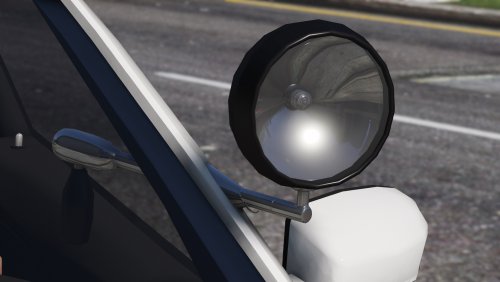 Slick fam
 -
 Squaw
Squaw -
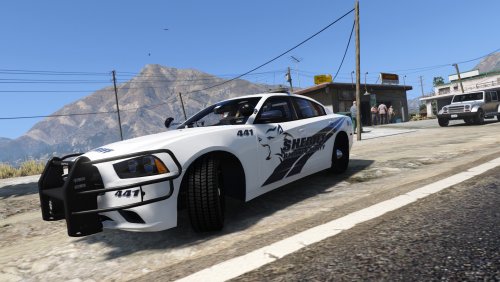 Stasty man. Stasty
 -
-
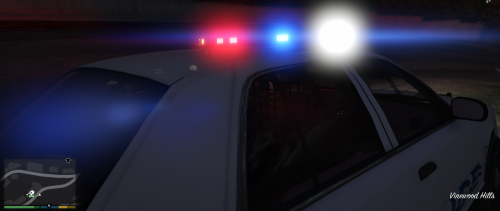 Hehe you're funny
 -
This would look good if you made a CVPI from Southland..
-
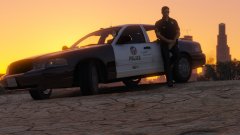 I mean... God damn.
 -
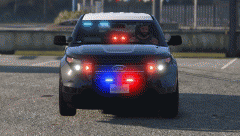 Damn bae.
 -
-
-
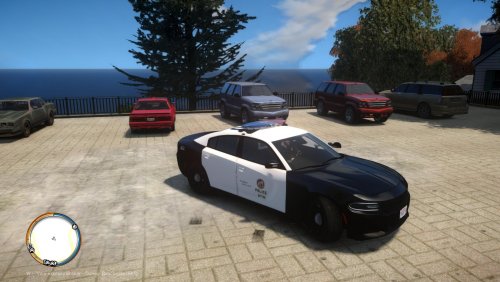 I don't know what anyone else thinks of this, but the lightbar seems a bit too thick.
- 9 comments
- 2 reviews
-
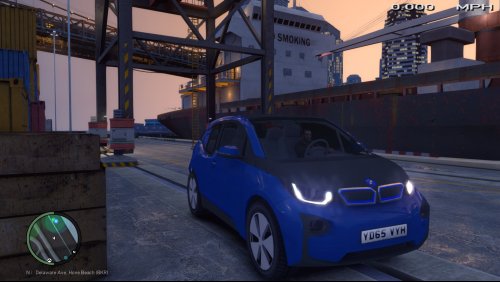 Wait what? Why is there a civ car here?
 -
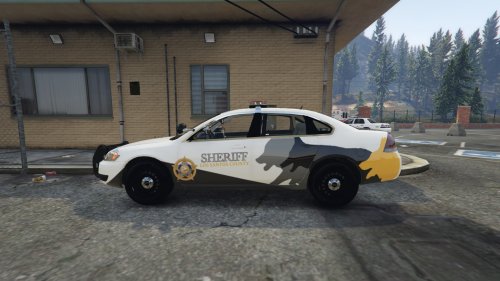 I absolutely love this skin! It's clean and it looks like you've put your time into it really well and focused on the detail. You did an awesome job so keep up the good work!
- 1 comment
- 2 reviews
-
Maybe it's just the componenets
-
I like both of them but I'd add a white outline around the text for better visibility to some. Improvement is on fleek
-
You got a really good idea there but I'm gonna be honest and say that it's too plain and original. Plus the texture on the rear tail is a bit too small and needs to be enlarged a bit. I would recommend adding a bit more color and detail to the skin. This will make it a master piece. Also if you want to go beyond that point, add window stickers because that'll show that you like realism but at the same time fictional skins.
-
I'm about to make a NYPD car but the one that I'm basing it off of isn't using the regular vector that's on the site right now with the traffic advisory. If anyone could please provide it, it'd be amazing!
-
When you first install LCPDFR, the keys should already be in a PDF file in the main directory or folder depending of how you install the modification (Automatically or Manual). A weapon light isn't apart of the modification and is a separate script with the game itself unless you download a gun that has a working flashlight built into it. I hope this helps you to find what you need!



.thumb.jpg.4c698d76a91cd8e3fe7d2ef024f2c492.jpg)
