Skip to content
View in the app

A better way to browse. Learn more.

LCPDFR.com

A full-screen app on your home screen with push notifications, badges and more.

To install this app on iOS and iPadOS
  1. Tap the Share icon in Safari
  2. Scroll the menu and tap Add to Home Screen.
  3. Tap Add in the top-right corner.
To install this app on Android
  1. Tap the 3-dot menu (⋮) in the top-right corner of the browser.
  2. Tap Add to Home screen or Install app.
  3. Confirm by tapping Install.

CryptEclipse

Members
  • Joined

  • Last visited

Everything posted by CryptEclipse

  1. I can't use this for any of my videos cause it gives me a black screen although I followed the instructions. Also if I was another person, I would want to copy and paste the files without having to rename it. (even though it wouldn't be a big deal)
  2. um... I put this in the directory like the readme document file to me to and when I tried to load the objects in my game, I spawned in mid air, fell, then died. went back to the location where it spawns and still nothing there. not sure what's wrong
  3. I can't even edit the file if it's locked
  4. You need to put the links for the cars so we don't have to search
  5. It would be nice if you made it a in game script. And then you can view the report afterwards
  6. Can you make this skin for more vehicles with the same attatchments on the vehicles? please and thanks
  7. I just don't like it how there's the black patch on the arm
  8. love it + the description. really funny at the end
  9. This actually looks really good. Nice job!
  10. So I already attempted to make a car out of this and the only thing that's wrong is the white window tint and white wheels
  11. Looks nice from the picture but I hate it when objects go through your player
  12. I installed this and I find it really nice. The only thing I don't like about it is how there's a badge on the ped when wearing the shirts. Is there a way to fix this?
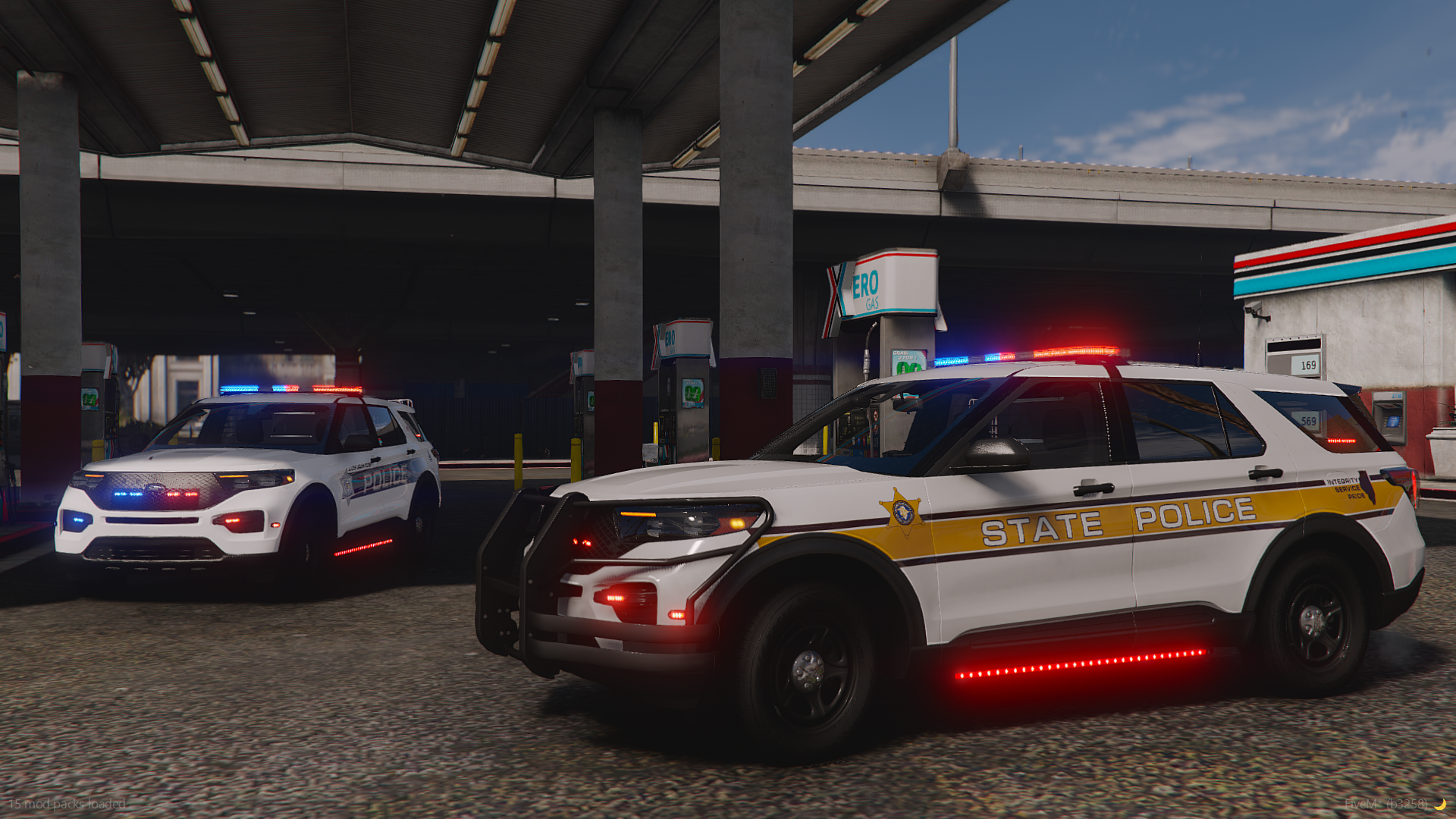
  13. Images added to a gallery album owned by CryptEclipse in GTA IV Galleries
    View this album to view the projects I've been working on
  14. Images added to a gallery album owned by CryptEclipse in GTA IV Galleries
    Cars that are coming soon made by me

Account

Navigation

Search

Search

Configure browser push notifications

Chrome (Android)
  1. Tap the lock icon next to the address bar.
  2. Tap Permissions → Notifications.
  3. Adjust your preference.
Chrome (Desktop)
  1. Click the padlock icon in the address bar.
  2. Select Site settings.
  3. Find Notifications and adjust your preference.

