
CryptEclipse
Members
-
Joined
-
Last visited
Everything posted by CryptEclipse
-
 I am amazed on how you put this thing together! I've never seen anything like this before with all of this amazing lighting!
- 16 comments
- 4 reviews
-
-

- 1
-
-
So what are we specifically looking for in the log files. You have to give a brief explanation on what's going on with your game and what we need to check the files for
-
Everyone is so confusing. Here's why you do. Also make sure you create a different folder with just your original files from GTA IV so you can make multiple directories. (Zip it) • Install the Automatic installer • Select the folder with your GTA IV in it • While you're in the installer, make sure you have Dsound.dll checked and not Xliveless • Also there will be a ad download that'll pop up because they want you to download something. Don't have it checked • When you're done downloading, go to your GTA IV directory you installed it in and you'll see a folder called LCPD First Response • Open the folder up and extract everything from that folder to the directory Everything I just said should help you and it's not complicated to follow if you know the basics of a computer and installing stuff Also, never use Xliveless because it's unstable and Dsound isn't. And to start the mod up you press Control+P
-
Before posting a topic, I would recommend looking around for your problem that other people had and going off of that. Anyway, look at this topic and maybe this will help you. http://www.lcpdfr.com/forums/topic/31166-els-8-install-gives-error-csharpenginecore/
-
So I want to buy a car to convert but the only problem is that I only have a problem with materials. I don't know what they need or what to do. I tried following along with a few tutorials on YouTube but they don't really help me. Also I've looked it up on the ZModeler website and it didn't help me at all
-
I don't know. Search it on YouTube how to fix it because. I don't have Nvidia so I can't really help you there. Sorry.
-
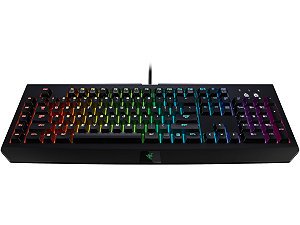 The only bad part about this is that people have to buy this keyboard is they don't already have it
 -
Alright well just go through the Nvidia settings and find a vision application. If you don't have it, I guess install it. Also does your computer have a 3D feature?
-
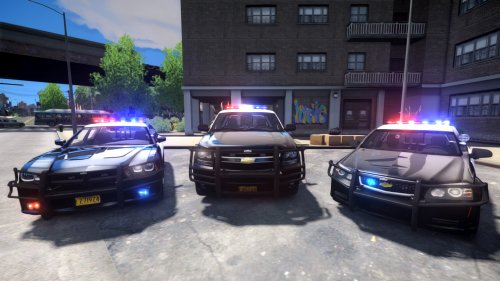 I meant that maybe so many people downloaded it and it stopped working or it's just the website. But I'm guessing it's the site
- 54 comments
- 5 reviews
-
Either in your monitor settings if your desktop screen has the same effect too or where every your'e able to configure your graphics card settings. Which would depends on if you have AMD or Nvidia. If you have AMD then there should be a control center online you can download and then you can configure it throughout the settings. I'm not sure what Nvidia has to offer because I don't have a Geforce card sadly
-
Yeah I am too. Wait, Notice that your file has twice the amount of downloads than views. What do you think that means?
- 54 comments
- 5 reviews
-
I'm your directory you have to delete the AdvancedHookInit.asi because that causes some people to crash when using ELS 8.0 and 8.5. Well I mean, there's one error and I don't see one so I am guessing that it has to do with the asi. Just delete that and the log that goes with it
-
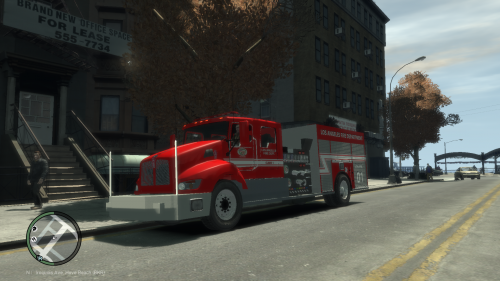 It's been a long time since I've seen one of these
 -
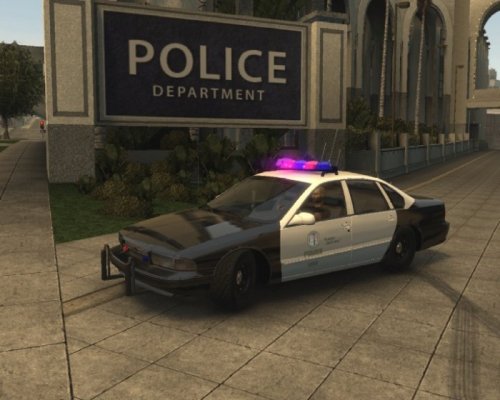 Yeah it just looks weird
 -
Thanks
-
Your colors look like you just copied and pasted off of a different website that had this file. Seems a little weird.
-
Ohhhhhhhhhhh. It's a 3D effect in which I'm thinking it has to do with your GPU settings. Obviously go into your settings and find wherever it says picture>3D> or something like that and turn it off unless you want to get some 3D glasses to play your game. So yeah it's either that or it's in one of your CPU settings which I highly doubt because the GPU gives you the picture on your screen. I hope this resolves the issue
-
I don't think that trying another ENB would help him because he also said that it happened with iCEnhancer too. So I mean, I don't think it has to do with any other mods he has installed. Do you think it has to be a setting he has for his GPU to make it that way? only if it makes sense. Also, I think I've had this problem before with my monitor because sometimes when I played a game on steam and then switch to a different game, it would make the screen pink. Not sure why it does that
-
I guess if that happens, then it must be something set in your graphics card settings to make it be that way. You can try CryENB v1 and then if the problem still exists, then take a picture and show me what it looks like when you get in game
-
hmmm. That's weird. I've never heard someone has this problem with a ENB before. Have you tried any other ENB? If so which ones that didn't give you the problem? Also, did you try to edit anything or switch anything out that might have caused this issue?
-
Thanks I'll try to make a list. Also there is no limit, but it has to be cheap but good at the same time
-
I can't upgrade like that. I said I have a Alienware x51 which means I can't really do water cooling. That's why I'm wanting to build a new PC
-
So telling by the topic I am planning on building a new PC because mine is just loud and I sadly chose Alienware x51 as my first gaming desktop (Don't judge). Anyway, I want to get something that's better than what I have currently. Here's all I know I have: GPU: AMD Radeon R9 270x RAM: 8GB (Unknown brand) (Probably some dell RAM) CPU: Intel i7 4790 3.6GHz So I want to get something new that will save me money but at the same time allow me to play games with better FPS on a 1920x1080 resolution. I actually have a list of the parts I want but I want to know what you guys think I should put in my new PC. By the way I plan on getting a Nvidia card so I can use shadowplay for recording unlike the AMD version where it won't allow me to record.
-
What I want you to do is make a new directory and only have in LCPDFR and ELS with your vehicles. You can also have some scripts in there if you please but when you're done importing the things in your game files, make sure you edit your LCPDFR. I want you to take off the saving option because that seems to make some people crash. At the end of preparing the directory. Delete the AdvancedHookInit.asi and its text document because that's what makes people unable to play the game for a long period of time. This will be the best option for you if your ant to get your game working again. PS: Make sure there aren't any unusual files sitting in your directory or random text documents
-
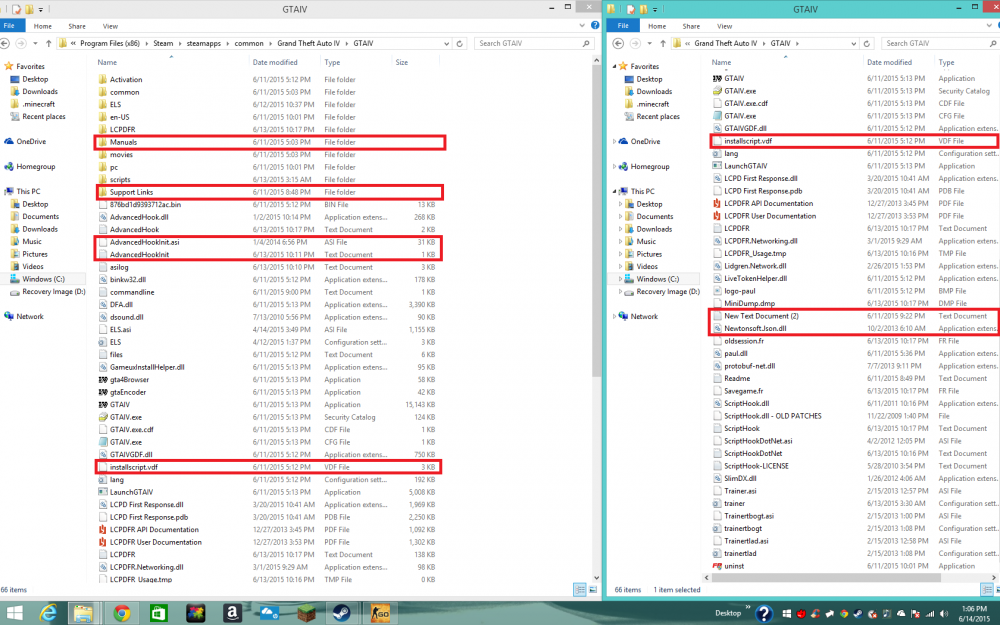
Okay so I boxed some stuff up on the picture that isn't needed and/or unusual to have in your directory. Hopefully deleting these will help you able to play your game much longer. Also I'm not sure if the first 2 files are apart of Steams GTA IV directory when you first downloaded it but I highlighted it anyway.