




Mikofiticus
Members
-
Joined
-
Last visited
Everything posted by Mikofiticus
-
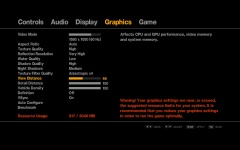 I get the same thing, but I doesn't usually cause an issue. I'd turn down the detail distance and veh. density to about the 30s or 40s. That's what I do. It has to do with your GPU.
 -
Yeah, the second and fourth cars are indeed Nash's. Not entirely sure what models though.
-
Dat nasty rambar doe. I know it's just a training car though.
-
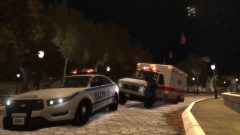 AMR ftw lol.
 -
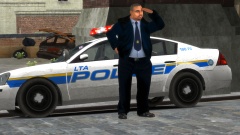 Great. Now I gotta worry about this excuse for a cop gunning me down or crashing into my squad... lol :D
 -
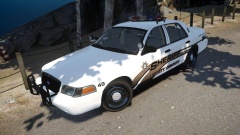 YES YES YES. MX7000 or an LP6000 for sure. The only thing is that it's a little weird for the Sheriff car to have that red steady burn, but maybe that's a config thing. Also...
 -
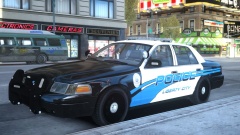
From the album: Textures! WIP/REL
Been working on curved lines. Took inspiration from BErads Indian Shores pack. -
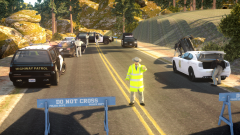
From the album: Action Shots!
Yard's new SAHP Pack. Can be found here. https://www.lcpdfr.com/files/file/6567-sahp-pack-els/ -
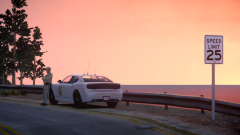
From the album: Action Shots!
Yard's new SAHP Pack. Can be found here. https://www.lcpdfr.com/files/file/6567-sahp-pack-els/ -
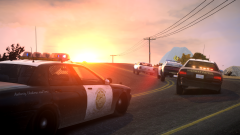 Yep! Route 66
 -
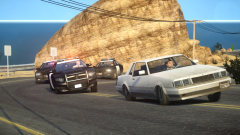
From the album: Action Shots!
Part of an upcoming pack by Yard1. -
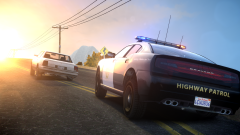
From the album: Action Shots!
Part of an upcoming pack by Yard1. -
From the album: Action Shots!
Part of an upcoming pack by Yard1. -
-
-
Not accurate to the LAPD (they never used grill lights, the areodynic had a takedown in the middle, not a siren box, and they never used vectors [CHP did though]). Other than that, they're great, and I'll probably use them for my "Classics On Patrol" series.
- 25 comments
- 8 reviews
-
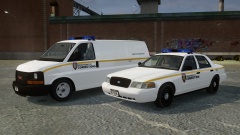 I dig!
 -
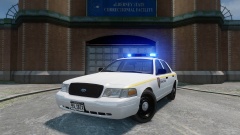 Nice! :D
 -
-
-
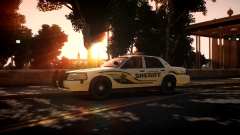 Sorry, I totally thought he was the OP. My bad. But it really is a great pic. CryENB?
 -
RIP, sad that her life was ended too early, but I'm very glad she moved to Oregon. I 100% stand by our "right-do-die" laws. Having had family members go through the same thing that she did, it's a better way to go peacefully rather then to live with horrible pain.
-
Nice! Except we don't have unmarked Explorers yet. I've only seen 2 (we have two State Police offices where I live) and they have Whelen Liberties. That and we always have wraparounds. But I love me some Oregon stuff!
-
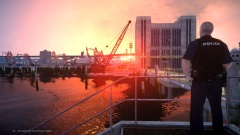 This almost looks like v1 (Looks much better imo). What did you edit btw?
 -
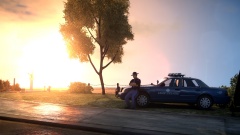 Using SNT, it's one of the "leaning" actions. There is a few. I just had this animation saved in my list.


