




Mikofiticus
Members
-
Joined
-
Last visited
Everything posted by Mikofiticus
-
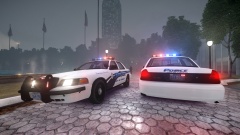 Like 'em! Love the wraps. The NW uses them like no other.
 -
 Not DROT though :(
 -
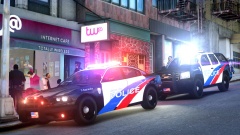
From the album: Textures! WIP/REL
Almost done! Just need to do a few more things. Cars include 2012 (New Gen) Charger, Impala, CVPI, Explorer, Caprice and Tahoe. Each car will have 4 specific skins, and with the Impala, it has 1 marked, 2 unmarked and 1 stealth. -
Unfortunate news. Second one this year. http://www.kptv.com/story/27616305/school-shooting-reported-in-north-portland-at-least-two-victims
-
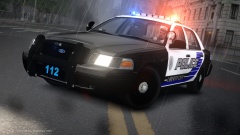 Thank you!
 -
:DD!
-
Kevin's Explorer would've been nice too, but alas, I'm too late.
-
-
-
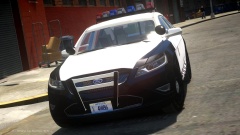 Is this an NYPD FPI?
 -
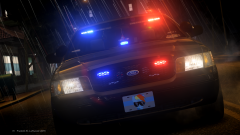 99% Sure he wont.
 -
The Impala is BxBugs (I believe) on GPM, and the Caprice is KevinDV's on GTAUniverse.
-
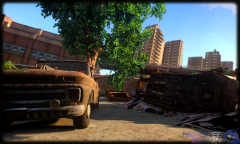 Aren't trees normally green? What color would they be, otherwise?
 -
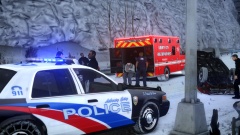 Yeah! I thought I'd give it a little taste of the classic USA paint scheme
 -
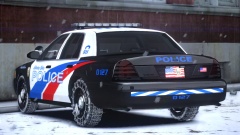
From the album: Textures! WIP/REL
New WIP by me. Once I'm on break, I'll start on a mini pack for these! -
From the album: LCPDFR In Action
"The LCPD want you to be safe when driving in bad weather. Remember to leave extra room when driving, and brake earlier than you normally do. This will prevent traffic accidents like this one here. Happy holidays and drive safe!" Skin is a WIP by me. CVPI by Jump, and is unreleased. -
-
Is that an MP40? Damn son, that gun was like 40 years old then!
-
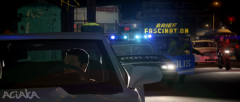 That's a mighty old squad to still be working!
 -
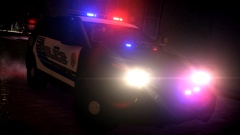 Still my favorite skin of all time :D
 -
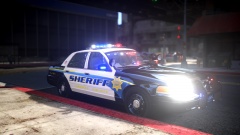 I like it man!
 -
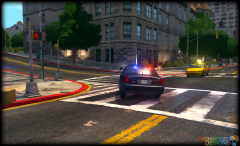 Lookin' good Bugs!
 -
Doesn't exist anymore.
-
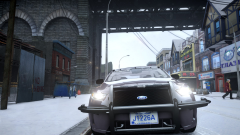 Do it! Reminds me of our Portland Port Authority cars
 -
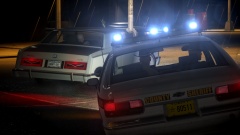 CryENB v3



