




Mikofiticus
Members
-
Joined
-
Last visited
Everything posted by Mikofiticus
-
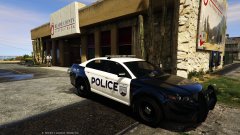 I like it!
 -
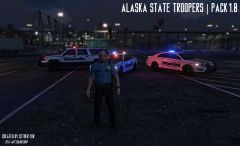 Alaska? I'm unfamiliar with the place.
 -
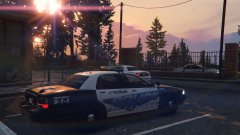 Please do, I really like the idea.
 -
I really like that! I wish it was a Los Santos version though.
-
That VW
-
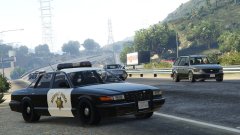 Looks just like a road sign or something.
 -
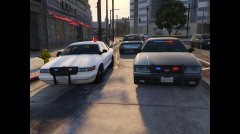 You're blocking traffic!
 -
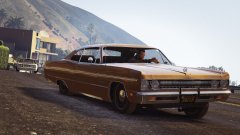 Nah, a modern interceptor is made of plastic and would've fallen apart the second it went in for a PIT. These old cars are durable as hell. lol. :D
 -
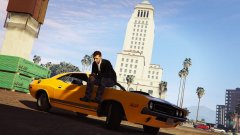 I loved the Driver series. Except Driver: Parallel lines. That game was crap. But I had a ton of memories with my friends playing 1, 2, and even 3. And I enjoyed SF for the most part.
 -
I like that second one a lot!
-
Slicktop?
-
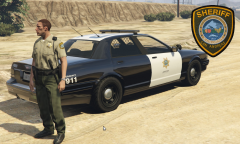 I would do a different design that black and white. It either will look too much like the LSPD or the SAHP cars.
 -
-
Good luck.
-
New Video! Continuing some State Patrol with radar!
-
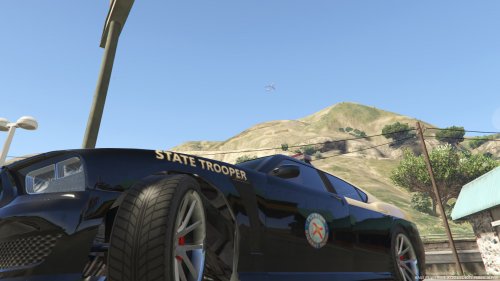 The "yellow" you use is a bit too dark. It makes it look bronze, instead of a light yellow like the real cars are.
- 41 comments
- 2 reviews
-
 Or the Esperanto. Or any older generation vehicle.
 -
Here are a few of my favorites.
-
 Did you edit the lightbar now?
 -
 CHP? I don't know what that is.
 -
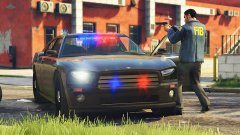 I dunno what you're seeing, but it's FIB
 -
It's down, for sure. I just tried just for shits and giggles. Also, it's from Mircosoft. They aren't going to post a thing like that and say "oh, never mind, we were wrong". It sucks, but GTAIV or EFLC is toast for MP.
-
No. "Supposedly" if you use mods in single player, your safe. Just don't use online mods. I mean, they just featured director videos with single player mods, so you should be safe http://www.rockstargames.com/newswire/article/52479/fan-vids-return-of-the-bmx-ninja-a-thrust-for-glory
-
-


