




Mikofiticus
Members
-
Joined
-
Last visited
Everything posted by Mikofiticus
-
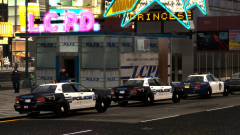
From the album: Textures! WIP/REL
I've been working on this skin for a while now actually. I'm hoping to make a pack with Lt. Caine's default v.2 pack. -
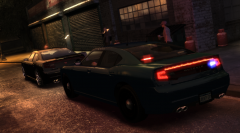 I was just wondering if someone was working on a newer-gen-ELS-Buffalo that was unmarked.
 -
 Oh. This is sick.
 -
-
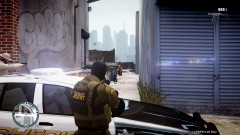 Is the ped model private? It looks sweet.
 -
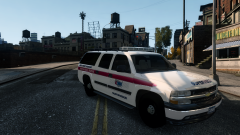 That's awesome. There's not enough AMR skins out and about. They look cool!
 -
-
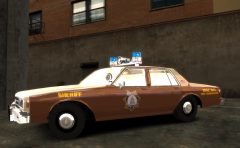 Yeah! It looks much better with red lights too. I thought blue would be a nice contrast but red fits it better. What do you think about the "911" and "Sheriff" decals? I don't quite know how I feel about them.
 -
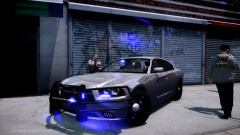 I love that rambar. It says "GTFO or I'll wreck you."
 -
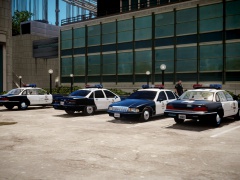 Looks awesome! There was a Caprice with a streethawk? I assume it's not for download anymore? And is that the NOoSE HQ?
 -
I really despise those lightbars...but...woah.
-
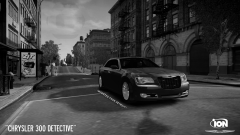 Love that song.
 -
Man, I love those sheriff cars. They're some of my favorite models period.
-
Lt Bellic is right. There's a ton of audio glitches. There's no way to silence the siren right now, unless you get out of the car (in SINGLE PLAYER ONLY, dunno why not in Multiplayer). First thing I do if it ever comes to the PC is going to change that horrific siren.
-
I've been making skins for a few cars, and I use GTAIV as everything pre 1990 and TBoGT as modern things. Here are some screens of my cars that I've been messing with. I've been using gfxle's Impala's (with all sorts of skins) And I've been using Lt. Caine's default pack vol. 2
-
From the album: Textures! WIP/REL
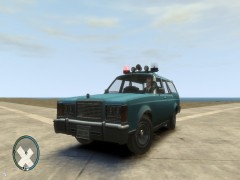
Another WIP (gosh I'm so ADHD) of a southern style sheriff vehicle. -
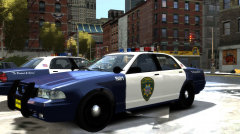
From the album: Textures! WIP/REL
My first run at a Liberty City Highway Patrol skin based off of CG Blaze's Westdyke texture. -
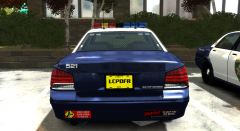
From the album: Textures! WIP/REL
My first run at a Liberty City Highway Patrol skin based off of CG Blaze's Westdyke texture. -
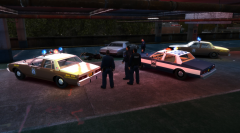
From the album: LCPDFR In Action
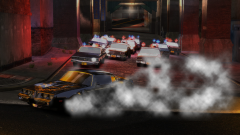
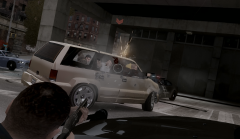
Police were involved in a pursuit, when both suspects pulled over and opened fire at LCPD and the Liberty County Sheriff's Office. No officers were injured, but the suspects died at the scene. -
From the album: LCPDFR In Action
I used Photoshop to help put in the tire smoke and dull the Impala's glass a bit. But I couldn't help myself after I just created a Sheriff skin for the Impala. -
 Or better yet, where do I get that pistol sound mod?
 -
I actually laughed at the trailer. Can't wait for it!
-
I can't find these animations. And when I selected hands up for a ped, they held them up for about 3 seconds then stopped. Anyone know how to freeze them?
-
 .
. -
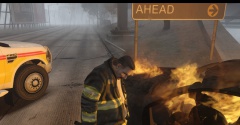
^ This!! Hahaha. Welcome to Liberty City. I've never had a single firefighter come to the scene of a fire.


