



googleplex2010
Members
-
Joined
-
Last visited
Everything posted by googleplex2010
-
OMG why .yft!
-
I hope it doesn't cause still you cant change paterns or sirens.
-
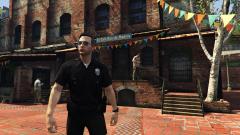 Where is that?
 -
-
-
Have you enabled mods?
-
Amazing! 10/10ign
-
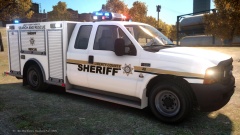 Cant wait for the 'release'
 -
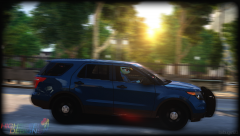 Trooper Dashie!!
 -
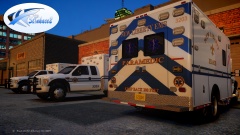 What happened to those uh gmc and chevys?
 -
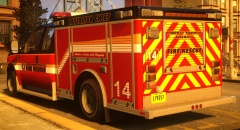 This truck is amazing!!!!!
 -
-
The X-29 was an experimental aircraft that my grandpa worked on with some others. It had foward swept wings.
-
1. F-14 2. F-14 D Jolly Rogers 3. X-29 4. F-117 nighthawk 5. F/A-18 F 1,2 and 3 all because my grandpa designed them all at Grumman (Now Northrup Grumman) R.I.P. Walter Jung.
-
-
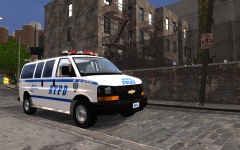 Nice model and word play!
 -
-
-
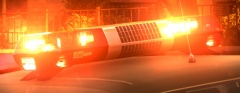 Mmmmm... Good.
 -
-
 WOAH!!!
 -
That would be amazing!
-
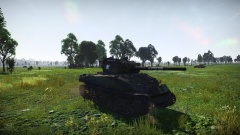 Warthunder!
 -
So I was In the process of making a vehicle and everything was fine in zmodeler but when loaded in openiv and It was messed up(Seen in pictures) When I load up gta iv it crashes giving me an rc20 error message. I cant tell if open iv is the problem or the model is, there was a recent update for open iv I think that might be the problem. Does anyone know exacly what the problem is?
-
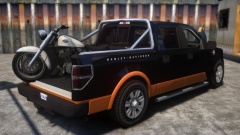 STOP IT!!!!!!!!!!!!!!!!!!!!!!!!!!!!!!!!!!!!!!!!!!!!!!!!!!!!!!!!!!!!!!!


