



googleplex2010
Members
-
Joined
-
Last visited
Everything posted by googleplex2010
-
tried both the front end is lifted up.
-
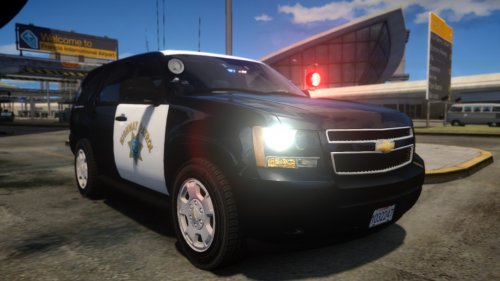 Very nice job man. The textures are really nice. And nice to see a texture artist doing vehicle models.
- 8 comments
- 12 reviews
-
-

- 1
-
-
miami never used or uses federal signal legends...
-
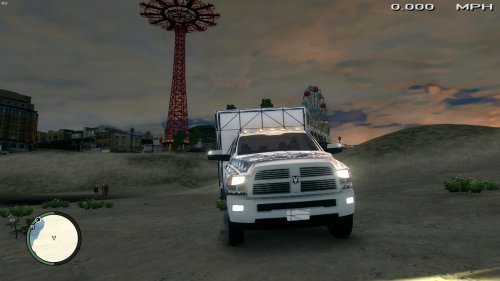 Nice to see some ambo dev parts. Need to get i higher rating cause of tenzwood, he must be new.
- 14 comments
- 6 reviews
-
Get rid of traffic flow.
-
@Tenzwood this is a development part it is made for you to add your lights and make it how you want thus DEV. Read before you review.
- 14 comments
- 6 reviews
-
-
-
 Snow? How?
 -
Its called disabling trainer keys.
-
do you have any traffic flow?
-
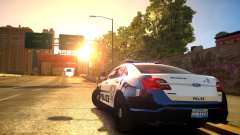 you didnt make the base car.
 -
they/we dont release models that are private because of rippers people who unlock locked models so yea.
-
Kanyo I couldnt find one for XBR's engine, just ladder.
-
Ok?
-
Go to the tutorials section thats why its there.
-
yes
-
I know how to replace the wheels its just that they are messed up in open ivYea still my wheels are in the ground.Alright so im making a new truck and I put the wheels on and they looked fine in zmod and in open iv they are in the wrong position.
.thumb.png.9899492c3c9dae38de105f0d710461b3.png)
.thumb.png.09b73fc9e0d668f505a71288cf9e6914.png)
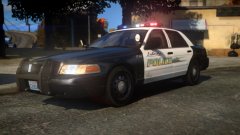 oh ok thanks.
Nice man! Lightbar?its gddr3 compared to gddr5 so it wont do anything. Also dont buy crappy cheap parts save up and but gcs that are way more powerful so you can run the game on much higher settings.I cant tell if your joking but almost EVERY CAR is turned OFF in the slot control.
oh ok thanks.
Nice man! Lightbar?its gddr3 compared to gddr5 so it wont do anything. Also dont buy crappy cheap parts save up and but gcs that are way more powerful so you can run the game on much higher settings.I cant tell if your joking but almost EVERY CAR is turned OFF in the slot control.

.png.4ea4147e641336e7a737920854e6c990.png)
.png.d50361fcb1ecc4eb22c3919c81bd2cce.png)
.png.2635cf8bf480a7ce56a620f429c52a8f.png)
