



googleplex2010
Members
-
Joined
-
Last visited
Everything posted by googleplex2010
-
 Very nice.
 -
.thumb.png.09bdb186284dc597f2311b257cea408a.png) Uploading my edited vehicles.meta for the pack to include the cvpi. vehicles.meta
Uploading my edited vehicles.meta for the pack to include the cvpi. vehicles.meta -
Yeah, @varicaI as elabuelo mentioned the cvpi data entries are missing in vehicles.meta
-
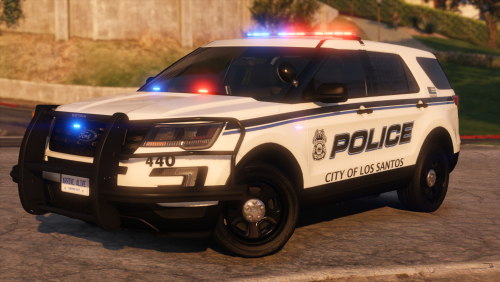 Amazing job on all aspects of the vehicles! I also would like to applaud you for utilizing custom vehshares to bring down the total size and performance of the pack. People take note!
- 47 comments
- 16 reviews
-
-

- 1
-
-
 8 lug chevy rims on a 150, hmmmmmm
 -
-
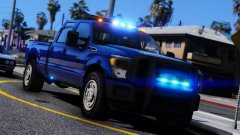 Um, those wheels, ?
 -
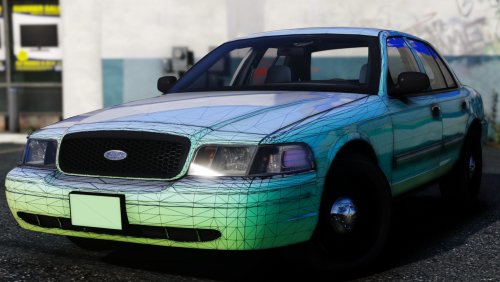 Nuclear
 -
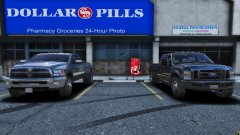 The fords rear isn't looking right
 -
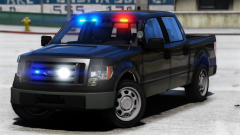 My god those wheels
 -
 Textures based on??
 -
-
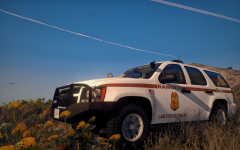
-
 Wow that one officer has quite the scene to clean up
 -
-
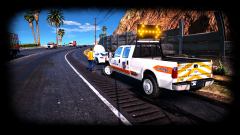 the model itself is quite poor in quality, the wheels are a great example as they are the size of grapefruits and are not scaled well.
 -
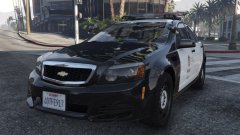 What was the issue with the LODs, 0 and 1 were essentially the same.
 -
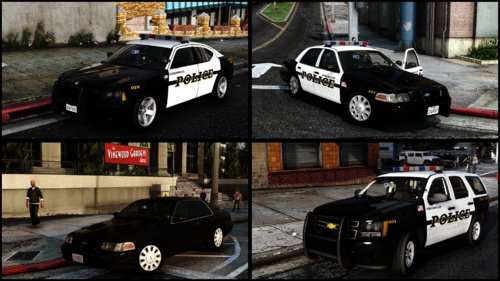
 The Signal Light above the head lights are supposed to be 'silver' Not amber. If it's the emissive texture then whatever.
- 209 comments
- 40 reviews
-
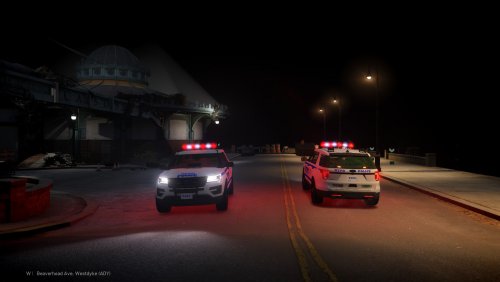 Base model looks like it was in a blender, I mean look at the ford badge, its not even readable, and the taillights are just blocks.
- 23 comments
- 6 reviews
-
-
- 1
-
-
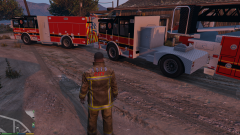 because 1. Assholes rip the model. 2. He Doesn't Want to. BTW gangrenn the mapping of the 'metal' texture is to big
 -
-
Did they give you permission or did you ask permission to convert them to gta v?
-
Who originally made the models that you converted.
-
Whos Tahoe and F-150?
-
what hub caps?


.thumb.png.09bdb186284dc597f2311b257cea408a.png)


