




CrossFire
Members
-
Joined
-
Last visited
Everything posted by CrossFire
-
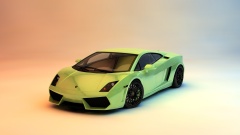 Looks nice! Where is it from?
 -
'?do=embed' frameborder='0' data-embedContent>>
-
#Relatable
-
-
-
-
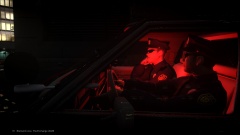 Sunglasses at night?Looks like a very nice setup Michael! Better than my specs! As iiKonrad said, you should be able to run any game on ultra with good FPS. How much is that going to cost you?
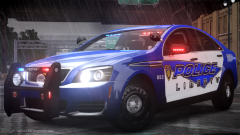 Oh my god. This. Looks. AWSOMEEEEEEEEEEEEEI have a 2003 Ford Crown Vic Police Interceptor with front facing wig-wags, and rear strobes. Retired LCPD vehicle.Well, if you have any more questions, feel free to ask!Go into Polygon mode and select them and right click>delete.What graphics modification are you using!? It looks awesome!Zmodeler doesn't import 3DS files.I'm saying when you have the model in SketchUp, that you have to export it as a .obj because you can't export it in any other form that Zmod can read.I don't understand. You're saying that you don't have to convert things in Zmodeler?1. That looks NOTHING like a 2014 Ford F-350. 2. Before anyone can help you, you need to export it as a .obj and put it in Zmodeler.
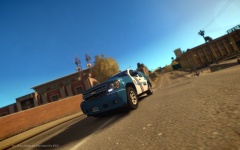 Looks nice! One thing though, PPV Tahoes do not have foglights.
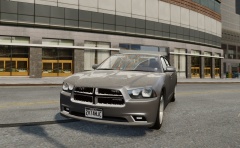 Maybe like a NYPD style rear setup? So two dashlights, and rear strobes?
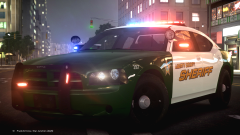 It's simple, take good pictures, they'll get featured.Every CVPI is my favorite CVPI.
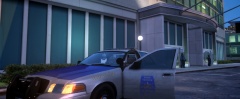 Liberty + 21TR = LibertyTR


