


This is a quick skin that I made for Bozza's "2015 Dodge Charger - Conyers Police Department".
All vehicle credit goes to Bozza(including the template); https://www.lcpdfr.com/profile/133808-bozza/
Font used is ModernaW01-Bold(same font used on older Chicago Police vehicles); feel free to edit the unit number if needed, you can add whatever text you'd like, just don't reupload without permission 🙂
-- My Socials --
Twitch: twitch.com/rednaxeladotexe
YouTube: youtube.com/bipolarbearbpb
Instagram: instagram.com/rednaxeladotexe
Short Description
Alderney State Police vehicle skin - 2015 Dodge Charger
Bozza(vehicle),
Me(skin),
Google(thin blue line flags)
Me(skin),
Google(thin blue line flags)









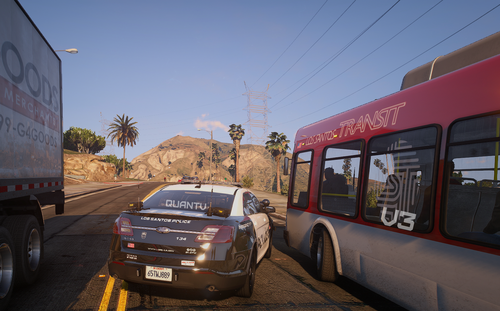
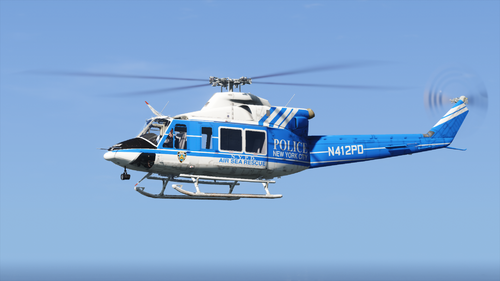
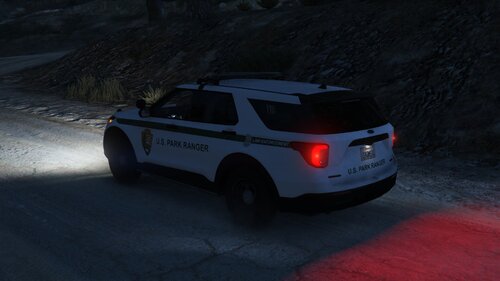

.thumb.png.601e0948b0e617ff71bf98da00273c2a.png)
![[LSPDFR] sCallout - New Callouts, Advanced AI & Interaction System (EN/PL)](http://s3-screenshots.int-cdn.lcpdfrusercontent.com/resize/500/-/monthly_2026_05/4e930439-3362-4980-8acd-cddd1c01602e.thumb.jpg.87fbd6bbbd416ed3ef00517e26d9ea74.jpg)
Recommended Comments
Create an account or sign in to comment