- 593 downloads
- Version 1.7.0.3
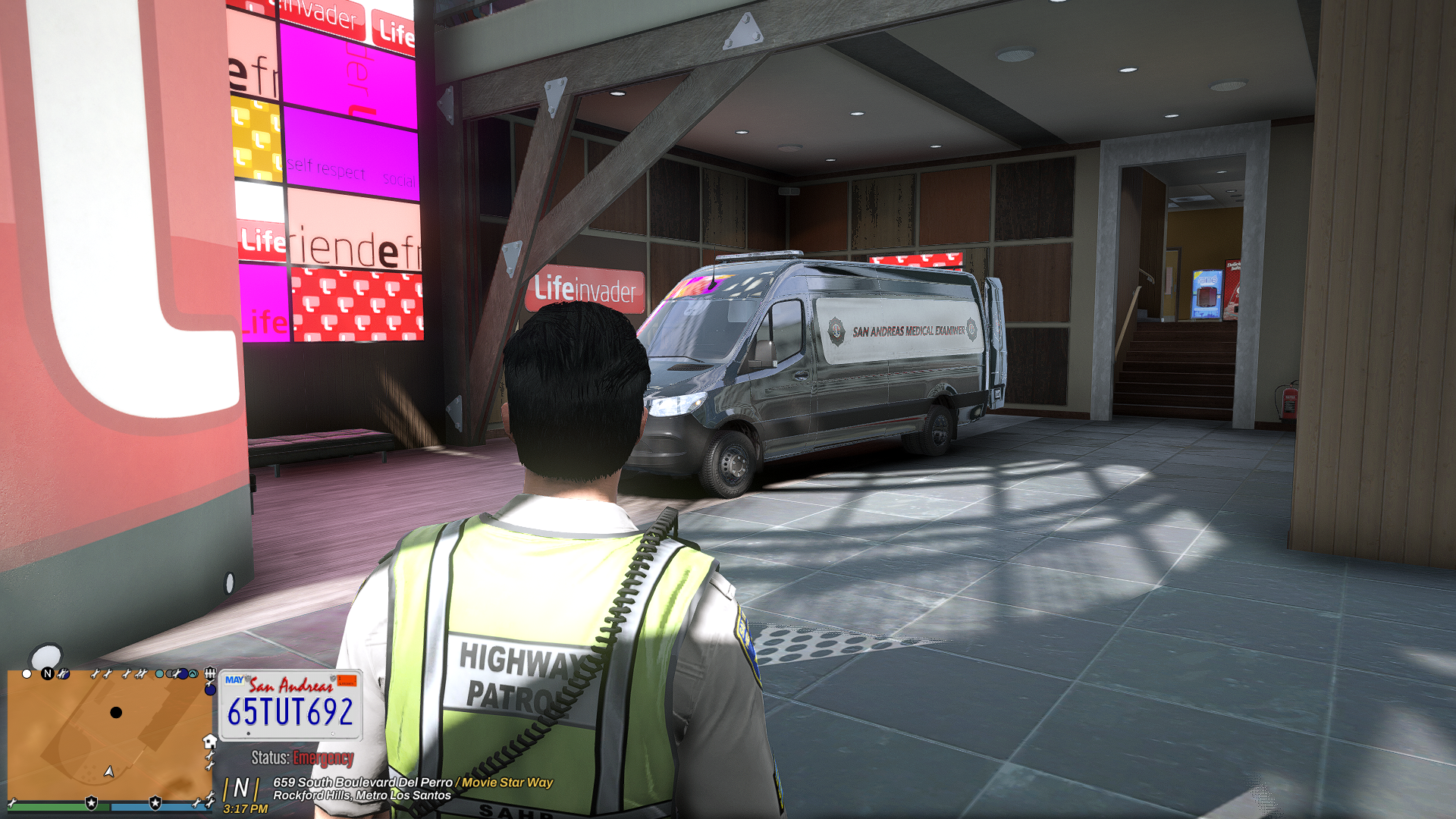
This plugin is designed to run ALONGSIDE ELS, it does NOT replace it! Requirements: 1. Grand Theft Auto V (Legit Copy) 2. RagePluginHook (Latest Version) 3. NAudio (Included) 4. ELS (Emergency Lighting System) Installation: 1. Open the folder "Grand Theft Auto V" provided in this download. 2. Drag and drop all files and folders into your main GTA V installation directory. (Where GTA5.exe is located). Usage: I suggest loading the Plugin on startup or else no sirens will work. Drop your siren .WAV files in the "WAV" Folder. Open the Menu (Default key: F10) and start customizing your sirens. You can choose between a Global Profile (applies to all vehicles) and Vehicle Specific Profiles (overrides the Global Profile and only applies to a specific vehicle). Showcase: A note on the "Patch VCFs" Button: This will turn off all sirens in the VCF .xml files inside your ELS -> pack_default Folder. However C.E.S. will create a backup of your original VCFs. After patching a game restart is required for the changes to take effect. Although you can patch them yourself by searching for 'AllowUse="true"' under the <SOUNDS> category and setting 'true' to 'false'. Repeat for all. How it should look: <SOUNDS> <MainHorn InterruptsSiren="true" AudioString="SIRENS_AIRHORN" /> <ManTone1 AllowUse="false" AudioString="VEHICLES_HORNS_SIREN_1" /> <ManTone2 AllowUse="false" AudioString="VEHICLES_HORNS_SIREN_2" /> <SrnTone1 AllowUse="false" AudioString="VEHICLES_HORNS_SIREN_1" /> <SrnTone2 AllowUse="false" AudioString="VEHICLES_HORNS_SIREN_2" /> <SrnTone3 AllowUse="false" AudioString="VEHICLES_HORNS_POLICE_WARNING" /> <SrnTone4 AllowUse="false" AudioString="VEHICLES_HORNS_AMBULANCE_WARNING" /> <AuxSiren AllowUse="false" AudioString="VEHICLES_HORNS_SIREN_1" /> <PanicMde AllowUse="false" AudioString="VEHICLES_HORNS_POLICE_WARNING" /> </SOUNDS>