




LSPDFR Partners V0.0.0 Beta
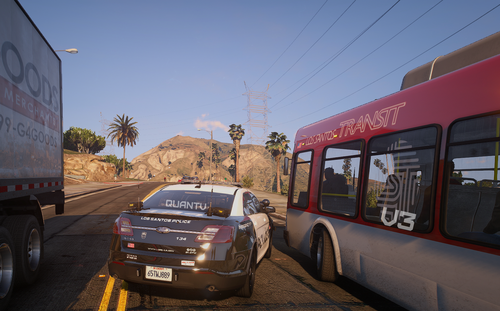
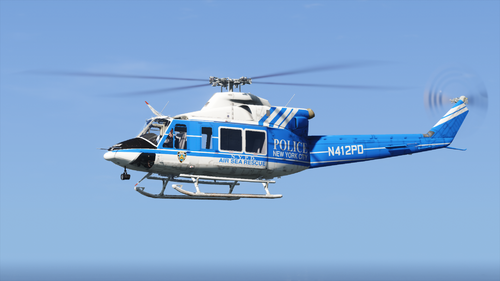
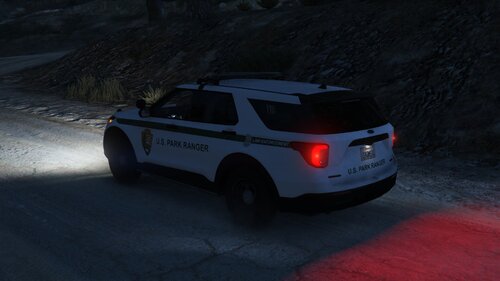
LSPDFR Partners is a modern AI partner and patrol system for LSPDFR that allows multiple independent police units to patrol the map, respond to incidents, provide backup, and operate separately from the player.
This beta release focuses on building the core foundation of the plugin and establishing the patrol and response framework for future updates.
Current Features:
• Independent AI patrol units
• City patrol areas
• Highway patrol areas
• County patrol areas
• State patrol areas
• Everywhere patrol areas
• Assigned Area patrol spawning
• Near Player patrol spawning
• Manual backup requests
• Pursuit support detection
• Traffic stop support detection
• Callout support detection
• Shooting support detection
• Officer down support detection
• Ambient pursuits
• Partner chatter system
• Unit status tracking
• Active unit management menu
• Vehicle protection system
• Auto vehicle recovery
• Secondary officer support
• Configurable response modes
• Configurable patrol areas
⚠️⚠️⚠️Known Beta Issues:⚠️⚠️⚠️
• Pursuit support units currently respond to the scene but do not actively join pursuits.
• Shooting support units currently respond to the scene but do not actively engage suspects.
• Traffic stop support units currently respond to the scene but do not perform cover officer duties.
• Callout support units currently respond to the scene but do not actively participate in callout objectives.
• Some support systems are still considered work-in-progress and may be expanded in future updates.
• Additional AI behavior improvements are planned.
This release is intended as a public beta to gather feedback and identify bugs before future updates.
Support & Feedback:
If you encounter bugs, issues, crashes, suggestions, balancing concerns, or feature requests, please leave a comment below.
When reporting an issue, please include:
• What happened
• What you expected to happen
• Whether the issue can be reproduced
• Any log information if available
Your feedback helps improve the plugin and shape future updates.
Thank you for testing LSPDFR Partners Beta.
Short Description
AI disclosure
The author has disclosed that AI tools were used in creating the following aspects of this file:
- Description
- Images






.thumb.png.601e0948b0e617ff71bf98da00273c2a.png)
![[LSPDFR] sCallout - New Callouts, Advanced AI & Interaction System (EN/PL)](http://s3-screenshots.int-cdn.lcpdfrusercontent.com/monthly_2026_05/4e930439-3362-4980-8acd-cddd1c01602e.thumb.jpg.87fbd6bbbd416ed3ef00517e26d9ea74.jpg)
Recommended Comments
Create an account or sign in to comment