
Skip to content
View in the app

A better way to browse. Learn more.

LCPDFR.com

A full-screen app on your home screen with push notifications, badges and more.

To install this app on iOS and iPadOS
  1. Tap the Share icon in Safari
  2. Scroll the menu and tap Add to Home Screen.
  3. Tap Add in the top-right corner.
To install this app on Android
  1. Tap the 3-dot menu (⋮) in the top-right corner of the browser.
  2. Tap Add to Home screen or Install app.
  3. Confirm by tapping Install.

SuperCallouts 4.0.1.0

(63 reviews)

1 Screenshot

qibFcnz.png

Any Issues, suggestions, or want to chat?
Join my Discord server!
Click Me!


9C6i8wX.png

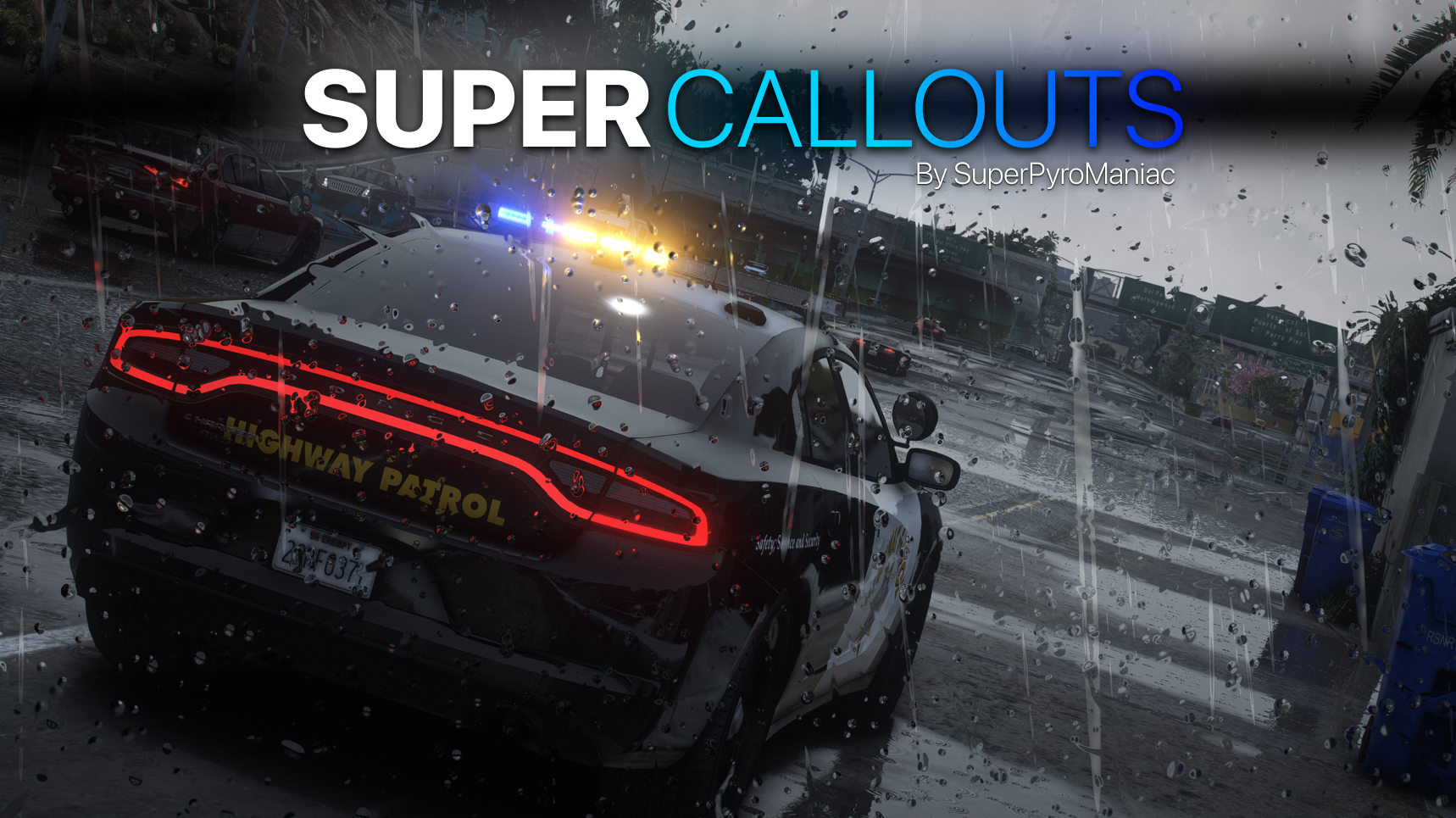
SuperCallouts is a plugin for LSPDFR to add more callouts. Currently adds 36 new callouts!


With SuperCallouts I aim to add more unique callouts to LSPDFR with a uniform feel. I add both realistic and crazy new calls that will be played randomly. You are also able to disable and enable any features you choose. I recommend pairing this plugin with my other plugins DeadlyWeapons and SuperEvents to completely change how the game feels.

MEE3wC3.png

*SWAT Related Callouts*

(Dangerous!)

FIB Reports known armed mafia members spotted at the casino.

FIB Reports known armed mafia members spotted in Sandy Shores.

FIB Raid mafia drug smugglers found at the harbor.

Police Reports mafia planted large bomb in Los Santos.

FIB Raid, wanted gang members spotted involved in a police officer murder.

Sheriff under attack by a biker gang.


*Realistic Callouts*

Traffic report, stolen super car spotted.

Traffic report, vehicle belonging to a possible kidnapper spotted.

911 call of someone being held at gunpoint.

911 call of a car accident.

911 call of someone being attacked by an animal.

911 call of a hit and run.

911 call of an alien sighting.

911 call of a suspicious car.

911 call of a vehicle fire.

911 call of a police impersonator.

911 call of someone walking around with a gun.

911 call of a car blocking traffic!

911 call of an illegally parked car!

911 call of a knife attack at the subway!

911 call of a drunk driver.

911 call of someone not breathing.

911 call hang-up with no details.

911 call of someone trespassing.

911 call of a stolen construction vehicle.

911 call of someone vandalizing property.

911 call of someone wandering outside naked.

911 call of a fight in the street.

Correction Department Backup, multiple prisoners escaping.

Correction Department Backup, prisoner escaping transport.

Police Backup, officer under fire.

Police Backup, manhunt for a fugitive.

Police Backup, medical supplies theft.

Police Backup, stolen police vehicle.

Police Backup, officer not responding.

EMS requests police escort.


Many of the callouts have multiple outcomes! I try to make sure they are not too repetitive!


Any Issues, suggestions, or want to chat?
Join my Discord server!
Click Me!

Policing Redefined is recommended for this plugin!

Superior StopThePed and UltimateBackup replacement.

Some callouts or features may be disabled without it.


Edited by SuperPyroManiac
Cuz

What's New in Version 4.0.1.0

Released

UPDATE 4.0.1.0


NPCI Support


Any Issues or Ideas?

Please leave bug reports and ideas in my Discord!
Join my Discord server!
Click Me!


Changes:

  • Added support for NPCI

  • All callouts (except swat ones) with people in them will correctly have context of the situation for NPCI users

  • Moved audio to custom files to allow full support for BlueLine Dispatch

  • Neither BLD or NPCI is required, these are optional

  • Fixed 28 callouts to have better detection of despawned items, preventing errors or causing callouts to end suddenly.

  • Fixed the vehicle not found crash. If it still happens ill rip out all my hair and scream.

  • Fixed many bugs over many months, not worth mentioning all of them here.

    NPCI requires an update to add API support. Users of this plugin need to wait around a week for the NPCI update to support the context my plugin provides.


Config:

  • N/A


Known Bugs:

  • N/A


Short Description

SuperCallouts - 36 new detailed and uniform callouts.

User Feedback

Recommended Comments

ParkRangerMeth

Members

(edited)

RagePluginHook.log crashed when accepted prisoner escaped during transportation something about callout manager.

I run Coastal Callouts ,firefighter callouts, mandown callouts also STP and UB ,i dont use police redifined

EDIT: This pack works flawlessly,i deleted the old leftover interface file.best callout pack until now for all the map!

Edited by ParkRangerMeth

Saifkh2007

Members

hey, iam a bitt new for the mods things, should i add lspdfr, pluging folders and all the other files to my game folder , or should i just add the plugins folder?

  • Community Team
3 hours ago, Saifkh2007 said:

hey, iam a bitt new for the mods things, should i add lspdfr, pluging folders and all the other files to my game folder , or should i just add the plugins folder?

The file path will be like

GTA5/Plugins/LSPDFR/SuperCallouts.dll

You may need to make the LSPDFR folder inside of the plugins folder.

Justaguy1

Members

it says plugin loaded wrong, but i installed it correctly

DOG DRO ROP

Members

Hi bro, Why, when I download a mod, does the download continue forever or does it crash completely and window appears to save the mod?

D3adSh8t

Members

On 2/12/2026 at 2:27 AM, DOG DRO ROP said:

Hi bro, Why, when I download a mod, does the download continue forever or does it crash completely and window appears to save the mod?

There's a problem on your side definitely mate.

myrtlemadman

Members

New callout pack crashes game or wont load because it says installed incorrectly. Its not at all installed incorrectly.

Michael21107

Members

On 5/10/2026 at 5:16 PM, myrtlemadman said:

New callout pack crashes game or wont load because it says installed incorrectly. Its not at all installed incorrectly.

Send your RagePluginHook.log file, but I'm sure you indeed did not install it correctly.

  • Community Team
On 5/10/2026 at 9:16 AM, myrtlemadman said:

New callout pack crashes game or wont load because it says installed incorrectly. Its not at all installed incorrectly.

Out of the years I have had this system, it has not been wrong once. Double check you followed the install instructions.

myrtlemadman

Members

RagePluginHook.logThat's my log, I've had super callouts and events before, I love it! I just replaced the last version. Not sure whats happening.

(edited)

  • Community Team
50 minutes ago, myrtlemadman said:

RagePluginHook.logThat's my log, I've had super callouts and events before, I love it! I just replaced the last version. Not sure whats happening.


This log shows me that you have none of my plugins installed

image.png

Edited by SuperPyroManiac

myrtlemadman

Members

Well I took it out when I installed the new update and it crashed. Sorry about that. Ill install it again and run it

RagePluginHook.log just installed it and started up the game. Somehow I've run into the same issue. I've installed this before and it ran perfectly. Not sure what I did wrong this time.

RagePluginHook.log

  • Community Team
41 minutes ago, myrtlemadman said:

Well I took it out when I installed the new update and it crashed. Sorry about that. Ill install it again and run it

RagePluginHook.log just installed it and started up the game. Somehow I've run into the same issue. I've installed this before and it ran perfectly. Not sure what I did wrong this time.

RagePluginHook.log

You did not correctly update PyroCommon, it goes in the main GTA folder. Delete the old one.
image.png

s589458f

Members

The game crashed when I executed the OfficerShootout callout. This is the log

RagePluginHook.log

  • Community Team
18 hours ago, s589458f said:

The game crashed when I executed the OfficerShootout callout. This is the log

RagePluginHook.log

Crash does not appear to have been caused by SuperCallouts. The error I saw usually comes from a rare case where STP crashed.

Create an account or sign in to comment

Account

Navigation

Search

Search

Configure browser push notifications

Chrome (Android)
  1. Tap the lock icon next to the address bar.
  2. Tap Permissions → Notifications.
  3. Adjust your preference.
Chrome (Desktop)
  1. Click the padlock icon in the address bar.
  2. Select Site settings.
  3. Find Notifications and adjust your preference.




