D3adSh8t
Members
-
Joined
-
Last visited
-
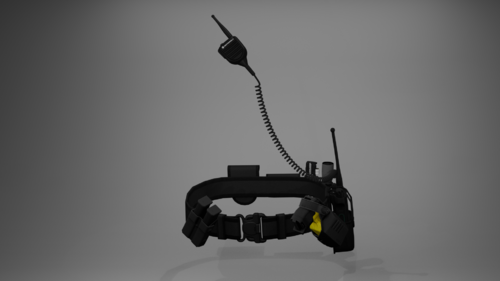 Can I ask if you add another belt without the taser holstered? I'm trying to use this with the new Realistic Holster mod. Thank you!
- 7 comments
- 1 review
-
.thumb.png.4ae541125774b3d59e60a0636013f9c1.png) Could you please add update for add-on weapons as well please? Right now withdrawing custom weapons doesn't play the holster audio plus the holster just doesn't work. Thank you!
Could you please add update for add-on weapons as well please? Right now withdrawing custom weapons doesn't play the holster audio plus the holster just doesn't work. Thank you!- 144 comments
- 14 reviews
-
-
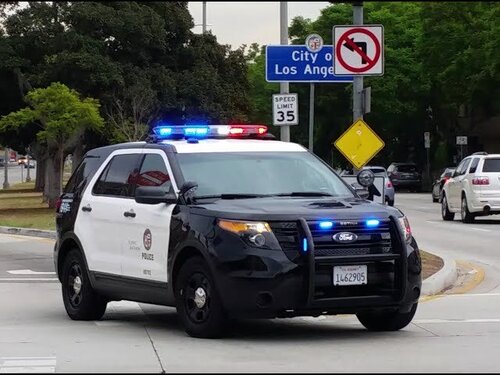 You can easily install it for SP. Path is mods/x64/audio/sfx/resident.rpf/vehicles.awc. Right click vehicles.awc, extract to OpenFormats (.oac), pick a location, you will then get 2 things, one "vehicles" folder and one vehicles.oac file, just overwrite the audio in the "vehicles" folder with whatever you like from this mod, then drag the vehicles.oac and paste over the vehicles.oac in RESIDENT.RPF. Done!
 -
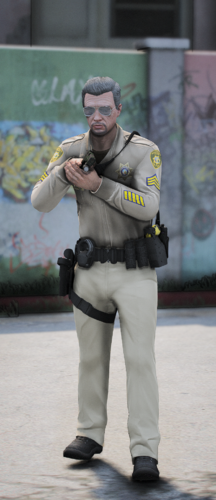 Very nice pack, my compliment to the creator. Unfortunately, he would not be able to see this comment.
 -
-
-
-
-
-
-
-
-
-
-
-
 Hi, could you please take a look at whether Im setting the config right or not? Cause I think disabling the "Home" button for the Social Club doesn't work for me: "<Controls> <Control>Duck</Control> <Control>SaveReplayClip</Control> <Control>SpecialAbilityPC</Control> <Control>FrontendSocialClub</Control> <Control>FrontendSocialClubSecondary</Control> <Control>SaveReplayClip</Control> <Control>ReplayStartStopRecording</Control> <Control>ReplayStartStopRecordingSecondary</Control> </Controls>"
 -
-
-
-
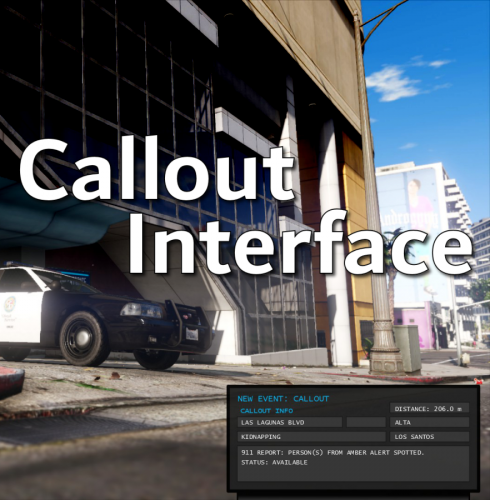 @opus49 I don't know if you have responded to this before but why did you remove the MaxDistance Callout option? It was such a much needed functionality.
- 453 comments
- 50 reviews
.thumb.png.4ae541125774b3d59e60a0636013f9c1.png)