
Skip to content
View in the app

A better way to browse. Learn more.

LCPDFR.com

A full-screen app on your home screen with push notifications, badges and more.

To install this app on iOS and iPadOS
  1. Tap the Share icon in Safari
  2. Scroll the menu and tap Add to Home Screen.
  3. Tap Add in the top-right corner.
To install this app on Android
  1. Tap the 3-dot menu (⋮) in the top-right corner of the browser.
  2. Tap Add to Home screen or Install app.
  3. Confirm by tapping Install.

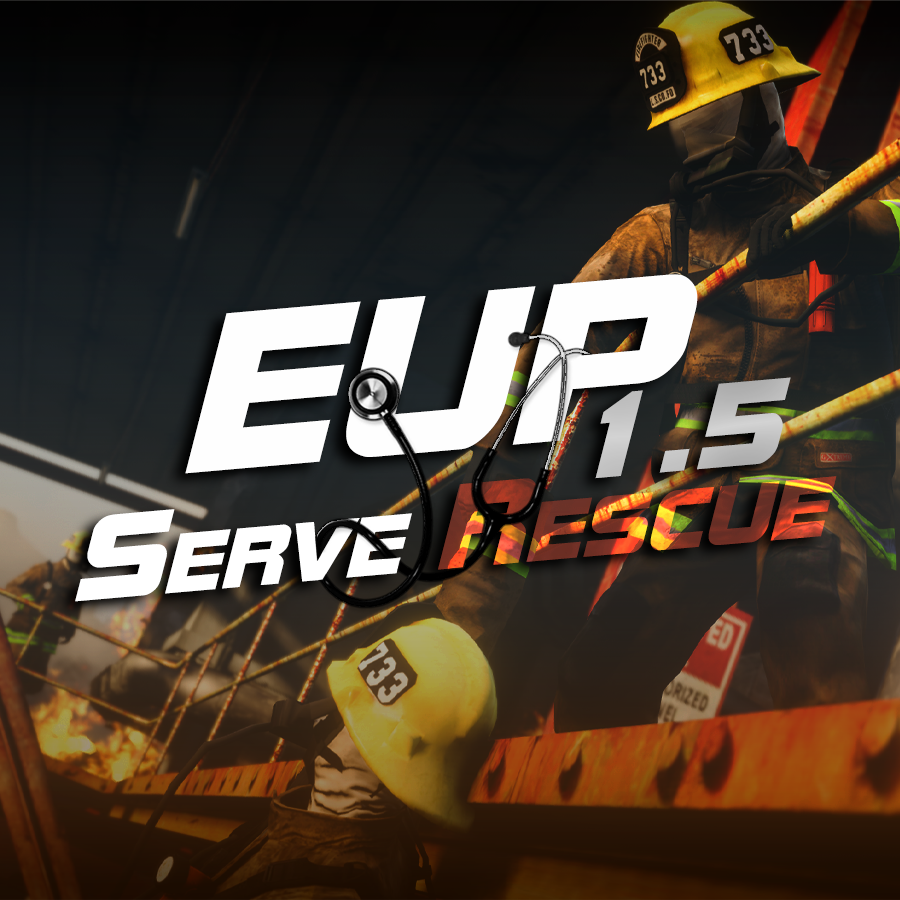
Emergency uniforms pack - Serve & Rescue 1.5

(27 reviews)

12 Screenshots

image.png.11f6837c83c6f62d750810162c3b1eda.png

EUP - Serve & Rescue is an addition to the regular EUP apparel that contains a plethora of outfits for the various non-LEO agencies of San Andreas. Extinguish fires with your turnout gear, save lives with an EMT uniform, or do some contract work with a construction outfit. You don't have to fight crime to be a hero.
 

REQUIREMENTS


If you were you were looking for the latest version of EUP S&R (2.2) and wish to support our work click the button down below:
 

Patreon

 
This mod is a free mod, the beta versions of EUP accessible only through our patreon page, is a tool for us to support the development of the mod and create a platform to interact with the community, 5 years later this mod became my main ''job'' and source of income, thanks to all the fans and supporters. Which means more quality and enhancements, since I can allow all my time to it and invest money into assets and programs.

The public version is still important to us and will receive updates, which is made possible by our membership system, during beta stages of EUP


For General discussions, beta registration, support, images contest and more follow join our Discord Server:


EUPDiscordFR.thumb.png.4d829d6a0ecf95df00ad7502a4a59c4b.png


Need help? Is something went wrong? Not sure how to proceed?
Leave the comments and reviews alone, we don't really monitor them.


Follow the link to EUP Discord for help or comments


Edited by Alex_Ashfold
Updating the mod

What's New in Version 1.5

Released

New agencies from 9.0
- Bobcat Security
- Lock & Load Security
- Chuff Security
- Securoserv Security
- Sanfire


New Equipment
- Security belt with no pistol mags setup
- Firebrush jackets
- Updated Fire pin buglars for fire captain and chiefs
- Updated flotation vest for USCG and water rescue
 

New Apparel
- New coats and jackets
- SCBA Apparatus redesigned
- Added new EMTs and SAR polos
- Redone all FD Badges to match their counterpart and in game lore
- and more


Short Description

EUP - Serve & Rescue is an addition to the regular EUP apparel that contains a plethora of outfits for the various non-LEO agenc

User Feedback

Recommended Comments

Spring Vally RP

Members

Can we use these mods in FiveM? I wanna use them for my server

officer benco

Members

help no install with OIV 1.5 "/

Asterus

Members

23 hours ago, officer benco said:

help no install with OIV 1.5 "/

There is

Its not a big deal but it says 1.4 instead of 1.5

1.4 BUG.png

AIF Infantrymen

Members

(edited)

Is me or there is missing stuff, like the turnout coats and pants, SCBA? the textures are there but not the models

Edited by AIF Infantrymen

Alex_Ashfold

Insiders Author

14 hours ago, AIF Infantrymen said:

Is me or there is missing stuff, like the turnout coats and pants, SCBA? the textures are there but not the models

because those models are already included in the base game

AixX

Members

O... looks nice

Spartan DEV

Members

Someone know where are the fire trunouts files? Thanks


Hello! I have a question about EUP in LSPDFR. The clothes are working perfectly for my character, but not for peds. How to make peds wearing EUP clothes? This is my question. I installed the Menu, Basic, Server Rescue and Law Order? Can I please get help...

Squintavious

Members

is anybody else having an issue installing it into Open Iv???


Gaming 4 Life

Members

Need Help Installing Check Out This Tutorial 


muszkens

Members

after installing it, eup menu said i have no installed s&r pack

JBin818

Members

On 1/23/2022 at 7:24 AM, muszkens said:

after installing it, eup menu said i have no installed s&r pack

For some reason the install for this S&R 1.5 doesn't add the dlclist line.  Open the dlclist and add this line.


<Item>dlcpacks:/sup/</Item>


There should be one for eup already there.  Then open game and the Menu will show installed. 

Cratos

Members

gotta love those uniforms, keep it up!

munchy32123

Members

On 12/27/2017 at 5:29 PM, JRod95 said:

do you need to have LSPDFR Installed to use this and do you need ragehook


you need to have ragehook but not lspdfr however if you want to do situations with the outfit i highly recommend lspdfr as you can download mods that have events of whatever you want to do with your outfit

On 4/6/2019 at 7:42 PM, Guest anjiofchaos said:

so how do i remove the serve and rescue? because this overwrote my NPC police uniforms, and now all the npc police have this weird cross of firefighter and military uniforms, and even in my "on duty" the uniforms i select all got mixed up, i was happy with just the law and order ones, but this one messed up the law and order pack, anyway i can remove it?

delete the folder in update/x64/dlcpacks then there should be a file called SUP. delete that and then back out to update then go to update.rpf/common/data then edit the dlclist with notepadplusplus (i dont have the numpad) and remove SUP

I download it but when I drag and put the plugins folder in my drectory. It doesn't show the EUP folder just the EUP.dll. Please help.

Cavasi

Members

Is the LML Download broken for anyone else? The download page loads and counts down but clicking to start the download doesn't even start it.

xPace

Members

Is it possible to have a job as a construction worker or merryweather, gruppe sechs etc. or all this outfits serve no purpose or smth like that?

LSPDFRFAN193

Members

On 12/27/2017 at 4:29 AM, JRod95 said:

do you need to have LSPDFR Installed to use this and do you need ragehook


Yes because you need EUP menu to use this pack which is run through rage plugin hook and LSPDFR is installed automatically when you install LSPDFR through LSPDFR.com

HasiqTR

Members

Brilliant work!

Wehrmachgt

Members

Bro i bet 50% of people who downloaded, downloaded just to make their police paramedic OC lmao

Good pack tho, thank you

xKrazy

Members

For anyone having problems with this mod saying it's not installed, do this:


Open OpenIV and go into mods/update/update.rpf/common/data and open dlclist.xml in edit mode and paste this into the next line:


<Item>dlcpacks:/sup/</Item>


Hit save and you should be good to go.

Mister Haskins

Members

I'm having issues locating the default fire helmets in the SUP folder. Need help

Writal

Members

Which one I have to download when I click on the download buton ?

Sheepdogvalley

Members

29 minutes ago, Writal said:

Which one I have to download when I click on the download buton ?

You have two options for installing DLC packs in GTA V: using an .oiv file or a zip file. Here are the instructions for both methods:


### Installing an .oiv file

1. **Open OpenIV**: First, ensure you have OpenIV installed. OpenIV is a modding tool for GTA V that allows you to manage and install mods.

2. **Navigate to Tools**: In OpenIV, click on the 'Tools' menu at the top of the window.

3. **Package Installer**: Select 'Package Installer' from the dropdown menu.

4. **Select Your .oiv File**: Find and select the .oiv file that you've downloaded. This is usually a file specifically prepared to be compatible with OpenIV.

5. **Follow the Installer**: The installer will open a new window. Follow the prompts in the installer which will guide you through the installation process. Ensure you choose the correct mods folder for the installation if prompted.

6. **Complete Installation**: After following the prompts, your DLC pack will be installed, and you can close OpenIV.


### Installing a zip file (Drag and Drop Method)

1. **Extract the Zip File**: First, extract the contents of the zip file you downloaded. This can typically be done by right-clicking the zip file and selecting 'Extract All' or using a program like WinRAR or 7-Zip.

2. **Locate the 'mods' Folder**: Open your GTA V directory. This is typically found in 'C:\Program Files\Rockstar Games\Grand Theft Auto V' or wherever you have the game installed. Within this directory, navigate to the 'mods' folder. If you don’t have a 'mods' folder, you will need to create one.

3. **Drag and Drop Files**: Drag the extracted files from your zip file directly into the 'mods' folder in your GTA V directory.

4. **Edit the DLClist.xml**: Navigate to 'mods/update/update.rpf/common/data/'. You will need to edit the 'DLClist.xml' file within this directory. Open it with a text editor like Notepad++.

5. **Add the Line for the New DLC Pack**: You will need to add a line of code that points to the new DLC pack. This is usually provided in the instructions with the mod or on the mod’s webpage.

6. **Save and Close**: After adding the necessary line to the 'DLClist.xml', save the file and close the text editor.


Both methods will allow you to add new vehicles, weapons, or missions without affecting the core game files, maintaining stability and compatibility. Always remember to backup your game files before making modifications to ensure you can restore the game to its original state if anything goes wrong.

Incog

Members

On 12/26/2021 at 4:49 PM, MSTB Developments said:

Hello! I have a question about EUP in LSPDFR. The clothes are working perfectly for my character, but not for peds. How to make peds wearing EUP clothes? This is my question. I installed the Menu, Basic, Server Rescue and Law Order? Can I please get help...


Create an account or sign in to comment

Account

Navigation

Search

Search

Configure browser push notifications

Chrome (Android)
  1. Tap the lock icon next to the address bar.
  2. Tap Permissions → Notifications.
  3. Adjust your preference.
Chrome (Desktop)
  1. Click the padlock icon in the address bar.
  2. Select Site settings.
  3. Find Notifications and adjust your preference.
















