Skip to content
View in the app

A better way to browse. Learn more.

LCPDFR.com

A full-screen app on your home screen with push notifications, badges and more.

To install this app on iOS and iPadOS
  1. Tap the Share icon in Safari
  2. Scroll the menu and tap Add to Home Screen.
  3. Tap Add in the top-right corner.
To install this app on Android
  1. Tap the 3-dot menu (⋮) in the top-right corner of the browser.
  2. Tap Add to Home screen or Install app.
  3. Confirm by tapping Install.

snailvirus

Insiders
  • Joined

  • Last visited

About Me

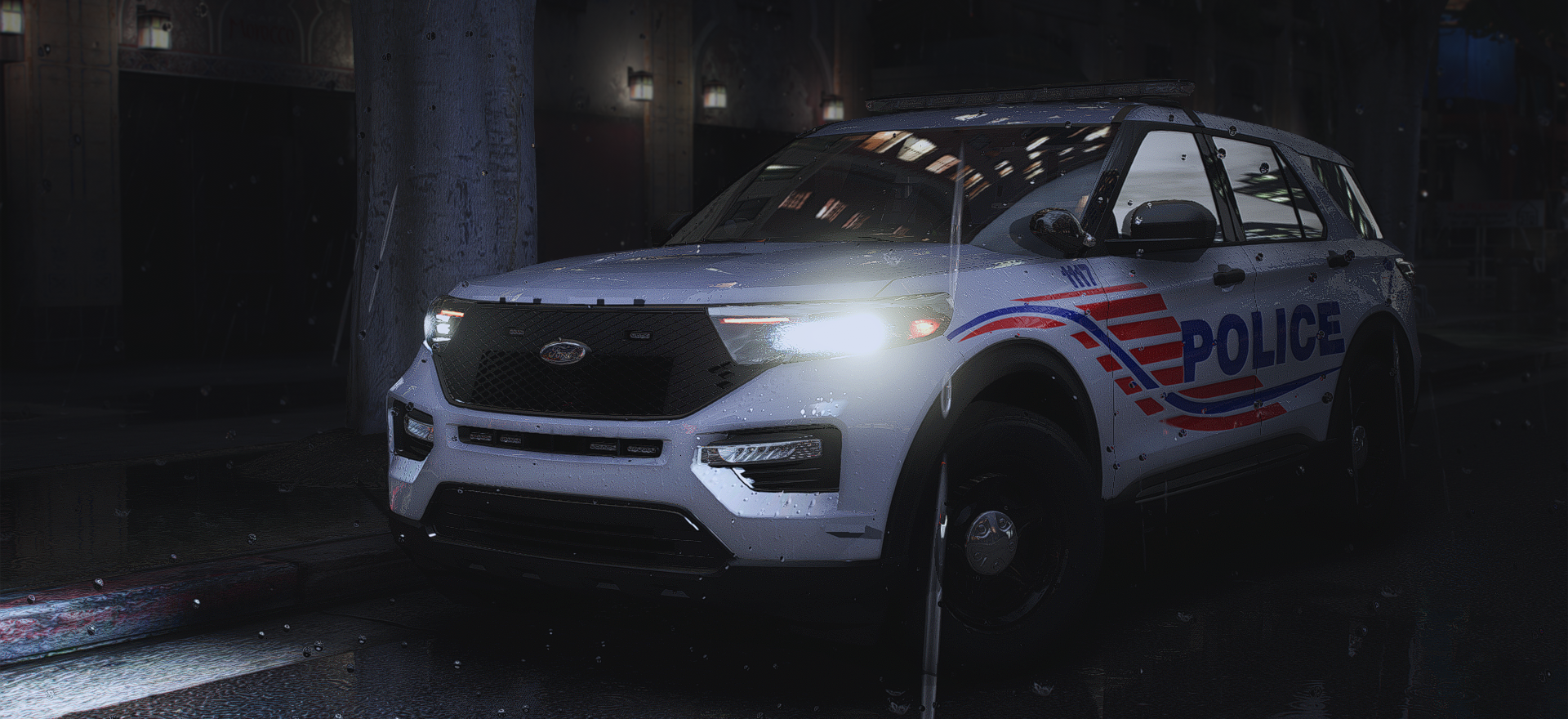
Hello, I like making livery packs.

Below are the packs I currently plan on making:

LSPD Livery Mega Pack inspired by Titusville Police (In Progress)

BCSO/LSCSO Mega Livery Pack inspired by St. Mary Parish Sheriff (In Progress)

Remake BCSO/LSCSO Mega Livery Pack inspired by East Baton Rouge Sheriff (Not started)

Remake BCSO/LSCSO Mega Livery Pack inspired by Gallatin County Sheriff (Not started)

BCSO/LSCSO Mega Livery Pack inspired by Lafayette Parish Sheriff (Not started)

BCSO/LSCSO Mega Livery Pack inspired by DeSoto Parish Sheriff (Not started)

LSPD Mega Livery Pack inspired by Denham Springs Police (Not started)

BCSO/LSCSO Mini Livery Pack based off of Ascension Parish Sheriff (Not started)

Account

Navigation

Search

Search

Configure browser push notifications

Chrome (Android)
  1. Tap the lock icon next to the address bar.
  2. Tap Permissions → Notifications.
  3. Adjust your preference.
Chrome (Desktop)
  1. Click the padlock icon in the address bar.
  2. Select Site settings.
  3. Find Notifications and adjust your preference.