




Are you tired of accidentally hitting old people when you only meant to aim your weapon?
No More Violence prevents accidental melee attacks while using firearms, flashlights, fists, and other weapons. Its customizable allow list lets you choose exactly which weapons can still perform melee attacks.
Features include:
Blocks accidental pistol-whipping and weapon melee
Blocks unarmed punches
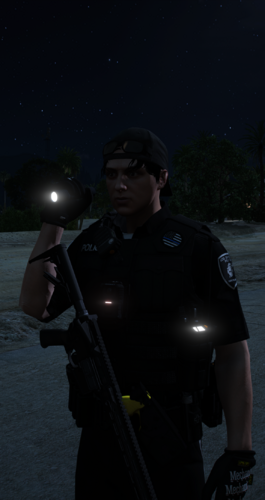
Prevents flashlight melee attacks
Customizable weapon and weapon-group allow list
Baton/nightstick allowed by default
Reload the allow list without restarting using
refreshLightweight and performance-friendly
Short Description
AI disclosure
The author has disclosed that AI tools were used in creating the following aspects of this file:
- Description
- Images
- Mod and Mod Content (Substantial)
I used this to simply make the mod, it has been a idea for a while and wanted to create it. I used codex which is OpenAI to create this the images and the Description. I used AI because I'm not at that level yet to create handmade plugins myself. The mod it self I gave full credit with my name attached to it



![[DLS][DLC] Kansas City Kansas Police Pack](http://s3-screenshots.int-cdn.lcpdfrusercontent.com/monthly_2026_10/6.thumb.png.4b6bca3b611d526404c81398ea854adf.png)


.thumb.png.8037129bc2526a9a9c435f4295948c9e.png)





Recommended Comments
Create an account or sign in to comment