Piarulli246
Members
-
Joined
-
Last visited
Everything posted by Piarulli246
-
-
Staten Island isn't the nicest boro. I go there a lot because my family lives there and there's always garbage on the streets and stuff. Also I know a lot of fire fighters over there.
-
-
I think it is when EVI made it he had a lot of textures in because I get the same thing and the light works fine.
-
-
-
Such a sick response!
-
-
The haters are just jealous . Looks nice. Can't wait to get my CVPI and outfit it with a ton of lights because I can.
-
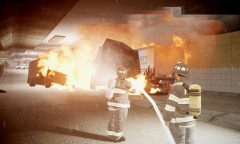 WOW! Cant wait for this!!!!!!!
 -
-
i pretty sure these are the ones: http://www.gtainside.com/en/download.php?do=comments&cat=324&id=34639
-
-
-
-
-
i died at 0:15 lololol
-
For some reason when I try to merge the light in, it just makes my zmodeler stop working. Any clue?
- 17 comments
- 5 reviews
-
-
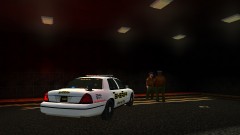
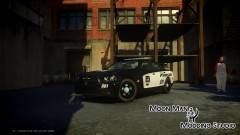
From the album: Grand theft Auto
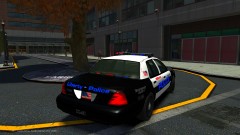
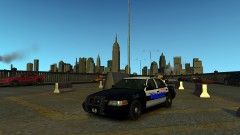
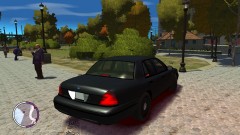
Car and skin made by me. -
Yea BayAreaBuggs said they're making it so be sure to keep your eye out.
-
Looking good, good luck!
-
 I want your ENB! ahhhhhh
 -
I also freaken love them. There's just something about them lol.
-
Mine is also a Code 3 21TR.