


Piarulli246
Members
-
Joined
-
Last visited
Everything posted by Piarulli246
-
 That's awesome and I agree with Sharp:)
 -
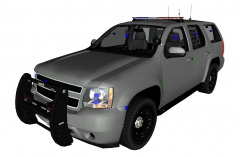 Looks beautiful. Its good to see you on here for a little because I know you love that GTA V lol.
 -
Don't think that should be in this section.
-
-
 Skin looks boss!
 -
-
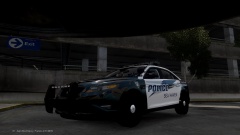 I really like it! Great job!
 -
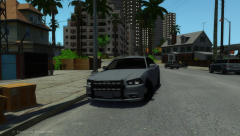 Looks good man!
 -
 A nice glazed one lol. Nice skin by the way!
 -
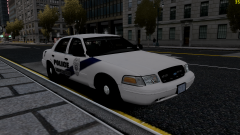 Weird interior bar setup but that is what makes it cool. Nice work man!
 -
![2012 Charger (XBR410) [WIP]](//s3-gallery.int-cdn.lcpdfrusercontent.com/gallery/album_1963/sml_gallery_37637_1963_435755.png) What lights?
What lights? -
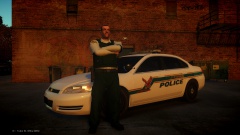 Skin looks great man!
 -
Yea but mines overclocked to a 3GB instead of a 2GB. Plus I got it on sale.
-
You should not be lagging on anything with that build. I have a GTX 660Ti 3GB and the others the same and I don't lag on one game.
-
I agree. Try and find a 660 Ti and make sure it is 2 GB, you will be able to run everything very well. I love my 660 Ti 3GB Over Clocked! So good.
-
-
 Great picture!
 -
 Looks great! One thing I think those cobras in the back should be scaled down and also take the suction cups off of them and make a mount of something because you can't suction cup in rear windows. Keep it up!
 -
-
-
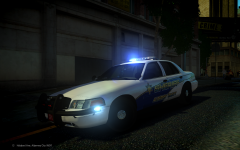 I agree. Nice car!
 -
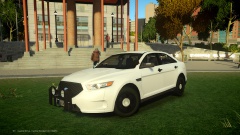 Its not that they don't want to release it, its that they can't because they don't have permission from the person who made the Taurus.
 -
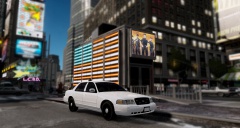 Yea it's a beauty.
 -
Lol yea I guess.
-
It's the dsf Crown Vic and modified into 2010 by Mater Yoda


![2012 Charger (XBR410) [WIP]](http://s3-gallery.int-cdn.lcpdfrusercontent.com/gallery/album_1963/sml_gallery_37637_1963_435755.png)
