


Piarulli246
Members
-
Joined
-
Last visited
Everything posted by Piarulli246
-
![skin request [WIP]](//s3-gallery.int-cdn.lcpdfrusercontent.com/gallery/album_2124/sml_gallery_45963_2124_197840.jpg) Love it!
Love it! -
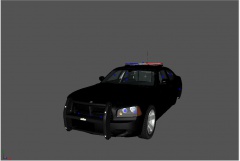 Awesome.
 -
Well I already was making a pack with the proper 21TR because your probably using the messed up unlocked one.
-
Didn't you say in my pic of my WIP 21TR that you didn't like the bar? Then you changed the comment.
-
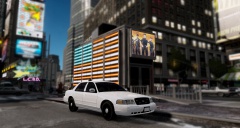
From the album: Images by Foward
Model made by request. I do take requests but only certain models. -
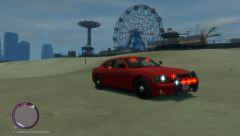 Nice Ed!!!!!
 -
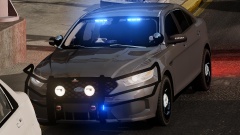 I been getting obsessed with all blue for some reason. Recent cars I have made are all blue so I will be switching to all blue.
 -
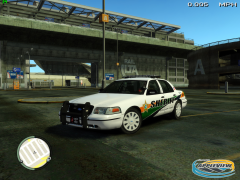 Such a nice car and skin
 -
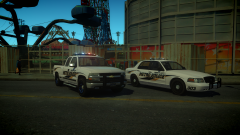 Awesome cars.
 -
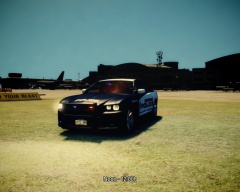 Its really not we just show each other and tell what we think. I think it is to blurry and dull.
 -
Yea doesn't look so good.
-
Looks awesome.
-
Police Car Website works fine for me.
-
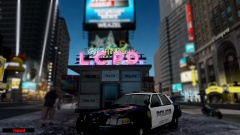
From the album: Foward's WIP
Going to be part of a mini pack with the 21TR Lightbar. What should I add? -
Well I got my name about a year ago when I wanted a more kinda official name because I hate names with 100 numbers and then upper and lowercase. So my friends name was Rewind on Xbox and I kinda got it from him and now my name on everything has been Foward since that day.
-
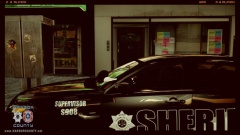 Nice skin man!
 -
-
Yea like Srgt. Scales said, it says "Protect and Server". Also you need to make that white part on the door straighter so try to use the pen tool instead of the brush.
- 5 comments
- 7 reviews
-
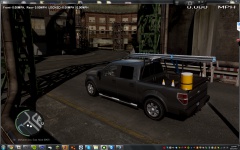 Looks awesome!
 -
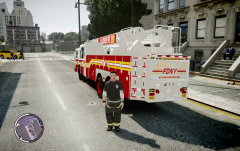 If you really want the realism, make it Ladder 4, 10 or whatever uses a Ferrara just because Ladder 26 is really a Seagrave. Anyways awesome work man, I am so siked!
 -
I actually tried that and it still didn't do anything.
-
So just today I loaded in GTA IV and right when my character spawned the airbrake keeps enabling and disabling by itself and I can't use my trainer. Anyone know?
-
-
That Tahoe is beautiful!
-
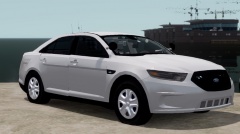 Rims look fine. Don't listen to Tunes.

![skin request [WIP]](http://s3-gallery.int-cdn.lcpdfrusercontent.com/gallery/album_2124/sml_gallery_45963_2124_197840.jpg)

