



Chip.
Members
-
Joined
-
Last visited
Everything posted by Chip.
-
For some reason i cant select the livery i want with SNT, i do have the +livery set, its just not letting me change it in SNT, amd i doing something wrong, or did i forget to do something? Anyone got any ideas?
-
I dont know its just one of thouse things, i guess its because there made for Xbox/PS3 and not PC, They may make some for PC, but i think you shouldent play with them, but thats my opinion. Thanks for the reply
-
Not sure if this should be in support or not, but.... Is it possible to steer with the mouse? I want to try this out, is there some sort of hack/mod to do this? i don't want to use a controller as im against it (don't ask).
-
-
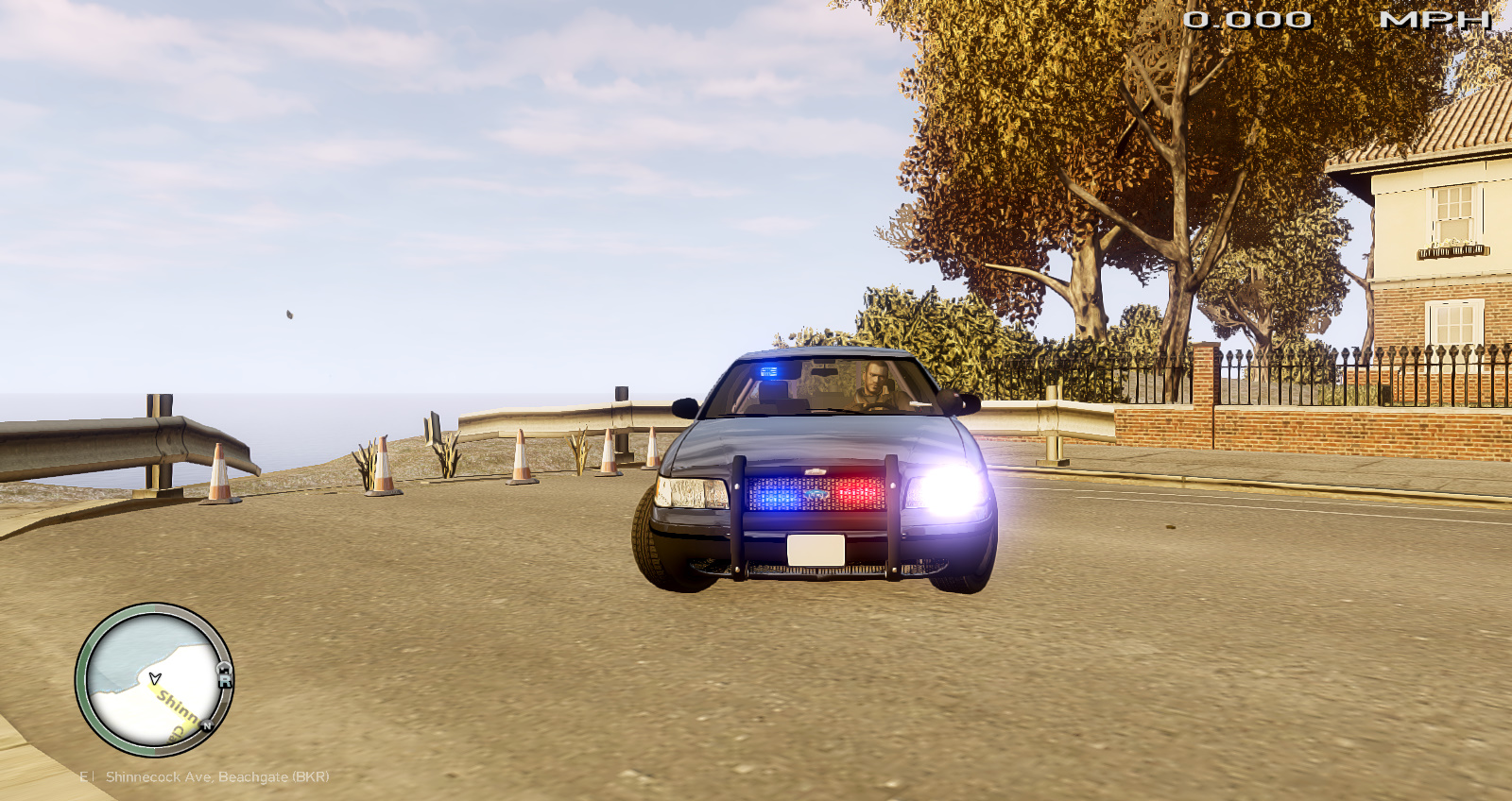
Please do not edit this vehicle without my permission. Do not upload without my permission. (you may edit for personal use, ask before re-uploading) This vehicle was intended to be Undercover, hence the not so many lights, you may use it as you wish. This is my first vehicle mod/model, please be nice and i would like feedback. View the readme in the .rar! About ____________________________ Lighting: Interior Lighting Model status: Unlocked Credits ____________________________ Bxbugs123 (Code 3 XT6 Series) Bxbugs123 & Lt.Caine (Whelen Talon) Rockstar (Admiral "Vehicle Model")
- 7 comments
- 2 reviews
-
Awesome, can you do a code 3 mastercom B, and make it not high pitched
-
Sorry i couldent help
-
Social club never works, and it might be because your IV reg entry is curropt, i had the same problem, i finaly reset my pc to factor defaults, try deleting the reg entry, and see if that works, but back up your reg first.
-
The invalid resource usualy means theres something wrong with a texture(Map mod) or car mod, try spawning the texture/car mod and if it crashes on the spawn of that item, remove it. then see if you keep crashing.
-
-
Anyone got the link for that CVPI with the Code 3 javelin?
-
-
This is verry kool, im from idaho, and theres no CVPI ISP cars, but this is awesome!
- 4 comments
- 1 review
-
Click the spoiler below to view.
-
You can launch Steam,Gta4/LCPDFR,F.R.A.P.S., And Fire Fox with this. Just something i came up with. back up link: http://www.mediafire.com/?pg969oic697c9ah
- 6 comments
- 5 reviews
-
Right now im using the police enb new version, im running it on low settings, when im recording im lagging a bit, is there anyway to fix this, and run it on medium-high settings? Heres my SPEC's, if so what would i need to upgrade?
-
-
Ravens roleplay is a good script, BUT theres no updated versions, the current sa-mp client is 0.3e
-
Im starting to play SA-MP Again, but the .txd hack is not working with me, can anyone help me? ive done the things need to do for it to work, but idk whats wrong with it, its worked before.
-
-
-
This happened to me recently, try removing your current trainer.ini move it to your desktop, then just play the game for about 5 min, then replace the .ini
-
bro, sounds like you have a hacker, happened to me once, are you using a router and a home modem, and do you have a password on the router?
-
My pc can run gta4 really good, and i only get about 15 fps, 20 on a good day and 50 on a rare day. Gta4 was poorly coded.
-
You should do a QRU (Quick Response Unit) but make it like fire and medic skins, that would be epic.
- 9 comments
- 3 reviews
