



Chip.
Members
-
Joined
-
Last visited
Everything posted by Chip.
-
This post is useless, look at the second pined topic.
-
Yup, i reinstalled lastnight, and found out it dident delete the folder and everything in it, so im reinstalling once again. There is no error code, it just launches and RGSC never comes up
-
Just reinstalled it, still wont launch
-
Yes, it just stopped launching
-
Yes, i launched it through steam, and through the LaunchEFLC.exe Yes, everything is uptodate, i guess ill have to reinstall
-
Nope no error message(s) it just doesent launch, it did but it just stopped.
-
EFLC is failing to lauch, ive verified the files via steam, removed all mods, and still nothing, i really dont want to reinstall.
-
Its the spectra i beleive, and theres not a public one im aware of, ive looked everywhere for it to.
-
I really want to do the story mode but, should i go bake and start with gta1 or gta 3 then vc and sa, or should i just do iv?
-
Is it a specific script? Try different scripts and see if that is the issue.
-
I get this if i alt tab and the game stops respoding, then responds again, just reloadscripts and you should be good.
-
-
-
READ THE README, IF YOU FAIL AND MESS SOMETHING UP ITS YOUR FAULT NOT MINE!!!! Just something i came up with when i got bored. What this script does is automaticly washes your vehicle for you so you dont have to, You can also enable siren without driver, meaning if you exit your emergency vehicle your siren will still be on. GFWL: Potato Chips 101 Steam: whiteboyofus18 Video http://youtu.be/NtDNNiBAGks
- 10 comments
- 9 reviews
-
Is it in your main directory and not your scripts folder?
-
DAS Does not use ALT+F1-9 or normal F1-9, are you sure your using DAS and not another mod? DAS keys are as follows DASToggle = 88 // X by default (Requires that Alt and Ctrl keys be pressed as well) BrowseUp = 107 // Numpad + by default * BrowseDn = 109 // Numpad - by default * Menu = 116 // F5 by default * ChatRespond = 33 // Page Up by default * (Requires that Alt key be pressed as well) ChatBackup = 34 // Dage Dn by default * (Requires that Alt key be pressed as well)
-
Yes, Theres other ones out there but there for other weapons.
-
I know its possible, when i was playing console modders had the molotov cocktail, was a tazer to them, i saw someone on pc the other dayd that had that same mod, i cant find it anywhere, does anyone have the weapon.xml settings for the molotov cocktail tazer? If so, mind sharing the settings?
-
Just got the Radeon HD 7770 and i get less fps then i did with my Radeon HD 6700, I think its my CPU but i fail to see that. ill upload my specs in a bit as im posting this from in-game. Does anyone know what the problem is? i get 30-60 on SP and 10-30 on MP. SPEC's
-
I play.
-
It sounds like an enhanced Mark 7 not sure though.
-
Make sure "Full-Size" Is enabled, if that dont work, try PlayClaw.
-
http://www.youtube.com/watch?v=mT2oEaFmBaE
-
-
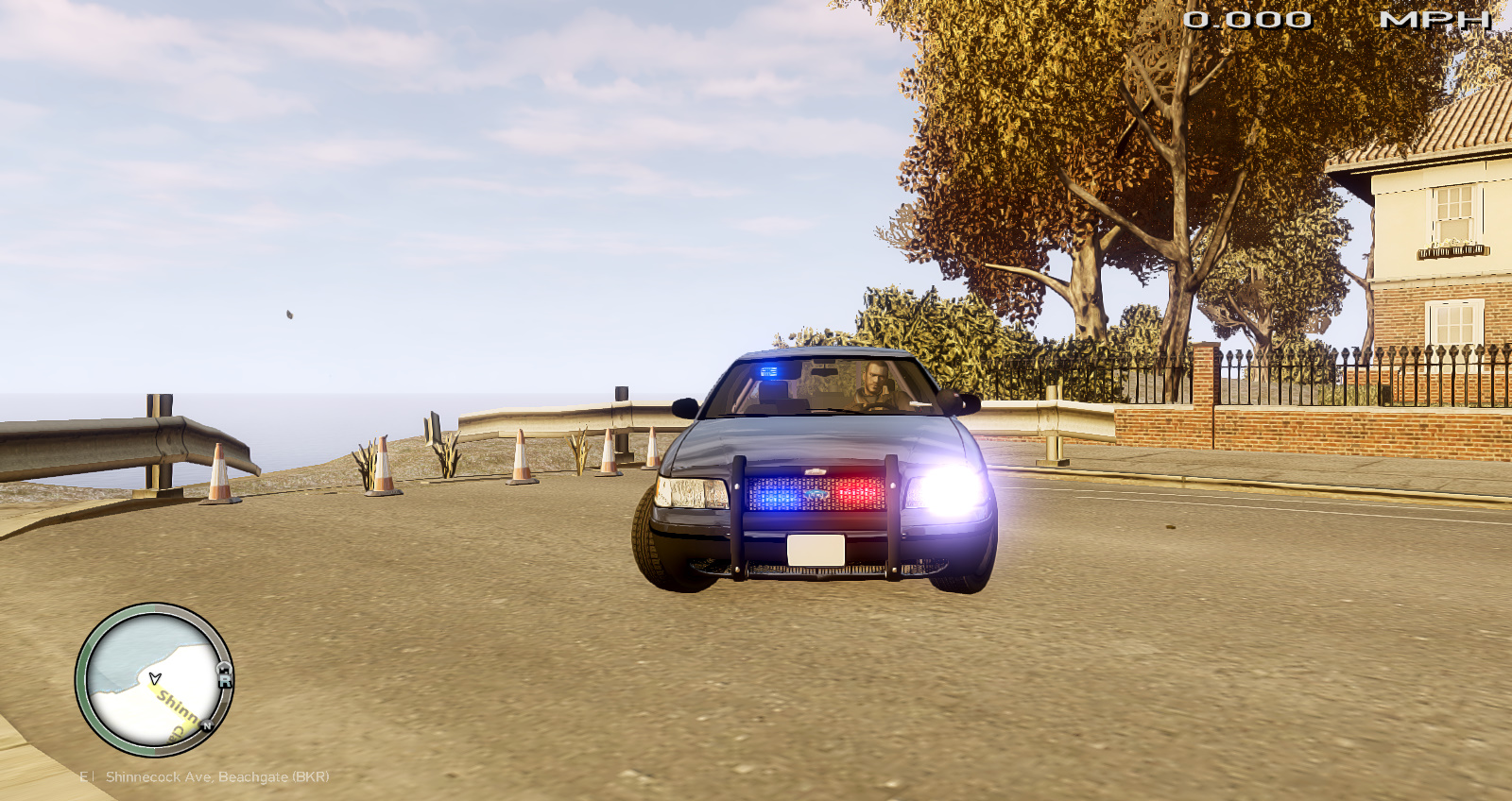
This vehicle is a POV Fire/EMS, it can be used as police but its ment to be a POV. About ____________________________ -Lighting: Interior lighting -Model status: Locked -Replaces e109 Files included ____________________________ Screens e109.wtf e109.wtd Credits ____________________________ Bxbugs123 Rockstar games
- 5 comments
- 3 reviews

