


Warjec
Members
-
Joined
-
Last visited
Everything posted by Warjec
-
-
-
-
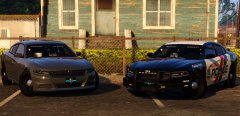 Anyway we can get regular SA Exempt plates on it?
 -
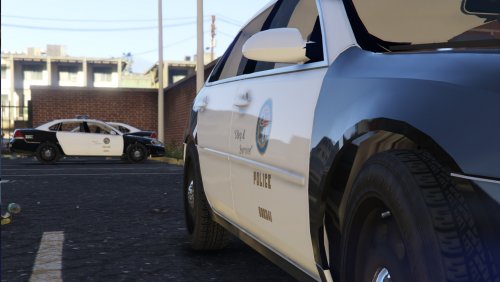 It's the 5mb version. Also, if you put this model in police3 the cars textures are all black. Lights aren't working properly either.
- 30 comments
- 3 reviews
-
-
-
-
-
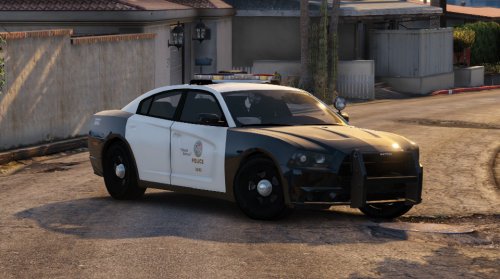 Vehicle is wonderful. You said that there aren't enough lights, but this is as realistic as it gets to the LAPD. The skin is fantastic and the wheels are perfect. Best Charger model I've seen for GTAV. Good job.
- 23 comments
- 8 reviews
-
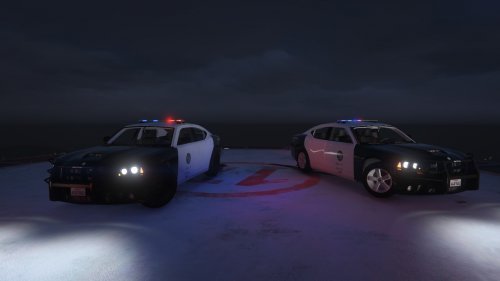 The skins look good, only suggestion I have would be for the correct font for the numbers on the top of the RMP and that the LAPD uses other decals like the "Emergency 911" text.
- 6 comments
- 3 reviews
-
-

- 1
-
-
It's realistic. Ex-SPO/911 Operator here, most and if not all radios used in Law Enforcement have "Emergency" buttons.
-
-
 Is there anyway to change it so that the first option when selecting the vehicle is that there's a lightbar on top? It seems whenever I call back-up the cars that come never have lightbars.
- 137 comments
- 22 reviews
-
Downloaded and installed the file now, everything looks great. Fantastic work as always!
- 137 comments
- 22 reviews
-
-
- 1
-
-
Car and lightbar look great. Only issue I'm having is that the textures of the back-up vehicles turn blue at a distance and the liveries don't change. When I installed your last one I wasn't having the problem.
- 137 comments
- 22 reviews
-
-
- 3
-
-
-
-
What codecs and bitrate did you use, as well as how you saved the video in Movie Maker?
-
How much will it reduce the size? And will any quality be lost?
-
-
http://youtu.be/jZVX5NAuQTM I'm currently testing video recording software for the easiest way to record and upload a video to YouTube. The following video isn't made for views, it's just settings that would enable someone to use so they could record and upload a video without a problem and quickly. The Bandicam settings I used were: Video 1. Frame: 720p 2. FPS: 30 3. Codec: MPEG-1 4. Quality: 80 Audio 1. Channels: Stereo 2. Frequency: 44100 3. Codec: MPEG-1 L2 4. Bitrate: 128 The video size is 895mb, the length is 15m42s and the YouTube upload time is 2h10m. If anyone has an easier way to record and upload videos with better quality at a faster upload plate please leave a post in this thread. I attempted to try Fraps, but a 20 minute video would result in a 6+ hour upload, which is not worth uploading and testing.
-
Not to knock anything down Abraxas. But all the airports in New York and New Jersey are operated by the Port Authority of New York & New Jersey Police Department. AKA PAPD.
-
-
 2011 Alaska State Troopers CVPI & 2010 Alaska State Troopers Dodge Charger (AST Vehicle Mega Pack)](//s3-gallery.int-cdn.lcpdfrusercontent.com/gallery/album_628/sml_gallery_2982_628_65469.jpg) So why not just have them come on as the High Beams?
So why not just have them come on as the High Beams?
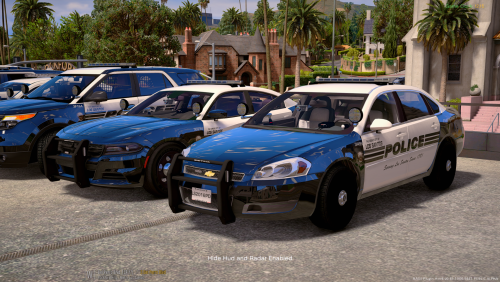

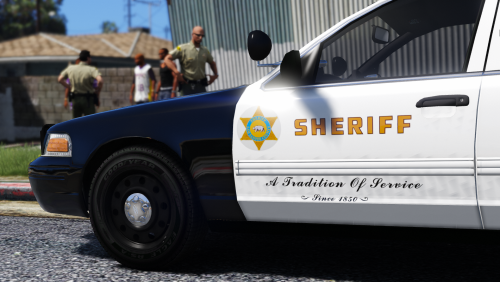

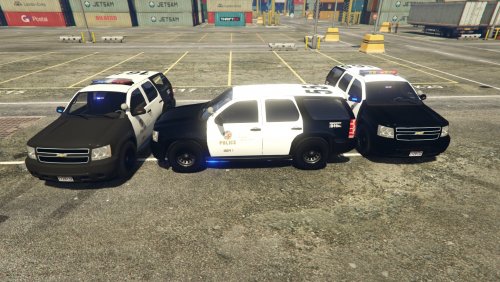

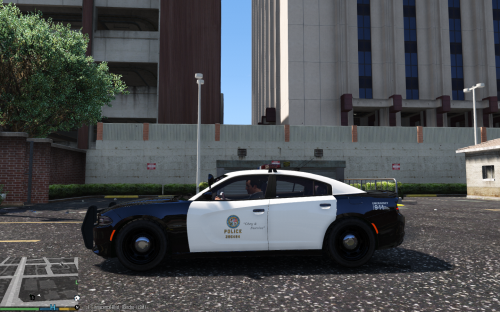
 2011 Alaska State Troopers CVPI & 2010 Alaska State Troopers Dodge Charger (AST Vehicle Mega Pack)](http://s3-gallery.int-cdn.lcpdfrusercontent.com/gallery/album_628/sml_gallery_2982_628_65469.jpg)