
Schecter004
Members
-
Joined
-
Last visited
Everything posted by Schecter004
-
LOL, Jacky is me. You wrote, i already have the role. Sorry, to ask i'm new to Discord. How am i able to test the cars?
-
Ao, your name is Zander, right? Well, i taged Zander and @betatesting.
-
 Is it a joke?
 -
Quick question. I follow this thread for over a year now or maybe longer. But i never had the chance to play with one of the cars. Is this Discord Server thing for everyone on only for ,,special'' people.
-
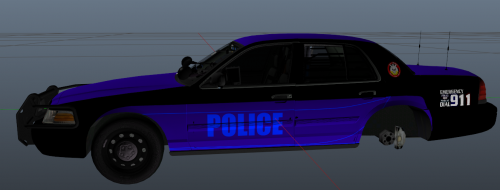
 Well, i don't know why you changed the base model, because i think the one you've chosen now is pretty bad. Anyway you shouldn't use the primary lights as rear deck lights because it flashes amber/blue to the front instead to the rear. And the front strobes doesn't flash toe the sides of the headlights, they flash between the grill and the headlight. If you fix the environmental light issue and the position of the strobes this will be a great model.
- 28 comments
- 8 reviews
-
-
-
Pretty neat idea. Only suggestion from me is to make it more tight.
-
Well, with plugins like that one, Albo's stuff, LSNoir, Coastal Callouts........ LSPDFR has become an amazing game.................
-
 Overall very good work. But i wanted to mention the rear blue light on the polar bear isn't working correctly: And i'm able to walk through the vehicle.
- 85 comments
- 36 reviews
-
Well, this is by far the best ,,game" on the market! And 0.4 will be awesome with all the new stuff. You developed something very big with LCPDFR. And LSPDFR is far better and more stable. And we kicked Interactive's ass.......
-
So, next is CHP. Great. Only cars from CJ24, TMRoberts and Kane are in my game right now. Because i was so tired of all the half done cars by other modders. And since yesterday, the HPD CVPI made by you.
-
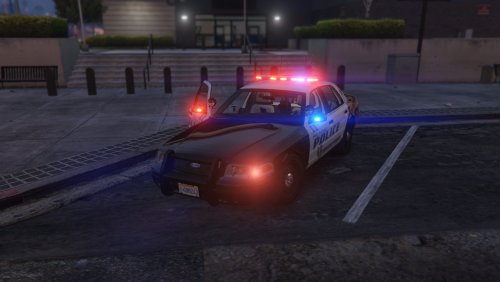 Hey, habe gerade mein Spiel unterbrochen um dir zu sagen, dass der Wagen der Hammer ist. Ich mag Hurks CVPI eigentlich nicht, aber was du daraus gemacht hast ist Wahnsinn! Hab schon gedacht, du hättest aufgehört. Bombe!
- 28 comments
- 10 reviews
-
 Well, i don't really understand how the radar gun works. When i choose the MARKSMAN_PISTOL and aim at a target and press fire the radar gun shoots a bullet. No vehicle speed is detected.
- 3,646 comments
- 306 reviews
-
-
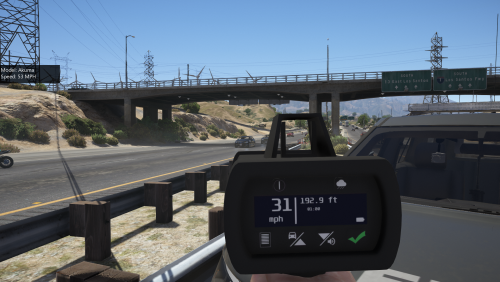 Well, your description makes no sense. I thought i have to replace the marksmanpistol? Instead the name of the radar is slingshot. And in patchday10 is only a flaregun to replace. I'm totally confused, now.
- 79 comments
- 17 reviews
-
Well, what i also miss in LSPDFR is to mark a suspect. Like with LCPDFR when you marked a ped as suspect and all police officers started to chase the suspect.
-
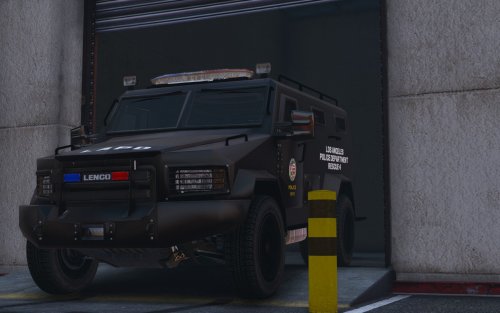 Well, my German friend. Amber is not required. It's recommended. And the LAPD replaced the amber lights with red ones in the last years. Even the one on older slicktops.
- 39 comments
- 7 reviews
-
The only thing i miss with LSPDFR is the scenario when the suspect shoots at you when you approach the vehicle at a traffic stop. I liked this with LCPDFR because you never knew what will happen.
-
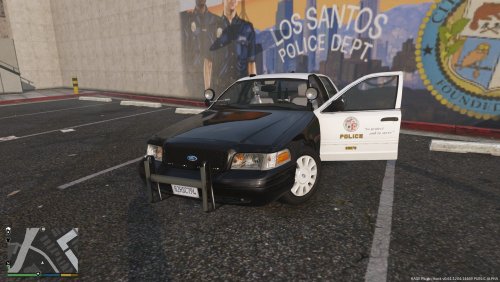 Well, i didn't expect such a good car with all LOD's on so on. Maybe you could add some corner strobes in the headlight housing, just like in real life.
- 4 comments
- 1 review
-
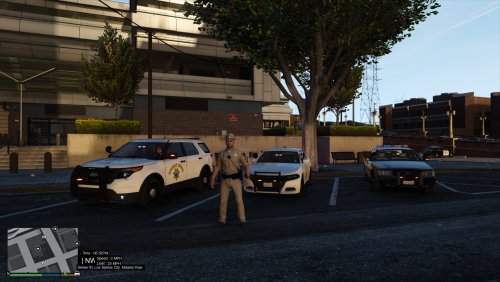 Looks realistic. But what's with the traffic stop pattern? Does it work like before?
- 25 comments
- 1 review
-
-
 Finally another usable vehicle. Thank you for that. It turned out pretty good.
- 563 comments
- 116 reviews
-
-

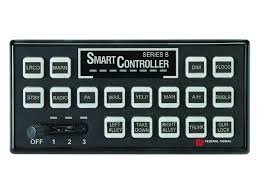

.thumb.jpg.930b3b93c7c75c01f46faeecf9341ab2.jpg)