



PimDSLR
Members
-
Joined
-
Last visited
Everything posted by PimDSLR
-
-
Yes that's true. He is also helping me with the ambulance, and other people. I have a test version of the Dodge Fbi and it looks amazing.
-
Getting there.
-
 The model is fully working. All LODs are working. Has been tested. Could be your PC.
- 221 comments
- 34 reviews
-
-
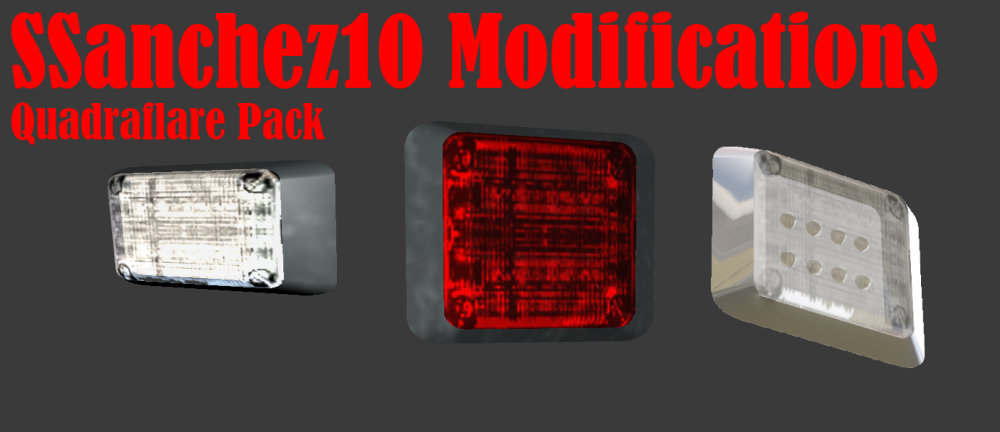
The last light steps: Will be using this lights for the side. And 2 TIR 6's for on front grill. So not the vanilla stock lights, the real and first LEDs for GTA5!
-
-
-
-
Thanks man! Learing fast
-
Juist converted two siren speakers and placed them into the bumper, juist like the real ones.
-
Yep, I'm busy with that too, but it won't succeed somehow.
-
Thanks!
-
 I have opened a form topic in the WIP section to keep you informed. Also for tips and requests.
 -
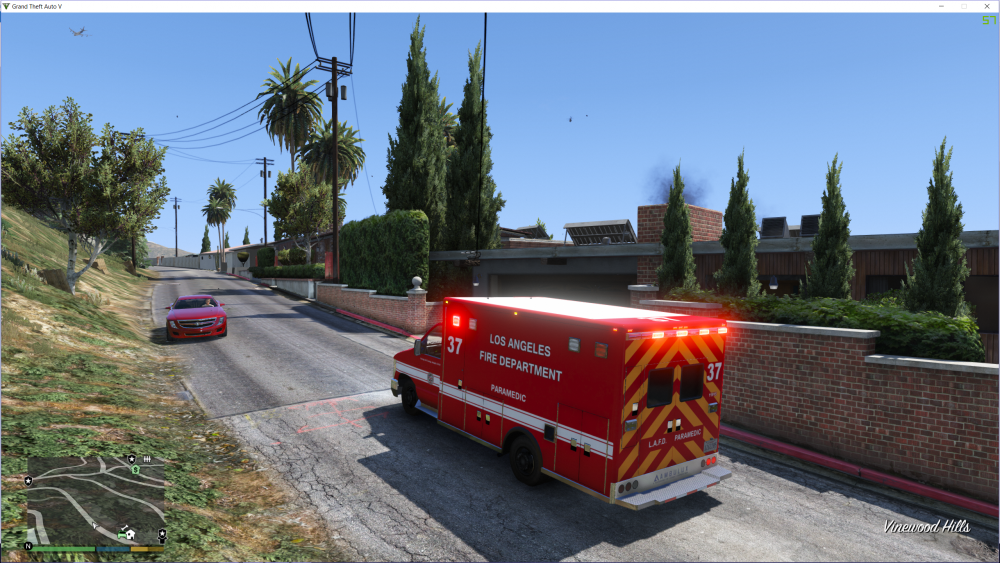
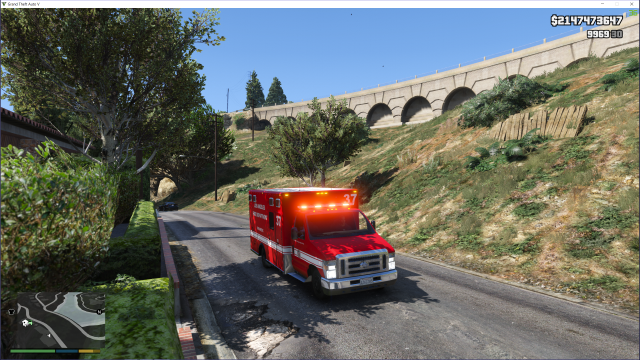
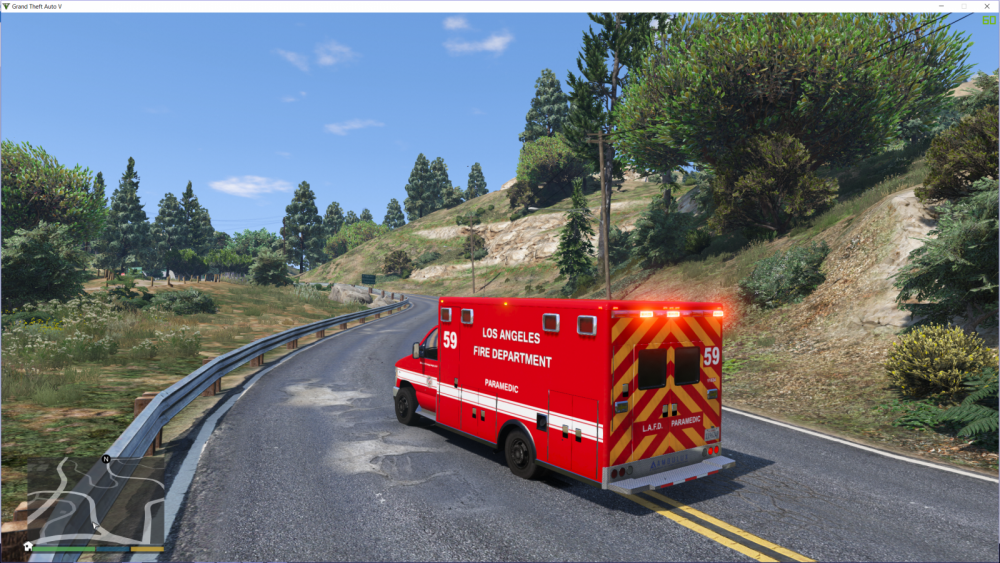
Currently converting a Ford E450 ambulance. It's my first model so it can take some time. Model is originally by Lt. Caine. The lightbar that I'm using is a Code 3 defender, I made it all red and used all LEDs. I got help form F5544. The very high quality skins (2K and 4K) are made by BogdanM. So any tips or suggestions can be posted here. I will keep the process up-to-date here in this topic. With photos.
-
I'm currently converting a LAFD Ford ambulance with a Code 3 lightbar. Check out my WIP gallery.
-
Thanks ;) Only big obstacle are the big side LEDs I'm the first one that has to convert them to V.
-
Yeah, I'm happy with it to! The lighbar looks bad ass. After all that work
-
From the album: Ford E150 Ambulance (WIP)
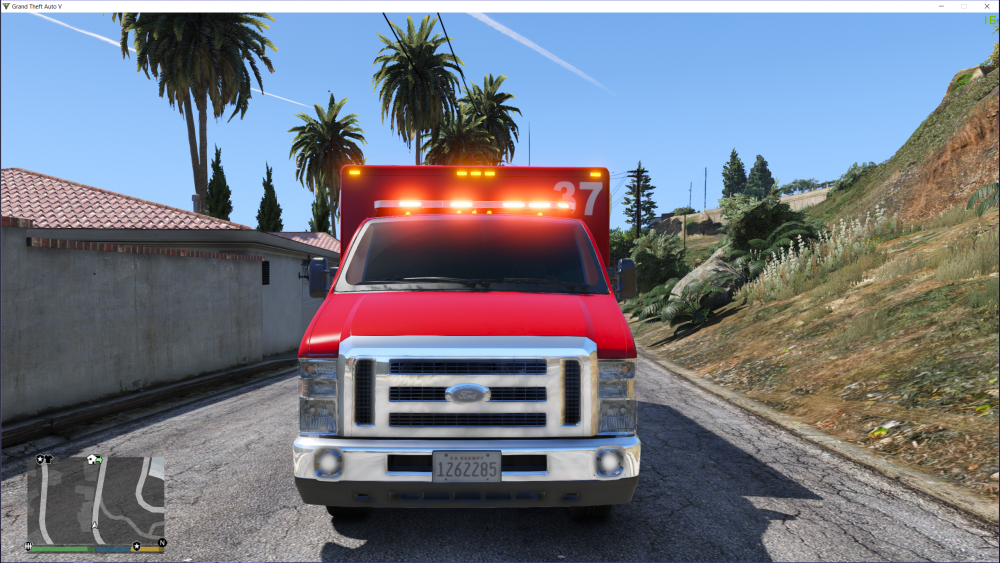
I finally got the Code 3 to work properly: scaled it, turned the backside forward and changed the LEDs. So now all LEDs on the front work. -
 Yes its still a WIP, there gonna be silver and more inside the cab. If I can find hubcabs I will use them.
 -
Yes, not lying.
-
It's Lt.Caine's model ;)
-
From the album: Ford E150 Ambulance (WIP)
The very high quality skins are done. There looking fantastic! Made by BogdanM, amzing job! -
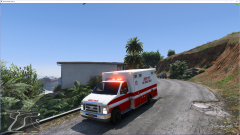 Thanks. It's my first model ;)
 -
Thanks. No got still some stuff to do: change the lightbar, making side lights, make the windows brake, skins etc...





